Quick Answer
Best Wireless Adapter for PC in USA (2026) is a practical guide for readers comparing technology and gadgets options before buying. Start with your main use case, budget, must-have features, and any comfort or safety needs, then compare the trade-offs before choosing.
We keep the recommendation format simple: who it is for, what matters in daily use, important limitations, and links to related buying advice. See how we pick products.
- Topic: Best wireless adapter for PC in USA (2026 guide)
- Best for: Desktops, laptops, gaming, streaming, work-from-home
- Wi-Fi types: Wi-Fi 7, Wi-Fi 6E, Wi-Fi 6
- Adapter styles: USB and PCIe
- Updated: 2026
If your PC keeps dropping Wi-Fi or feels slow, the best wireless adapter for PC can fix it fast. In the USA, many homes deal with router distance, busy networks, and walls that weaken signal. A newer adapter can give you higher speeds, steadier ping, and fewer disconnects.
| Adapter | Wi-Fi Type | Band | Best For | Approx. Price (USD) |
|---|---|---|---|---|
| NETGEAR Nighthawk A9000 | Wi-Fi 7 (BE6500) | Tri-band | Fast PCs on Wi-Fi 7 routers | $140–$200 |
| TP-Link Archer TBE400UH | Wi-Fi 7 (BE6500) | Tri-band | Speed + range with bigger antennas | $90–$140 |
| D-Link AE65U | Wi-Fi 7 (BE6500) | Tri-band | Low-lag use on Wi-Fi 7 | $90–$150 |
| TP-Link Archer TXE70UH | Wi-Fi 6E (AXE5400) | Tri-band | 6GHz support on Windows PCs | $60–$100 |
| NETGEAR Nighthawk A8000 | Wi-Fi 6E (AXE3000) | Tri-band | 6GHz option with small footprint | $60–$120 |
Best Wireless Adapter for PC Overall (Wi-Fi 7)
NETGEAR Nighthawk A9000 (Wi-Fi 7 USB)
This is a top pick if you already have a Wi-Fi 7 router and want a faster link on a Windows PC. It’s made for USB 3.0 and comes with a cradle, so you can place it away from the back of the case, where the signal can be worse.
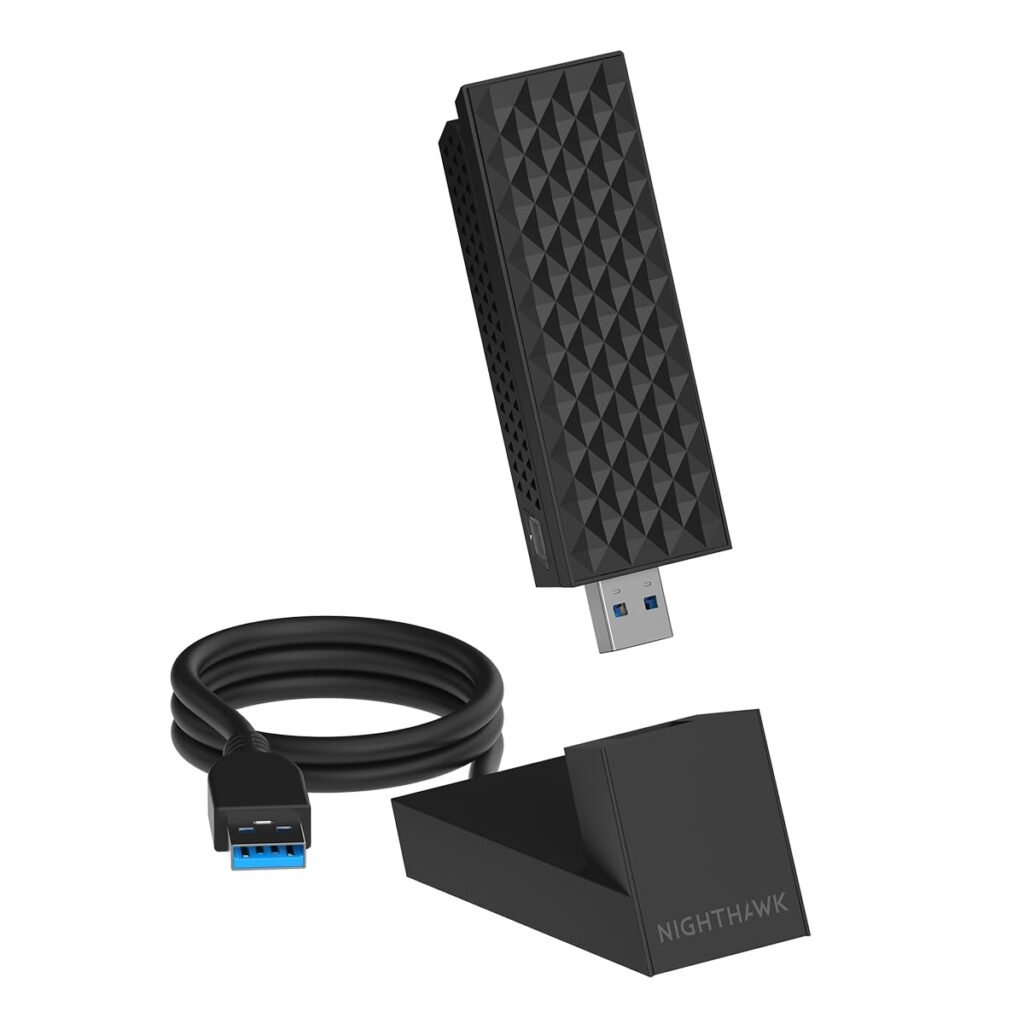
In many USA setups, moving the adapter a few inches can change the results a lot. The cradle helps with that, and it also keeps the adapter cooler than tiny nano sticks.
Best Pick for Range (Wi-Fi 7)
TP-Link Archer TBE400UH (Wi-Fi 7 High-Gain USB)
This model is worth it if your PC sits far from the router or behind thick walls. The larger antennas can help in rooms where smaller adapters keep losing bars.
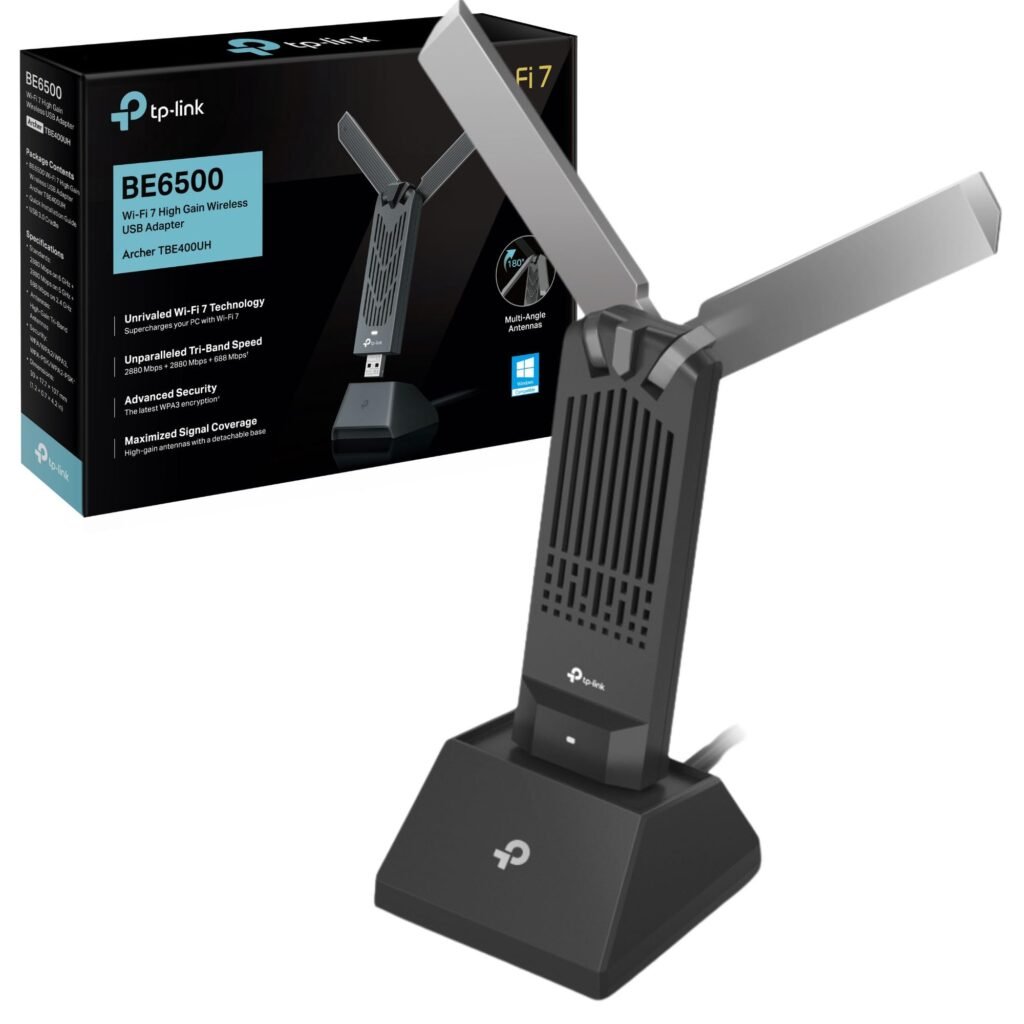
It’s also a good fit if you want a Wi-Fi 7 option without paying the highest price. Pair it with a good router placement, and you can often avoid buying extra gear.
Another Wi-Fi 7 Option for Low Lag
D-Link AE65U (Wi-Fi 7 USB)
If you want a Wi-Fi 7 USB adapter with a docking cradle-style setup, this is another solid choice. The adjustable antennas make it easier to aim the signal path in a tight desk space.
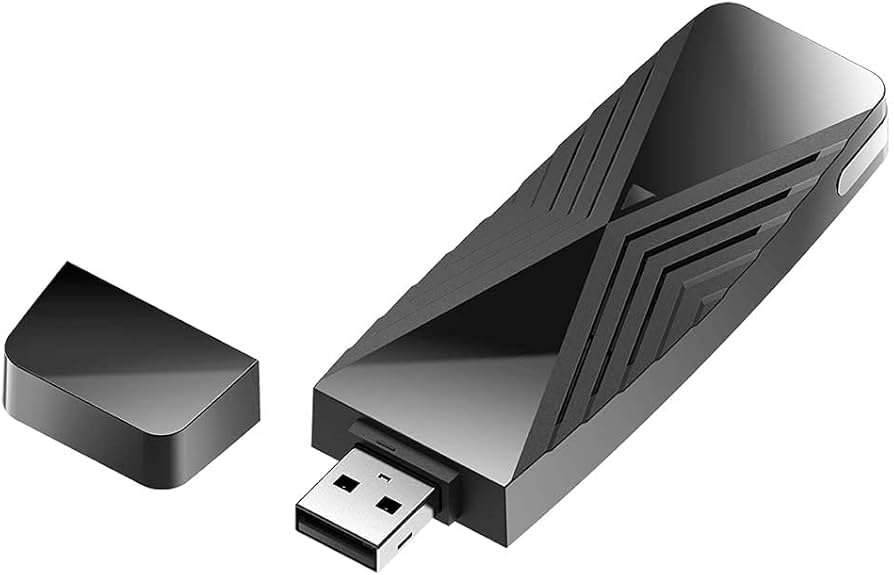
It’s a practical option for gaming and video calls where a stable connection matters more than peak speed. For many users in the USA, that steady connection is the real upgrade.
Best Wireless Adapter for PC on a Wi-Fi 6E Router
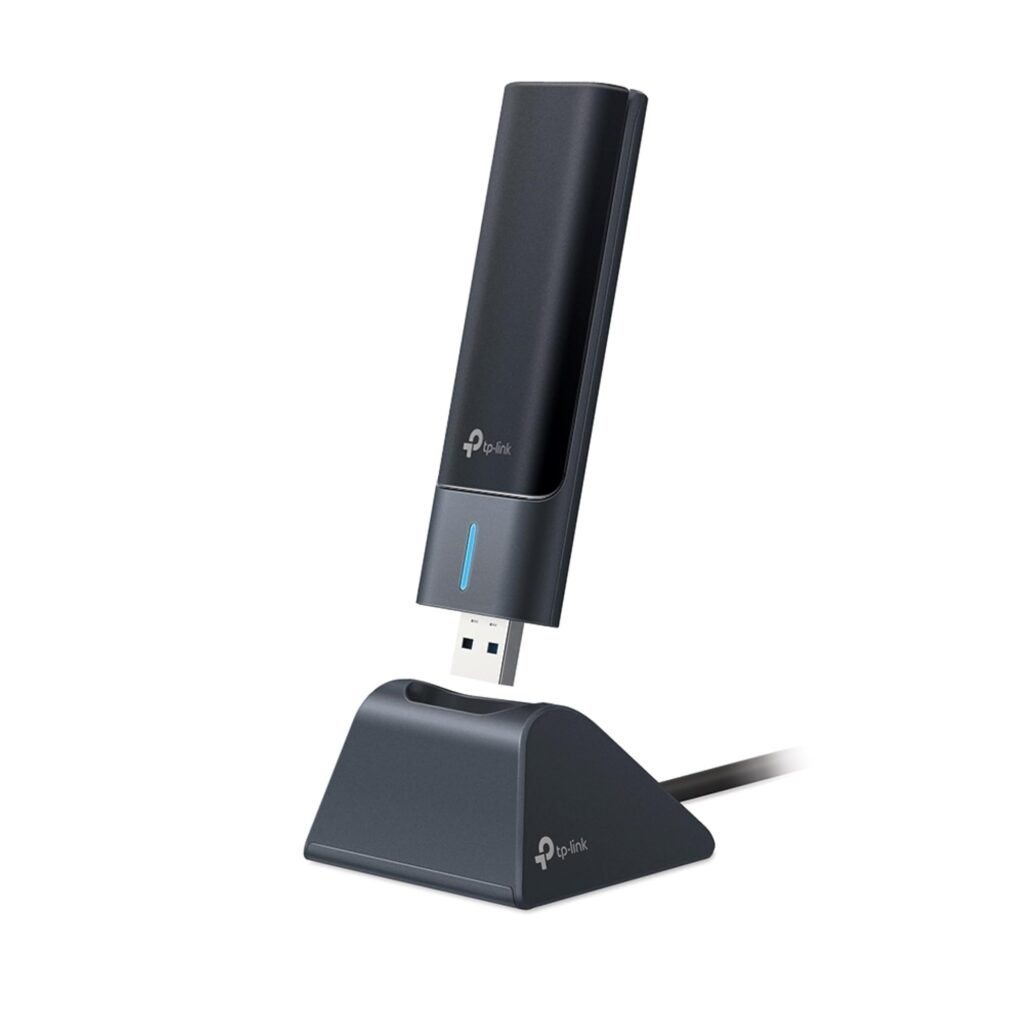
TP-Link Archer TXE70UH (Wi-Fi 6E USB)
Wi-Fi 6E adds the 6GHz band, which can be less crowded than 2.4GHz and 5GHz. That can mean better speed and lower delay if your router and PC can use 6GHz.
This adapter is a good match for home offices and bedrooms where you want fewer dropouts. It’s also a smart upgrade if you are not ready to move to Wi-Fi 7 yet.
If you want an internal upgrade instead of USB, see the best wifi card for pc for PCIe options.
Compact 6E Choice
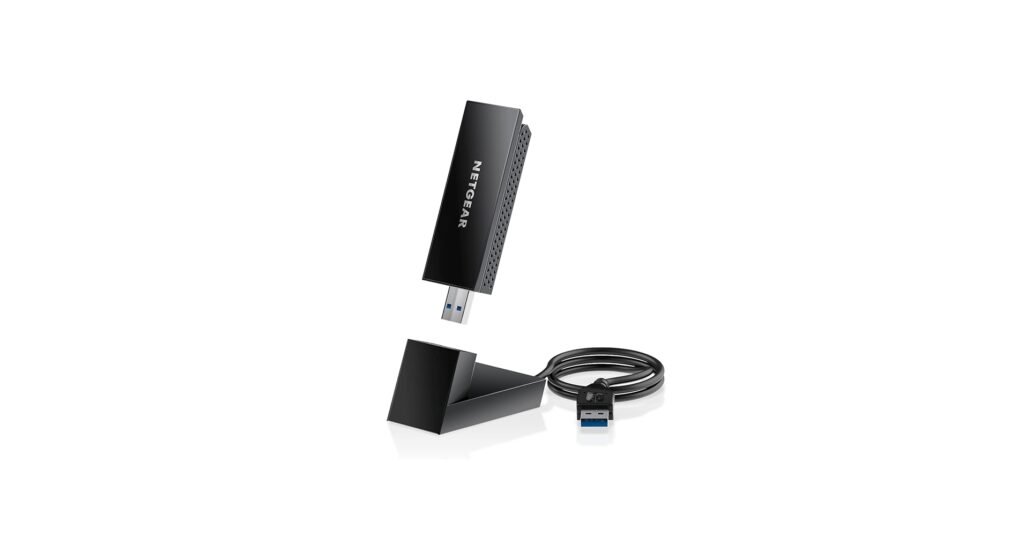
NETGEAR Nighthawk A8000 (Wi-Fi 6E USB)
If you want 6GHz support with a smaller adapter, the A8000 is a common pick. It’s easy to pack for travel and quick to plug into a laptop.
For desktop use, try a short USB extension cable so the adapter sits away from the back panel. That simple change can improve reception.
If your issue is whole-home coverage, not the PC itself, you may need a home network fix too. See the best wifi booster for home.
How to Pick the Right Adapter
USB vs PCIe
USB is simple: plug it in and go. PCIe is better for desktop PCs when you want the antennas placed higher and away from the case.
Wi-Fi type
- Wi-Fi 7: best match for Wi-Fi 7 routers and newer PCs
- Wi-Fi 6E: great if you want 6GHz without changing everything
- Wi-Fi 6 / Wi-Fi 5: fine for basic browsing, less future-ready
Drivers and OS support
Check that your adapter supports your Windows version. Many newer models focus on Windows 11 in 2026.
Set-Up Tips That Help
- Use a USB 3.0 port for Wi-Fi 6E and Wi-Fi 7 adapters
- Place the adapter on a short extension cable if your PC sits under a desk
- Keep it away from USB hubs and metal surfaces
- Update the driver from the included installer or the maker’s app, if provided
If you also need better Bluetooth for headsets or controllers, see the best Bluetooth adapter for pc.
FAQs
If you have a Wi-Fi 7 router, the NETGEAR A9000 is a top choice. For Wi-Fi 6E, the TP-Link TXE70UH is a solid pick.
Yes, if your router is Wi-Fi 7 and your internet plan is fast enough to notice the gain.
Yes. Use a USB 3.0 port, and consider an extension cable for better placement.
Yes. Both the router and the adapter must support Wi-Fi 6E (or Wi-Fi 7) for 6GHz.
Move the adapter using a cradle or extension cable, and place the router higher and closer to open space.
DISCLAIMER:
This blog post is for informational purposes only. We make every effort to provide accurate, current, and well-sourced information, but we cannot guarantee its completeness or absolute accuracy.
All images, videos, and logos used on this page belong to their respective owners. We aim to credit and reference them appropriately. If you are the rightful owner and wish to have your image, video, or logo removed, please contact us.