- Topic: Best wifi booster for home in USA (2026 guide)
- Best for: Dead zones, back rooms, basements, upstairs coverage
- Device types: Plug-in extenders, mesh extenders, access point mode
- Works with: Most WiFi routers (2.4GHz + 5GHz)
- Updated: 2026
If you want the best wifi booster for home in the USA, start with your goal: fix one dead zone, or cover a whole floor. A WiFi booster (range extender) can help when your router signal drops in a back bedroom, garage, or upstairs office.
This 2026 list focuses on extenders that are common in the US market, simple to place, and practical for real homes. I also included price ranges in the table so you can pick a model that fits your budget.
| WiFi Booster | WiFi Standard | Best for | Home size | Approx. Price (USD) |
|---|---|---|---|---|
| TP-Link RE815XE (AXE5400) | WiFi 6E | Fast speeds + less congestion | Medium–Large | $120–$160 |
| TP-Link RE220 (AC750) | WiFi 5 | Low-cost dead-zone fix | Small–Medium | $15–$30 |
| Linksys RE7310 (AX1800) | WiFi 6 | Solid all-around extender | Medium | $70–$110 |
| D-Link E15 Eagle Pro AI (AX1500) | WiFi 6 | Simple app control + decent range | Medium | $50–$90 |
| ASUS RP-AX58 (AX3000) | WiFi 6 | Strong speeds near the extender | Small–Medium | $60–$90 |
| NETGEAR Nighthawk EAX80 (AX6000) | WiFi 6 | Many devices + bigger coverage | Large | $180–$300 |
Best WiFi Booster for Home Overall in USA
TP-Link RE815XE (AXE5400 WiFi 6E)
If your router and phone/laptop support WiFi 6E, this is a strong pick for a busy home. The 6GHz band can reduce interference compared to crowded 2.4GHz and 5GHz networks, which matters in apartments and neighborhoods with many routers.
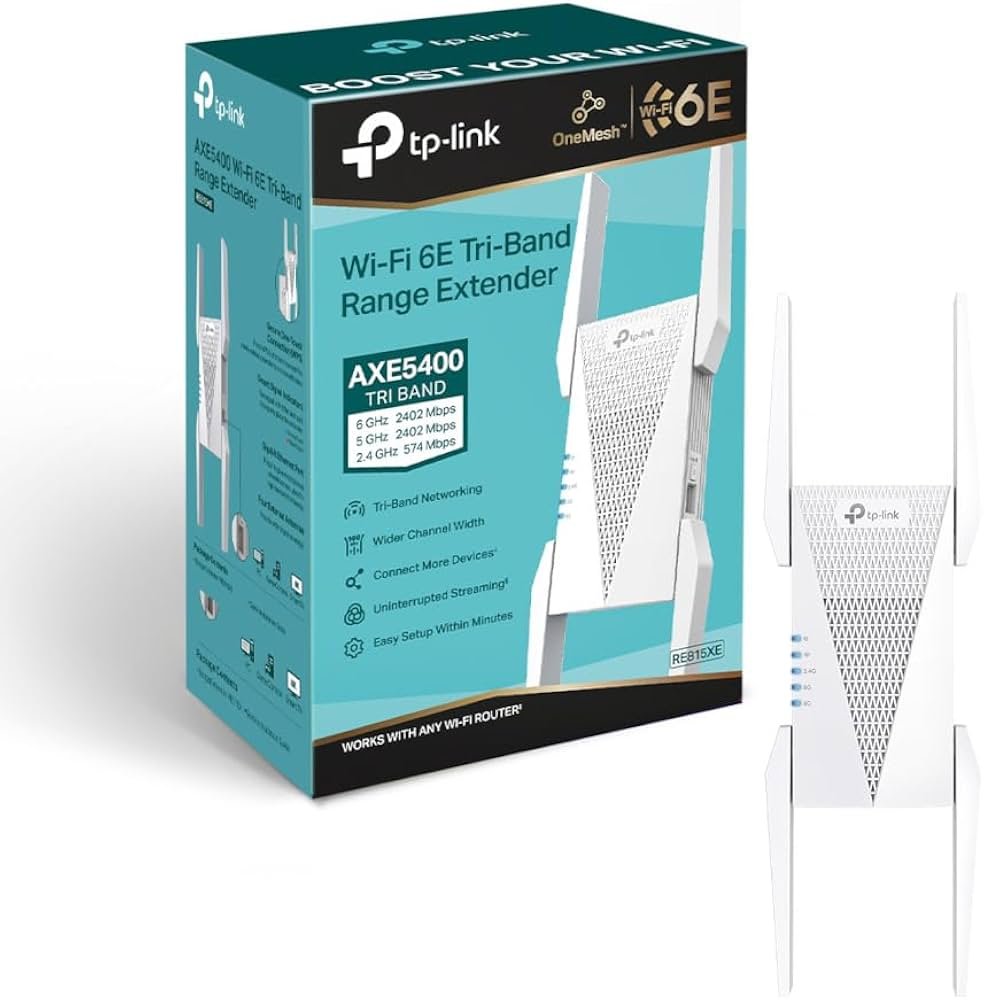
Place it halfway between your router and the dead zone, then test speeds in the problem room. If you mainly stream, work, or do video calls, you’ll usually feel the difference right away.
Best Budget Pick
TP-Link RE220 (AC750)
If you only need to fix one weak spot, the RE220 is a low-cost way to stretch coverage. It’s a common choice for a guest room, a back office, or a garage where you just need stable browsing and basic streaming.
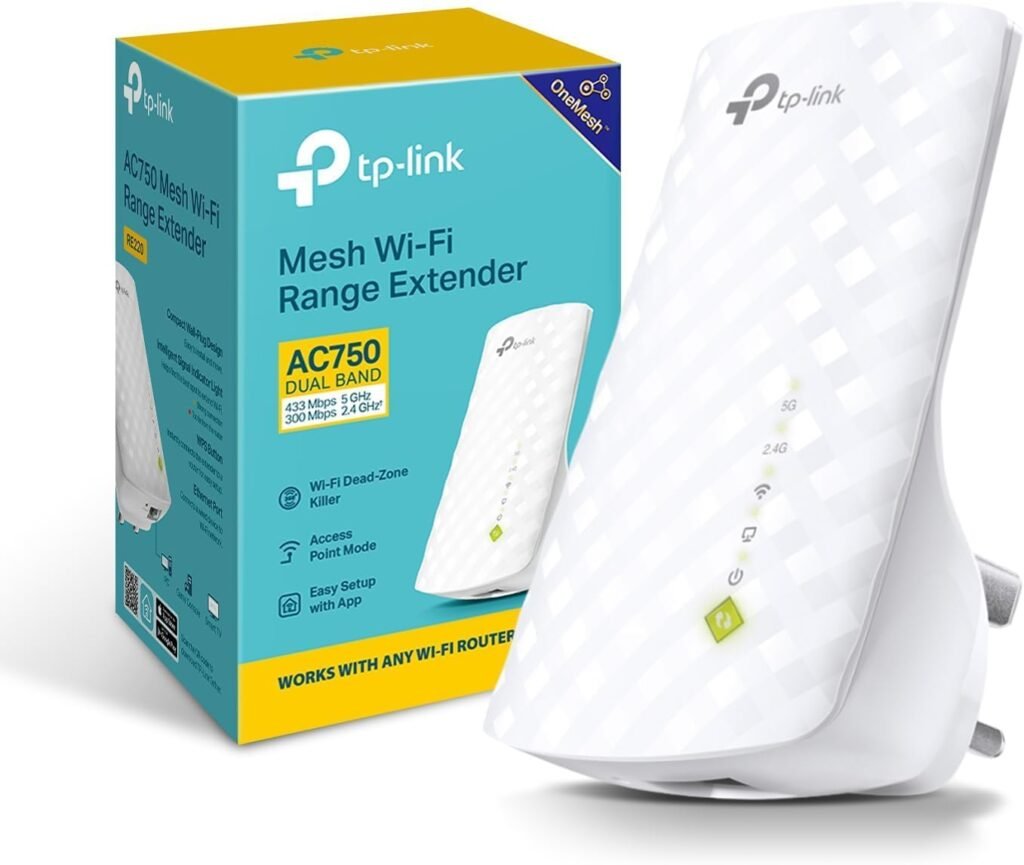
Keep expectations realistic: it’s not built for heavy 4K streaming on multiple TVs at once. But for a simple “get WiFi into that room” job, it can do the job well for the price.
Good Second Choice for Many Homes
Linksys RE7310 (AX1800)
This extender fits many setups because it supports WiFi 6 and has enough speed for daily home use. If your router is WiFi 6 and you have several newer devices, this can be a sensible match.
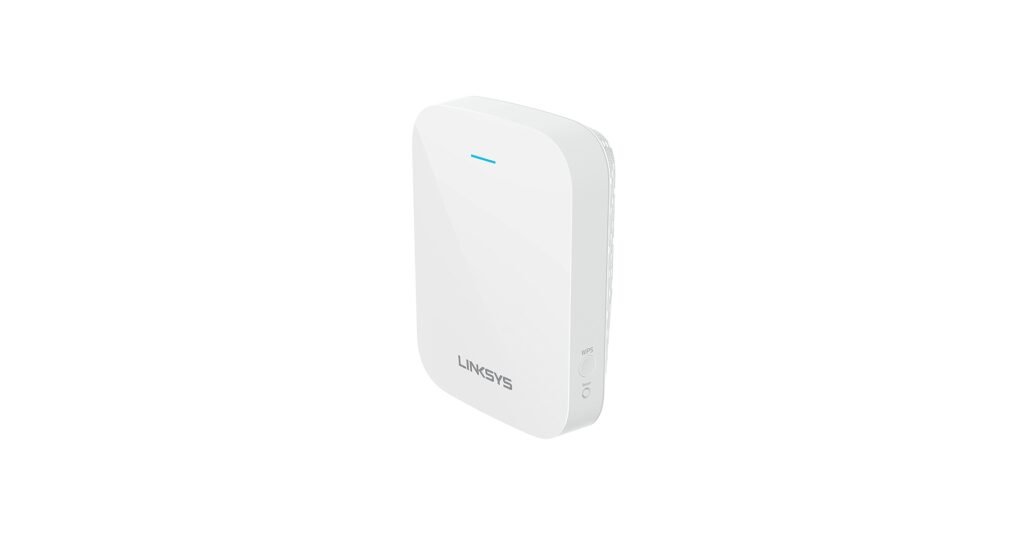
It also works well when you want one network name across the home (depending on your setup options). That helps reduce the “which WiFi should I join?” issue for family members.
If your desktop is the main problem (weak WiFi card or poor antenna), also look at best wifi card for pc before buying an extender.
Best for Simple App Control
D-Link E15 Eagle Pro AI (AX1500)
If you want a basic extender that is easy to manage from a phone, this model is worth a look. It’s a plug-in unit that can help cover common dead zones like hallways, bedrooms, and a second-floor landing.
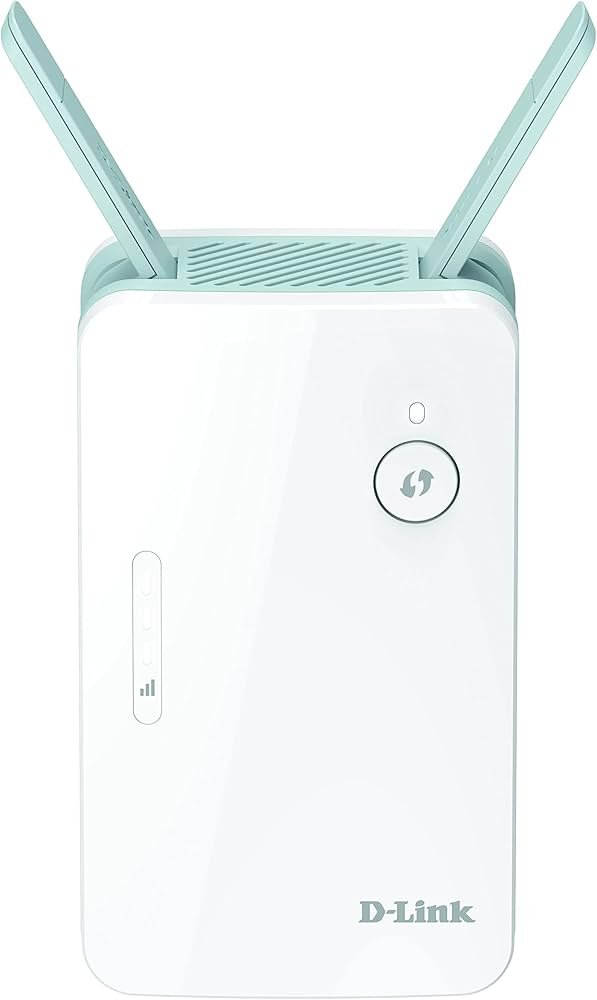
It’s also a good pick when you don’t need top speeds, but you do want steadier coverage for work calls, streaming, and smart home devices. For many USA homes, that balance is enough.
Best for Speed Near the Extender
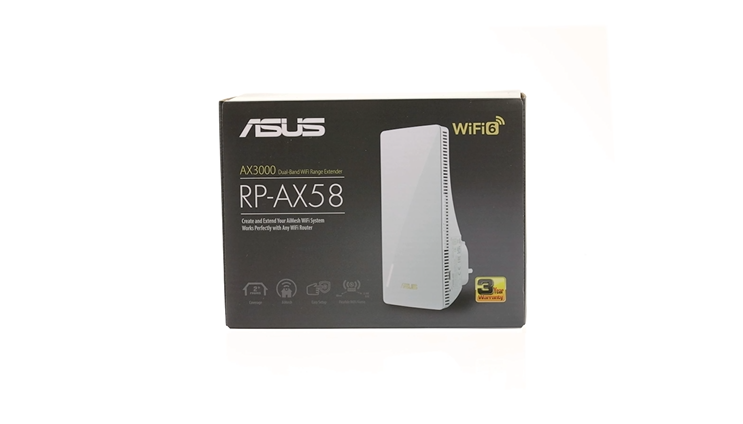
ASUS RP-AX58 (AX3000)
If you want higher speeds in the room where you place the extender, the RP-AX58 is built for that. It can work well for a home office, a gaming room, or a media room where you want stronger performance in one area.
Use a simple placement test: plug it in, connect to it in the problem room, then run a speed test. If speeds jump, you found a good spot. If not, move it one outlet closer to the router.
If your main goal is gaming in a back room, a separate connection can also help. See best mobile hotspot for gaming as a backup option for certain setups.
Best for Large Homes With Many Devices
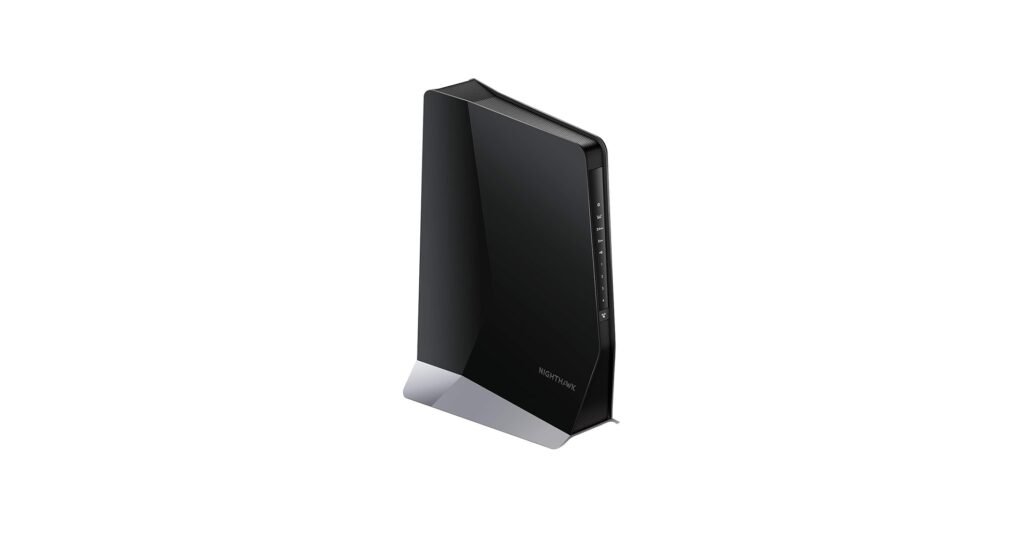
NETGEAR Nighthawk EAX80 (AX6000)
If you have a larger home and lots of devices online at the same time, the EAX80 is aimed at higher loads. It’s often chosen for big families, smart home setups, and homes with heavy streaming across multiple rooms.
This is also a practical pick if you want one extender that covers more space, instead of buying two smaller units. Place it carefully and you can extend coverage to a full wing or floor in many homes.
If your PC needs a quick fix, a small hardware change can help too. Check best wireless adapter for pc if your current adapter is outdated.
How to Choose the Best WiFi Booster for Home
Match your router and devices
- If your router is WiFi 6E, consider a WiFi 6E extender.
- If your router is older, a WiFi 6 extender can still help, but the router may limit the ceiling.
Pick the right placement
- Don’t place the extender inside the dead zone.
- Put it where the router signal is still decent, then extend from there.
Consider Ethernet if possible
If you can run Ethernet to the extender and use access point mode, speeds can be much better than wireless repeating. This can be a big win for offices and game rooms.
FAQs
TP-Link RE815XE is a strong all-around pick if you want WiFi 6E. Linksys RE7310 is a good WiFi 6 option.
Place it between the router and the weak area, where the router signal is still fairly strong.
It can help if the slow speed is caused by a weak signal. It will not fix a slow internet plan from your provider.
If you have multiple dead zones, two smaller units placed well can work better than one unit placed too far away.
DISCLAIMER:
This blog post is for informational purposes only. We make every effort to provide accurate, current, and well-sourced information, but we cannot guarantee its completeness or absolute accuracy.
All images, videos, and logos used on this page belong to their respective owners. We aim to credit and reference them appropriately. If you are the rightful owner and wish to have your image, video, or logo removed, please contact us.