- Keyphrase: Best webcam for macbook pro
- Best overall: Logitech Brio 505 (great 1080p for work calls)
- Best budget pick: Anker PowerConf C200 2K (strong value)
- Best for creators: Elgato Facecam 4K (sharp 4K video)
- Best for auto tracking: Insta360 Link (smart framing)
- What matters most: 1080p/4K, autofocus, low-light, mic quality, and mounting
If you use your MacBook Pro for Zoom calls, client meetings, or streaming, the built-in camera can feel limiting. A good external webcam gives you a cleaner picture, better framing, and stronger performance in mixed lighting. If you also use your laptop for work setups, you may like our guide on the best laptops for $1000 as well.
| Webcam | Best for | Max resolution | Key features | Price (USD) |
|---|---|---|---|---|
| Logitech Brio 505 | Work calls | 1080p | Auto light correction, auto framing, USB-C, Show Mode | $127 (often varies) |
| Anker PowerConf C200 2K | Best value | 2K | Sharp image for the price, solid everyday calls | Price varies by seller |
| Elgato Facecam 4K | Streaming + creator work | 4K | Creator-focused quality, strong detail | $199.99 |
| Insta360 Link | Auto tracking + desk demos | 4K | AI tracking, Show/desk modes, flexible mounting | $129.99 (listed) |
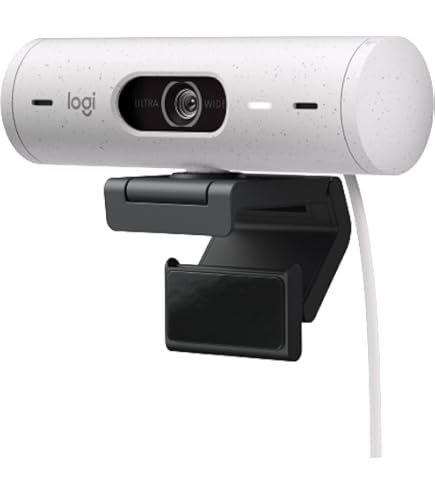
Logitech Brio 505
If you want a webcam that “just works” for meetings, the Brio 505 is a strong fit. It’s built for clean 1080p calls, and it focuses on auto features like lighting and framing, so you do not have to keep adjusting settings. It’s also handy for desk sharing, which helps if you present notes or products on camera.
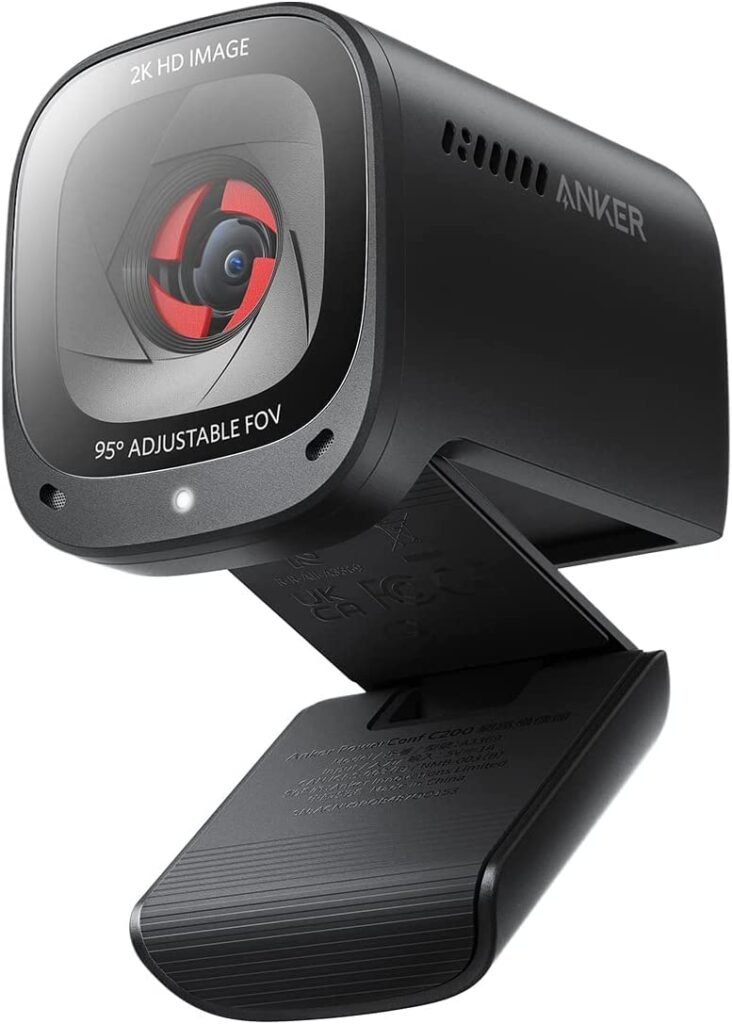
Anker PowerConf C200 2K
If you want a simple upgrade from your MacBook Pro camera without paying a lot, the Anker PowerConf C200 2K is a solid value pick. It’s a good choice for daily calls, online classes, and basic content, especially if your goal is a sharper image than most built-in laptop cameras.
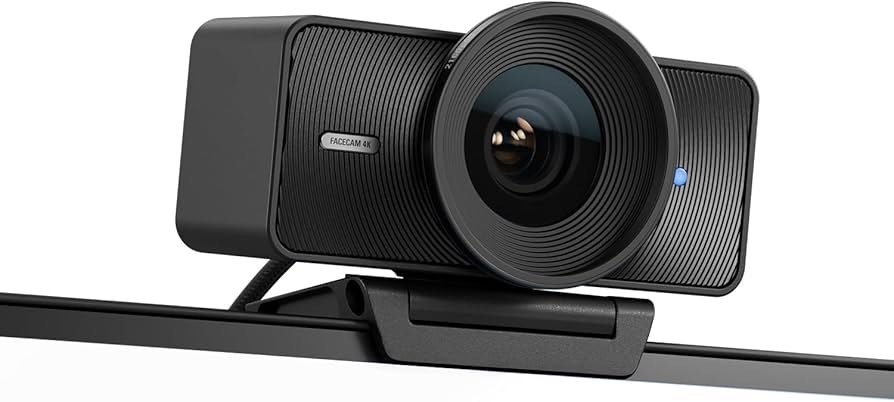
Elgato Facecam 4K
If you stream, record talking-head videos, or want a cleaner “creator look,” Elgato Facecam 4K is a strong option. It targets higher detail and a more polished image, which helps for YouTube-style content and crisp video in good lighting.
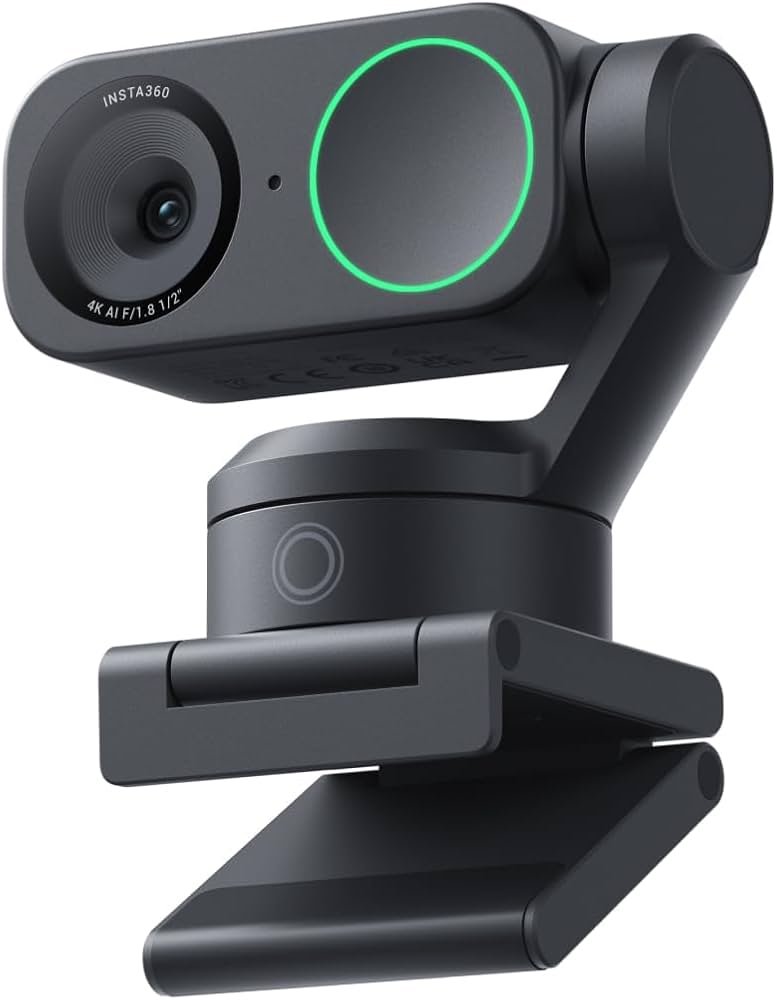
Insta360 Link
If you move around a lot or you want the camera to keep you centered, the Insta360 Link is a great choice. It’s known for smart tracking and proper modes for showing a desk or whiteboard, which can help with teaching, demos, or product shots.
Key factors to check before you buy
Resolution matters, but it is not everything. Use this quick checklist to pick faster, so your camera looks better in normal room light.
- 1080p vs 4K: 1080p is enough for most work calls. 4K helps if you crop, record, or stream often.
- Autofocus: Helps when you lean in, move, or show an item to the camera.
- Low light: Look for auto light correction plus a clean image without heavy grain.
- Mic quality: Built-in mics are fine for casual calls, but a separate mic is still better.
- Mounting: A stable clip is key for MacBook Pro lids. Tripod support is a plus.
Simple setup tips for MacBook Pro
Plug in the webcam, then set it inside your video app (Zoom, Google Meet, Teams, OBS). If you want a simple setup for streaming, too, see the best webcams for streaming and match your webcam with the right frame rate.
FAQ
A: For most people, the Logitech Brio 505 is a safe pick because it looks clean in 1080p and has helpful auto features for calls.
A: In many setups, yes. A dedicated webcam can give you better framing, stronger light handling, and a more “clean” look on calls.
A: Choose 1080p for normal meetings. Choose 4K if you record content, crop the image, or want extra detail.
A: Elgato Facecam 4K is a strong option if your focus is on content and a sharper look.
A: Insta360 Link is a good match because tracking features can keep you framed.
A: It helps for quick calls, but for clearer audio, a separate mic (or good earbuds) usually sounds better.
DISCLAIMER:
This blog post is for informational purposes only. We make every effort to provide accurate, current, and well-sourced information, but we cannot guarantee its completeness or absolute accuracy.
All images, videos, and logos used on bestfordaily.com are the property of their respective owners. We aim to credit and reference them appropriately. If you are the rightful owner and wish to have your image, video, or logo removed, please get in touch with us.