Quick Facts
- Good thermal paste helps your GPU run cooler and hold boost clocks longer.
- Pastes differ in thermal performance, lifespan, and how easy they are to apply.
- Non-conductive compounds are safer for beginners and tight PCB layouts.
- High-end pastes can drop temperatures by several degrees compared to old stock paste.
- Replacing paste pairs well with airflow upgrades and case tuning.
If your graphics card runs hot, repasting can be one of the easiest wins. Picking the best thermal paste for the GPU can drop load temperatures, cut fan noise, and keep boost clocks more stable. It is a smart step besides upgrades like the best pc case for airflow or a new graphics card from the best graphics card for the money.
Below you will find the most reliable GPU thermal pastes in 2026, plus one graphite pad for people who prefer a paste-free setup.
| Product | Best For | Electrical Conductivity | Notable Traits |
|---|---|---|---|
| Cooler Master CryoFuze | Editor’s pick | Non-conductive | Good performance, fair price, easy to spread |
| Thermal Grizzly Kryonaut Extreme | Heavy overclocking | Non-conductive | Very high thermal performance |
| Arctic MX-6 | High performance daily use | Non-conductive | Newer formula, lower thermal resistance |
| Arctic MX-4 | Best value | Non-conductive | Trusted, long-standing budget choice |
| Noctua NT-H2 | Long service life | Non-conductive | Up to ~5 years before repaste |
| Arctic Silver 5 | User favourite legacy paste | Slightly capacitive | 99.9% silver, needs cure time |
| NAB Cooling NB Max Pro | Beginners | Non-conductive | Simple applicator, up to ~4 years life |
| Pano-mounts TC-P1800 | New high-end compound | Non-conductive | Very high thermal conductivity, 5-year warranty |
| Innovation Cooling Graphite Pad | Paste-free setups | Electrically conductive | Reusable thermal pad alternative |
Why Thermal Paste Matters for GPU Cooling
A bare GPU die and a heatsink surface are never perfectly flat. Tiny gaps trap air, which blocks heat transfer. Thermal paste fills those gaps and forms a better path from the chip to the cooler.
When the paste is old, dry, or poorly applied:
- Temperatures rise under load.
- Fans run faster and louder.
- Boost clocks drop sooner.
- Long gaming or rendering sessions can feel less stable.
Fresh, high-quality paste helps your card maintain steady clock speeds while keeping noise and heat under control. This is especially true in compact builds, even if you already picked a case from the best pc case for airflow and tuned your fan curves.
How to Choose the Best GPU Thermal Paste
When you pick a thermal compound, focus on these points:
Thermal performance
Look for pastes with strong real-world temperature results on GPUs. High thermal conductivity numbers are helpful, but test results and long-term user feedback matter just as much.
Safety around components
For most builders, a non-conductive, non-capacitive paste is the safer option. That way, a small spill on SMD parts around the die is less risky.
Viscosity and ease of spread
Some pastes are thick and need more pressure from the cooler to spread. Others are more fluid. If you are new to this, a medium or softer paste is easier to work with.
Lifespan
Many modern compounds last several years. Long-life pastes are nice for cards that are hard to disassemble, such as laptops or small-form-factor builds.
Price and tube size
Bigger tubes can handle several GPUs or future re-applications. If you only plan one build, a small tube is enough.
Cooler Master CryoFuze
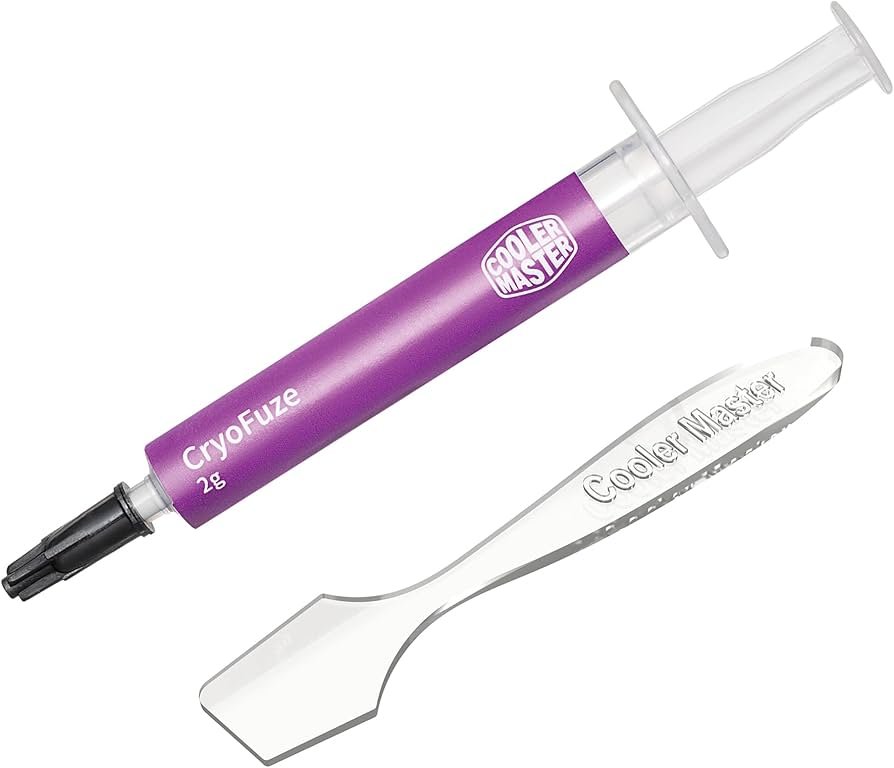
Cooler Master CryoFuze gives strong results without a high price tag. It offers good thermal performance, spreads smoothly, and does not conduct electricity.
Why does it work well for GPUs
- Spreads easily with low risk of air bubbles.
- Works on both older and current GPUs.
- Stable under long gaming or rendering sessions.
For most readers, this is a simple, safe, and cost-effective choice that still delivers clear drops in load temperature compared to dried stock paste.
Thermal Grizzly Kryonaut Extreme – Best for Overclocking
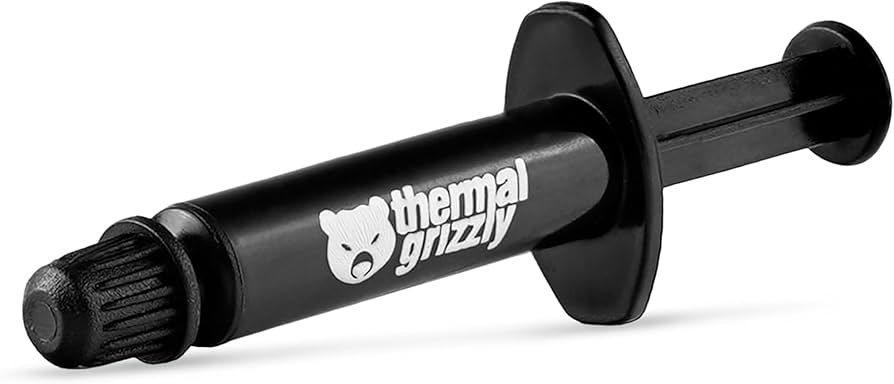
Thermal Grizzly Kryonaut Extreme is aimed at users who push their cards hard. It has very high thermal performance and is still non-conductive, so it stays safe on exposed GPU dies and complex PCBs.
Key points
- Excellent for overclocked or water-cooled cards.
- Paste stays stable at high temperatures.
- Comes with tools to support controlled application.
If you are building a high-end rig with a strong card and maybe a fast display from the best 2k monitor for gaming, this paste is a fitting partner for that kind of hardware.
Arctic MX-6 – Best High Performance Daily Paste
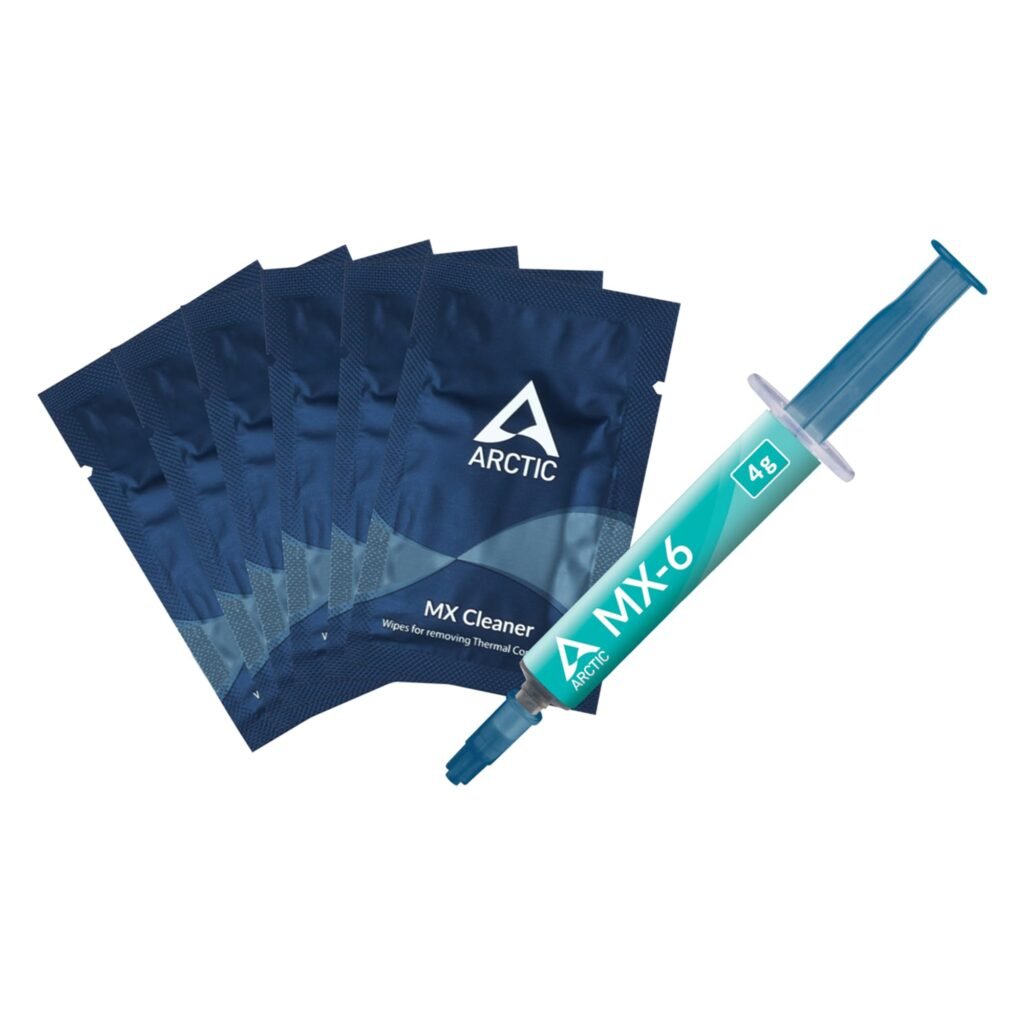
Arctic MX-6 is the newer compound from Arctic. It builds on the long record of MX-4 with lower thermal resistance and better performance, especially on high-power chips.
Why do people pick the MX-6
- High performance without being hard to spread.
- Non-conductive and safe for most builds.
- Suitable for both GPUs and CPUs, so a single tube covers the entire system.
If you want strong performance but do not want to chase every last degree with liquid metal, MX-6 is a perfect middle line.
Arctic MX-4 – Best Value
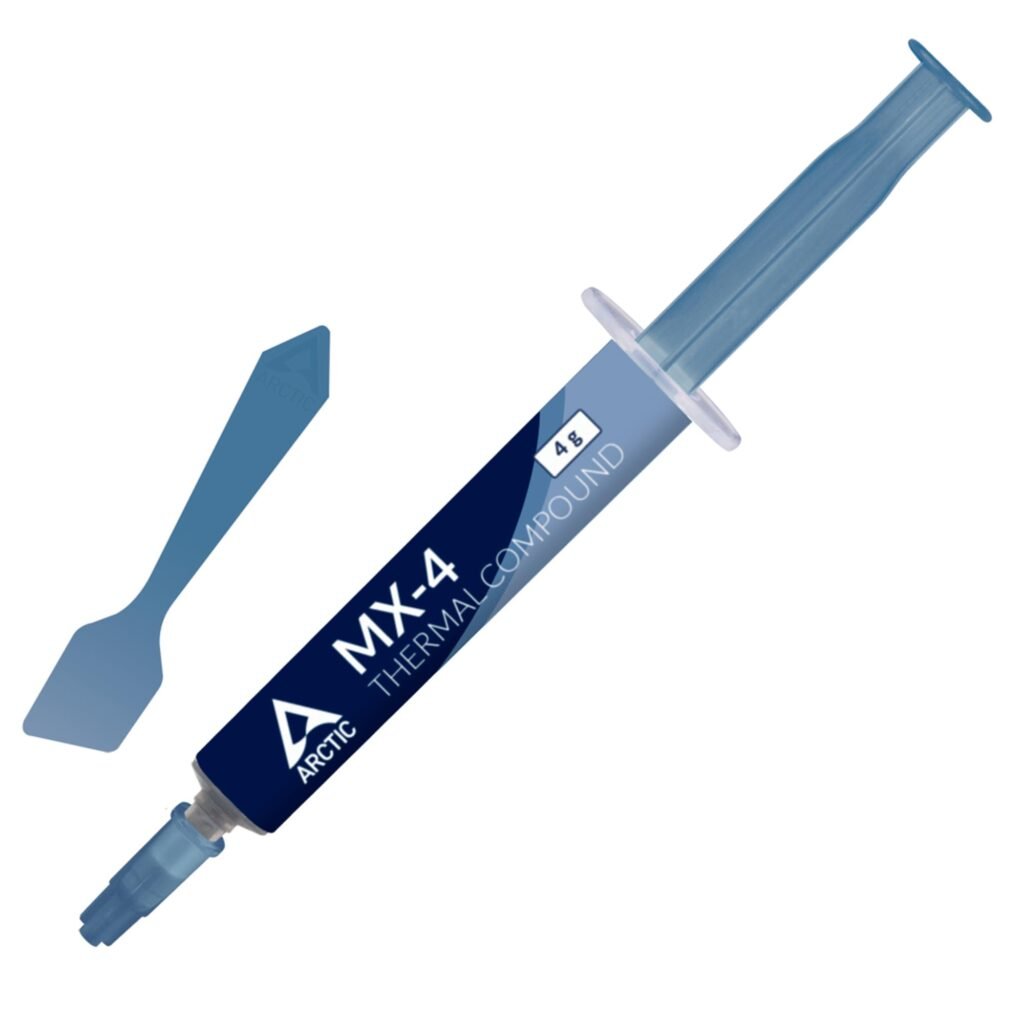
Arctic MX-4 remains a favourite for tight budgets. It may not match the newest elite compounds, but it is far ahead of most stock pastes and many cheap no-name options.
Highlights
- Very fair price per gram.
- Long record of stable use on many cards.
- Non-conductive and easy to apply.
If you are repasting a mid-range or older GPU and want clear gains without spending much, MX-4 is still a smart buy.
NAB Cooling NB Max Pro – Best for Beginners
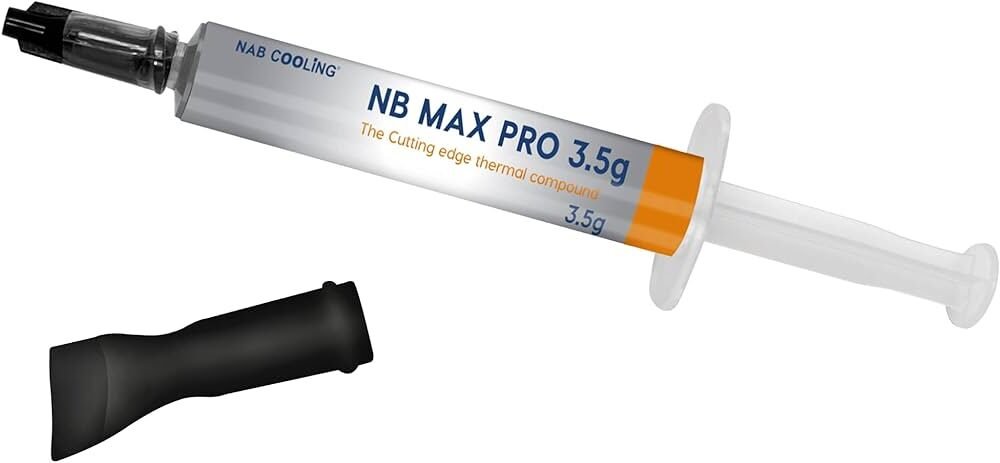
The NAB Cooling NB Max Pro is a friendly pick for people who are new to repasting.
- Comes with a simple applicator.
- Non-corrosive, non-conductive formula.
- Rated for up to around four years before you need to think about repasting again.
If you are nervous about your first GPU teardown, this paste can help keep the process calm and straightforward.
Arctic Silver 5 – Best User-Rated Legacy Paste
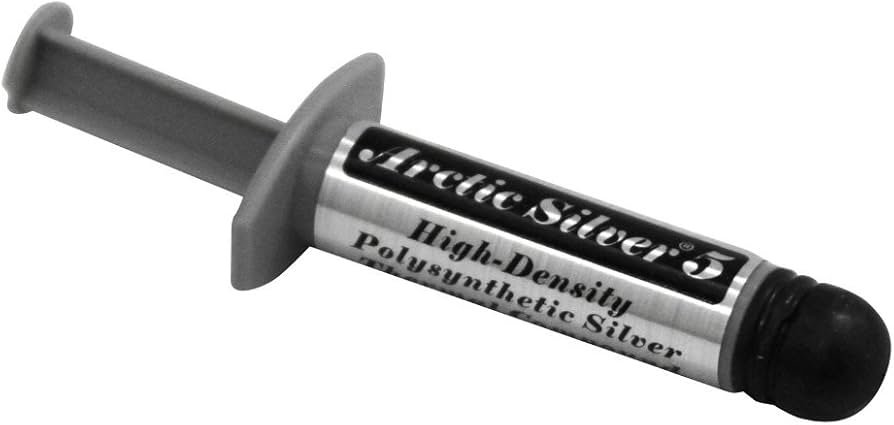
Arctic Silver 5 is one of the classic names in thermal compounds. It uses a high content of fine silver particles to move heat away from the die.
Points to know:
- Strong thermal performance once it has had time to settle.
- Slightly capacitive, so take care around small components.
- Works well on older cards, especially those with metal heat spreaders.
It may need some hours of thermal cycling to reach peak performance, so results can improve over the first days of use.
Noctua NT-H2 – Best Long-Lasting Option
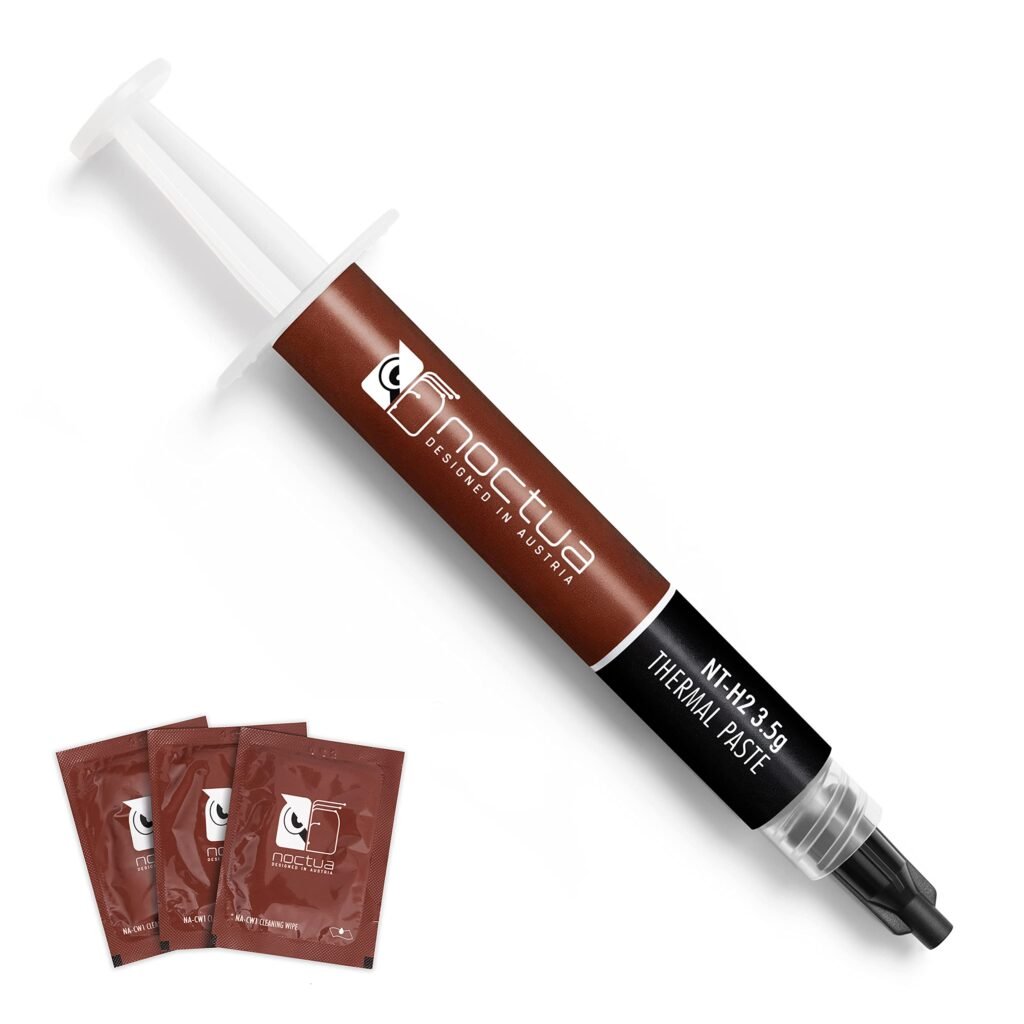
Noctua NT-H2 is designed for people who do not want to reopen their GPU often.
- Rated service life of up to about five years in many setups.
- Non-conductive, with steady performance over time.
- Ships with cleaning wipes that make repasting easier.
This paste is a strong pick for hard-to-access cards, such as small form factor systems or builds where taking the GPU out is a lot of work.
Pano-mounts TC-P1800 – Best Newcomer Compound
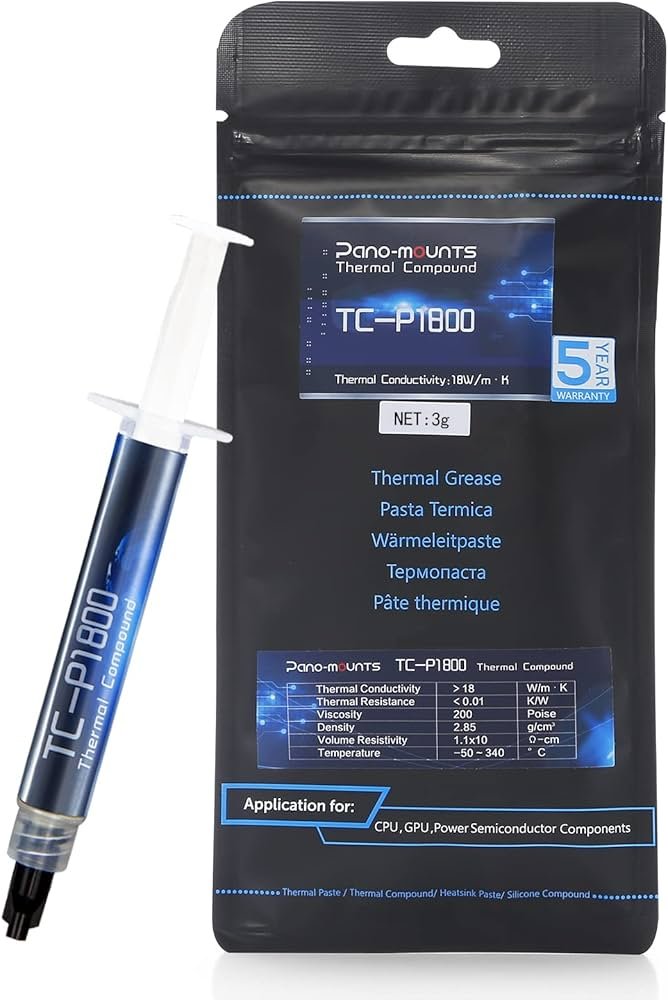
Pano-mounts TC-P1800 has drawn interest thanks to its very high thermal conductivity figures and long warranty.
- Designed for strong thermal transfer on dense chips.
- Non-conductive formula, safe around GPU SMD parts.
- Backed by a five-year warranty, which is rare in this category.
If you like trying newer products with strong lab numbers and you are comfortable with careful application, this compound is worth a look.
Innovation Cooling Graphite Thermal Pad – Best Paste Alternative
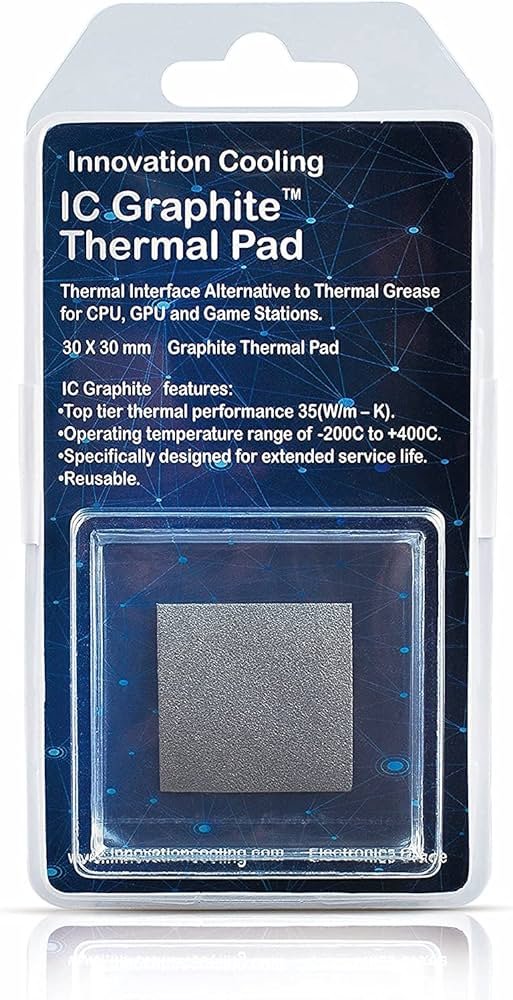
If you would rather not deal with paste at all, the Innovation Cooling Graphite Thermal Pad is a reusable sheet that sits between the GPU and heatsink.
Pros
- Dry, no mess, and reusable across several installs.
- High thermal conductivity.
- Can be trimmed to match your GPU contact area.
Important caution
Graphite conducts electricity. You must cut and place it so it only touches the contact plate and die, not exposed components. For many users this is easier on CPUs than on bare GPU dies, so take extra care.
FAQs
It fills microscopic gaps between the GPU die and the cooler. This reduces heat build-up, which helps the card keep higher clocks and lowers fan noise.
Many modern pastes last several years. A typical range is 3–5 years, but hot small cards or factory-applied poor-quality paste may need service sooner.
Non-conductive, non-capacitive pastes (like Cooler Master CryoFuze, Arctic MX-4, MX-6, or Noctua NT-H2) are safest, especially on bare GPU dies with many small components around them.
Liquid metal can drop temperatures further, but it is conductive and can damage components or corrode aluminium parts. It is usually better left to advanced users and often used on CPUs instead.
Use a small, even amount. Many people apply a thin line or several small dots, then let the cooler pressure spread it. Too much paste can spill over the sides; too little can leave bare spots.
On many modern cards, breaking the security stickers or removing the cooler can void the warranty. Always check the terms before you open the card.
DISCLAIMER:
This blog post is for informational purposes only. We make every effort to provide accurate, current, and well-sourced information, but we cannot guarantee its completeness or absolute accuracy.
All images, videos, and logos used on bestfordaily.com are the property of their respective owners. We aim to credit and reference them appropriately. If you are the rightful owner and wish to have your image, video, or logo removed, please get in touch with us.