- Topic: Best refresh rate for gaming (2026)
- Most people pick: 144Hz to 165Hz
- Console sweet spot: 120Hz (4K120 supported on many setups)
- Esports focus: 240Hz to 360Hz
- Higher than 360Hz: Mostly for niche competitive use
If you want smoother motion and faster-feeling controls, the best refresh rate for gaming depends on what you play, your hardware, and your budget. A higher refresh rate can look cleaner in fast movement, but only if your PC or console can push matching frames.
| Refresh Rate | Best For | Typical 2026 Price (USD) | Common Resolution |
|---|---|---|---|
| 60Hz | Story games, casual play, tight budget | $90–$180 | 1080p |
| 75Hz | Light gaming, simple upgrade from 60Hz | $110–$220 | 1080p |
| 120Hz | Console play and mixed PC gaming | $180–$450 | 1080p / 1440p / 4K (setup dependent) |
| 144Hz–165Hz | Most PC gamers, shooters, action games | $160–$450 | 1080p / 1440p |
| 240Hz | Competitive players who want clearer motion | $250–$900 | 1080p / 1440p / some 4K models |
| 360Hz | Serious esports (mainly FPS), very fast motion | $500–$900 | 1080p / 1440p |
| 480Hz–540Hz | High-end esports niche | $800–$1,500+ | 1080p / special dual-mode OLED |
What Refresh Rate Means in Gaming
Refresh rate is how many times your screen updates each second. It’s measured in Hz. Higher Hz can make motion look smoother and can make fast turns feel cleaner, mainly in shooters and racing games.
A higher refresh rate helps most when your system can deliver a similar frame rate. If your FPS stays far below your monitor’s Hz, the gain is smaller.
Refresh Rate vs Frame Rate
- Refresh rate (Hz): What your monitor can show.
- Frame rate (FPS): What your PC/console can output.
For smoother play, try to keep FPS close to the monitor’s refresh rate. If you play on PC and want a steady FPS, cooling can help with long sessions—see the best laptop cooler for gaming.
Best Refresh Rate for Gaming by Player Type
Best Refresh Rate for Gaming on a Budget: 60Hz to 75Hz
If you mostly play slower games (RPGs, strategy, cozy games), 60Hz can be fine. 75Hz is a small step up that can feel a bit smoother while staying low-cost.
Pick this range if you:
- Don’t play fast shooters
- Prefer higher resolution or better colors over speed
- Want the cheapest screen that still feels fine
Best Refresh Rate for Console Gaming: 120Hz
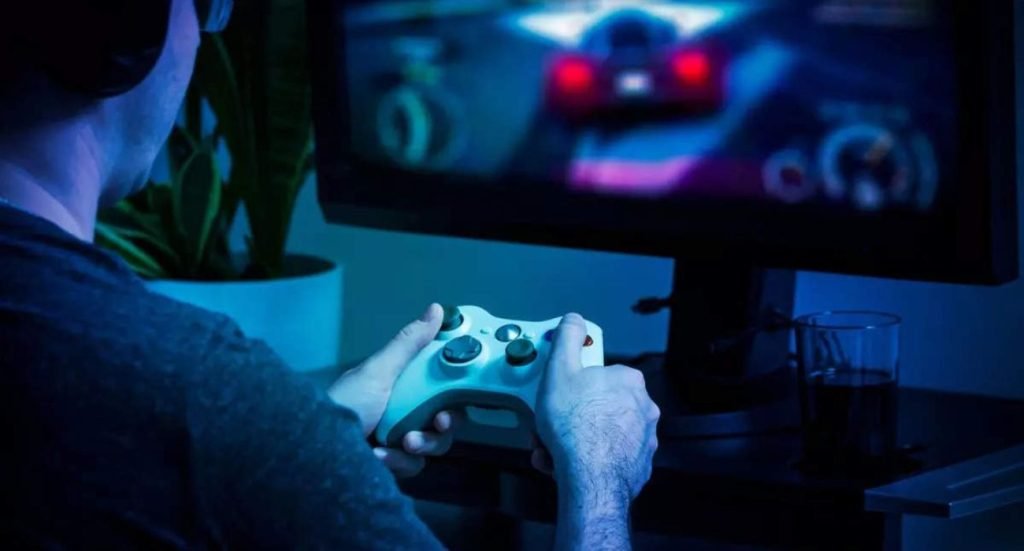
For many console setups, 120Hz is the practical target. It gives smoother motion in supported games and works well for people who play both story games and online matches.
If you’re also shopping for a screen in this space, your resolution choice matters. A good guide for mid-range gaming displays is the best 2k monitor for gaming.
Best Refresh Rate for Most PC Gamers: 144Hz to 165Hz
For many people, 144Hz to 165Hz is the best refresh rate for gaming because it gives a big jump from 60Hz without needing extreme hardware. This range works well for shooters, battle royale, sports games, and action titles.
Many gaming monitor guides still treat 144Hz as the most balanced pick for cost and feel, with bigger gains from 60→144 than from 144→very high Hz.
Best Refresh Rate for Competitive FPS: 240Hz
If you play ranked shooters and you already get high FPS, 240Hz is a strong step up. Motion can look cleaner, and tracking targets can feel easier—when your FPS stays high.
There are also premium 240Hz monitors at 4K, but they cost much more and usually need a powerful PC to make sense.
Best Refresh Rate for Esports: 360Hz (And When It’s Worth It)
360Hz is mainly for serious competitive play, where you value motion clarity above everything else. Many people still feel the 60→144 jump more than 144→360, so it’s not the first upgrade I’d suggest unless your setup and games match the goal.
Best Refresh Rate for a Small Group of Players: 480Hz to 540Hz
480Hz and 540Hz displays exist, including dual-mode panels and very high-Hz esports models. This range is for a narrow use case: competitive players chasing the cleanest motion possible.
Settings That Help High Refresh Rate Feel Smooth
Use the Right Cable and Port
Bandwidth can limit your refresh rate at higher resolutions. DisplayPort and HDMI versions matter a lot.
Use VRR if Your Screen Supports It
Variable refresh rate (VRR) helps when FPS moves up and down. It can reduce tearing and keep motion steadier.
Keep Your Connection Stable for Online Games
If your gameplay feels “laggy,” it may be network issues, not refresh rate. For home Wi-Fi help, see the best wifi booster for home.
FAQs
For most PC gamers, 144Hz to 165Hz is the best balance. For console gaming, 120Hz is a common target.
No. It’s fine for many games, mainly slower ones. It’s just not as smooth in fast motion.
It can be, but only if your system can keep FPS high and you play fast games like shooters.
Usually only for serious competitive play, where you already have high FPS and want cleaner motion.
Yes, as close as you can. It often looks smoother and feels more consistent.
DISCLAIMER:
This blog post is for informational purposes only. We make every effort to provide accurate, current, and well-sourced information, but we cannot guarantee its completeness or absolute accuracy.
All images, videos, and logos used on bestfordaily.com are the property of their respective owners. We aim to credit and reference them appropriately. If you are the rightful owner and wish to have your image, video, or logo removed, please get in touch with us.