- Topic: Best mouse for MacBook (USA, 2026 guide)
- Best for: Work, study, travel, and home setups
- Connections: Bluetooth, USB receiver (model-based)
- Mac fit: macOS gestures, smooth scrolling, stable pairing
- Updated: 2026
The best mouse for MacBook should feel comfortable for long sessions, track well on many surfaces, and pair fast without dropouts. In the USA, prices and availability vary, so this 2026 list focuses on models that are easy to buy, easy to live with, and good for daily MacBook use.
Below, you’ll find picks for work, travel, wrist comfort, and gaming—plus a quick comparison table with price ranges.
| Mouse | Best For | Connection | Battery | Approx. Price (USD) |
|---|---|---|---|---|
| Logitech MX Master 3S | All-day work, scrolling | Bluetooth / USB receiver | Rechargeable | $80–$120 |
| Apple Magic Mouse | macOS gestures | Bluetooth | Rechargeable | $70–$99 |
| Logitech MX Anywhere 3S | Travel | Bluetooth / USB receiver | Rechargeable | $60–$90 |
| Logitech Lift | Wrist comfort | Bluetooth / USB receiver | AA battery | $50–$80 |
| Kensington Expert Trackball | Desk work, low wrist motion | Bluetooth / USB receiver | Battery (model-based) | $80–$140 |
| HyperX Pulsefire Haste | Budget gaming | Wired (most versions) | No battery | $30–$60 |
Best Mouse for MacBook for All-Day Work
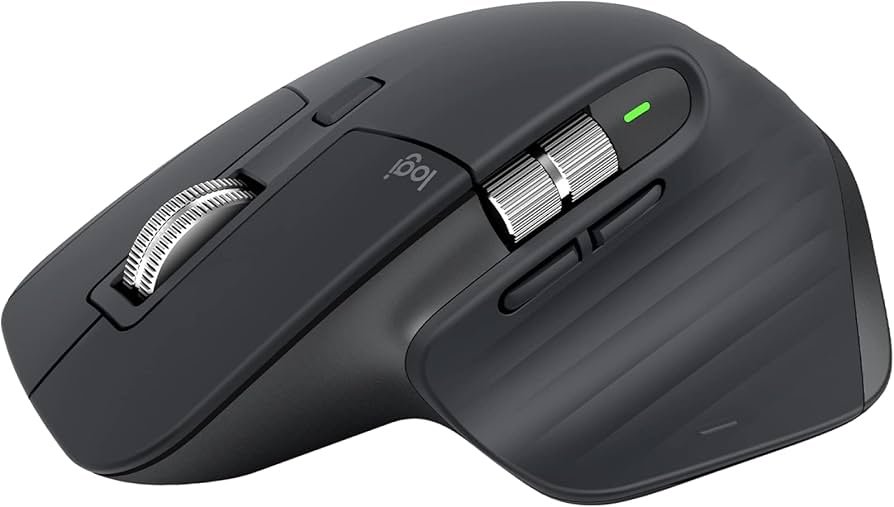
Logitech MX Master 3S
The MX Master 3S is a strong choice if you spend hours on your MacBook. The shape supports the hand well, and the scroll wheel is made for fast document and web scrolling.
It also works nicely across a desk setup that includes a MacBook plus another screen. If you do office tasks most days, you may also want to see the best mouse for work for more work-focused picks.
Best Apple-Style Mouse for MacBook
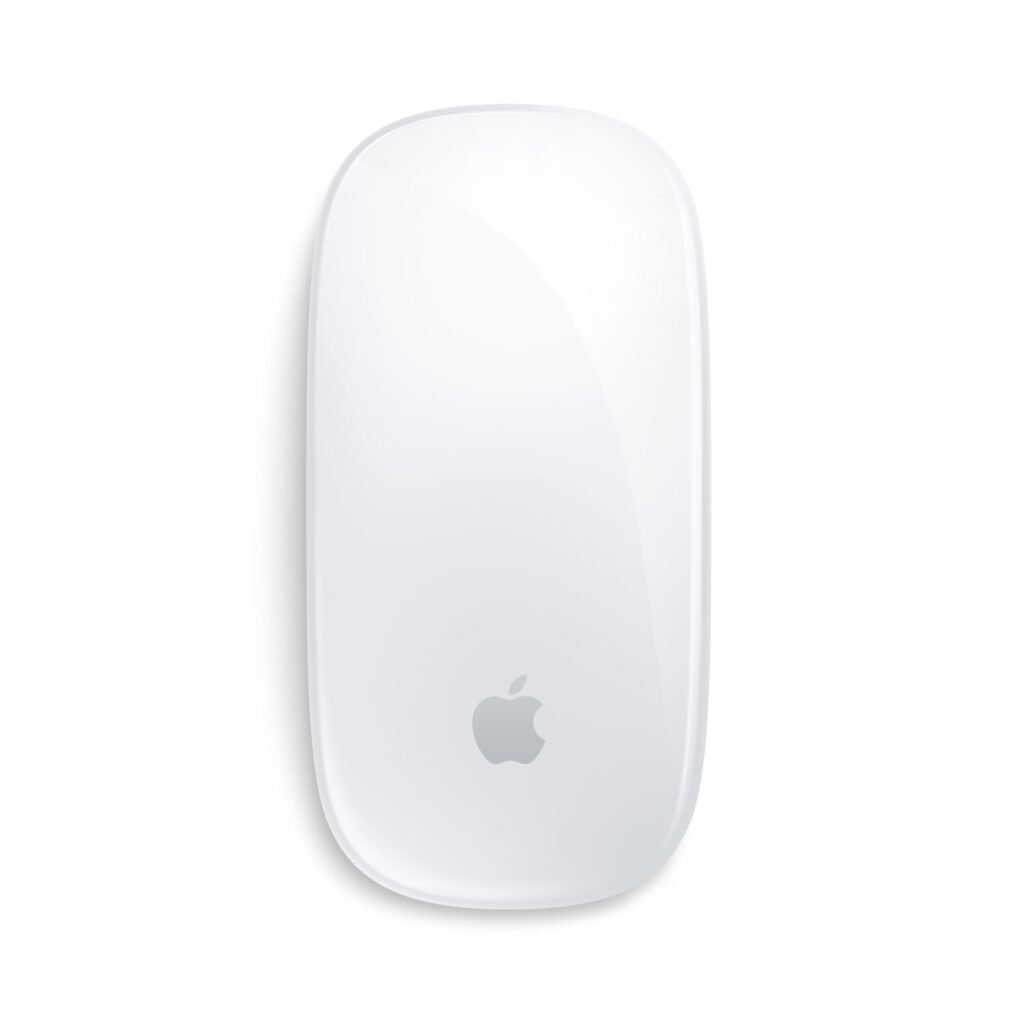
Apple Magic Mouse
Apple’s Magic Mouse keeps things simple and matches macOS gestures well. If you like swipe actions and smooth scrolling, it can feel natural with a MacBook.
That said, the low profile isn’t for everyone. If you grip the mouse tightly or work long hours, you may prefer a taller shape like the Lift or MX Master models.
Best Travel Mouse for MacBook
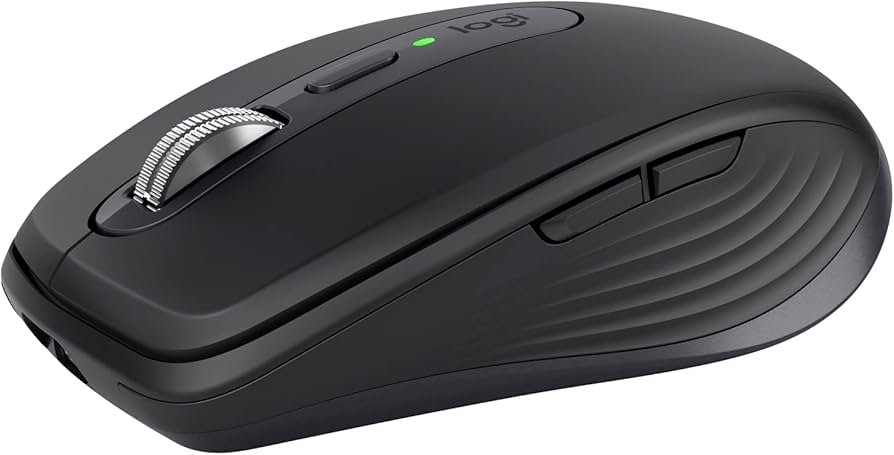
Logitech MX Anywhere 3S
If you carry your MacBook often, the MX Anywhere 3S is easy to pack and quick to use in tight spaces. It tracks well on many surfaces, which helps when you work away from a desk.
It’s also a good pick for students and travelers in the USA who want one mouse for cafés, libraries, and hotel desks, without taking up much space in a bag.
Best Ergonomic Mouse for MacBook
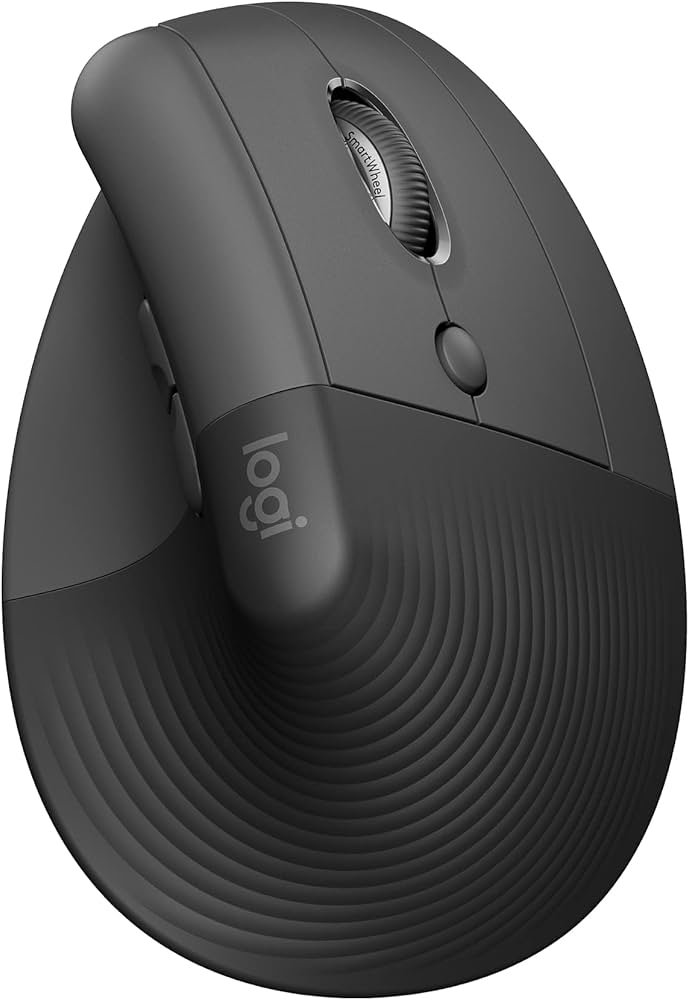
Logitech Lift
The Lift is a vertical mouse designed to reduce wrist twist. Many people find it more comfortable than flat mice, especially during long writing, editing, or spreadsheet sessions.
It’s also a nice fit for smaller hands. If your hands are large, you may want to test the grip before buying so it feels right.
Best Trackball Mouse for MacBook
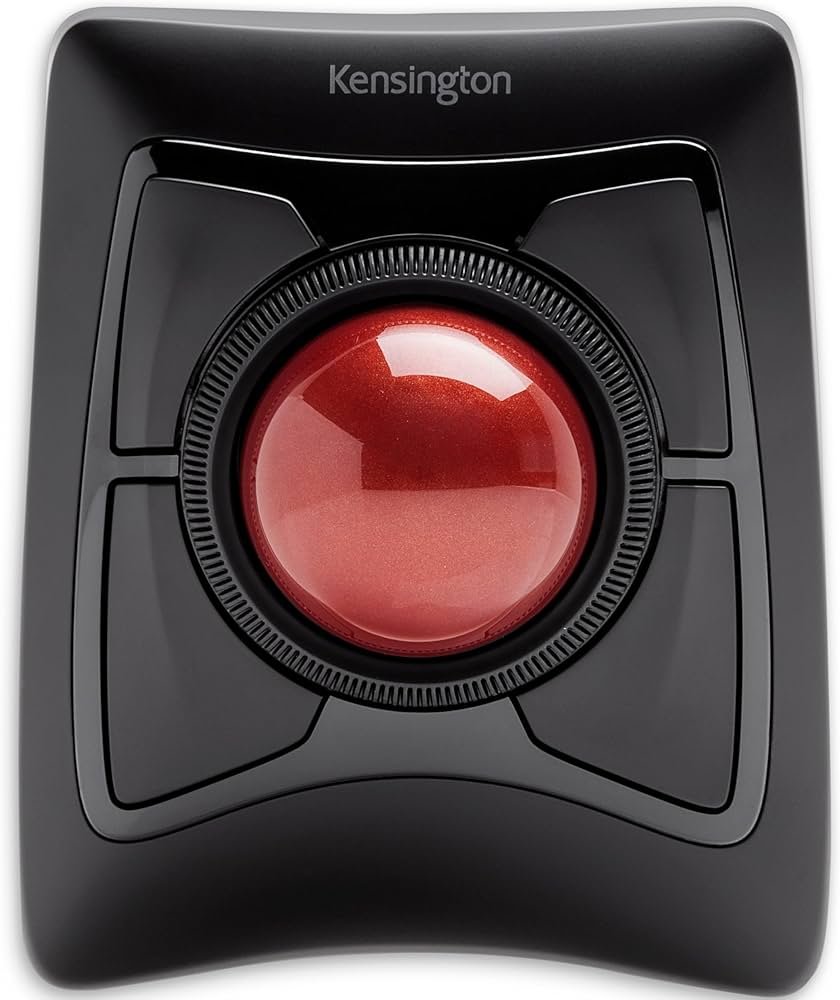
Kensington Expert Wireless Trackball
A trackball can be helpful if you want less wrist movement. The Kensington Expert stays in one place on your desk, so you move the ball rather than pushing the mouse around.
It’s a good match for detailed pointer control and long desk sessions. The scroll ring can also feel natural once you get used to it.
Best Budget Gaming Mouse for MacBook
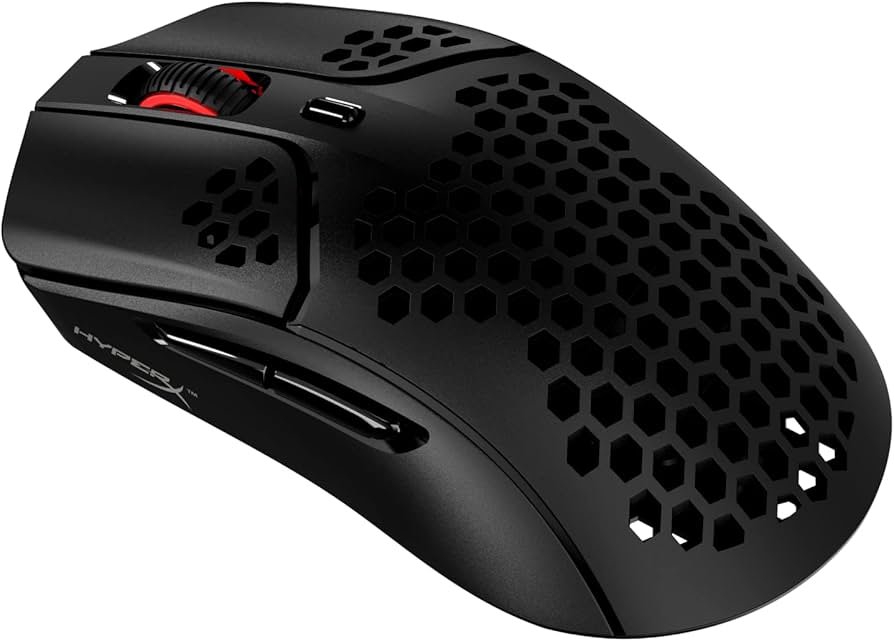
HyperX Pulsefire Haste
If you want a gaming mouse without a high price, the Pulsefire Haste is a light model that works well for quick movement. A wired mouse can also reduce pairing issues, which some MacBook users prefer.
For more gaming options, you can also check the best mouse for gaming and compare shapes and button layouts before you choose.
How to Choose the Best Mouse for MacBook
Focus on comfort first. If the mouse doesn’t fit your hand, even a great sensor won’t help much.
Next, pick the connection type you prefer. Bluetooth keeps things simple, while a USB receiver can feel more stable on some setups. If you game on a desk, a good surface can also help with tracking. The best mouse pad for gaming can make pointer control feel steadier.
FAQs
Logitech MX Master 3S is a solid all-around pick for long work sessions, while MX Anywhere 3S fits travel better.
It’s good if you like macOS gestures and a low-profile design, but some people prefer a taller mouse for comfort.
Not always. Bluetooth is convenient, but a USB receiver or wired mouse can feel more stable for some users.
DISCLAIMER:
This blog post is for informational purposes only. We make every effort to provide accurate, current, and well-sourced information, but we cannot guarantee its completeness or absolute accuracy.
All images, videos, and logos used on this page belong to their respective owners. We aim to credit and reference them appropriately. If you are the rightful owner and wish to have your image, video, or logo removed, please contact us.