- Topic: Best Motherboard for Gaming in USA (2026)
- Best for: High FPS gaming, stable builds, fast storage, clean upgrades
- Platforms: Intel Z890 (LGA1851) and AMD AM5 (X870E/B850)
- Memory: DDR5 only (most 2026 gaming builds)
- Updated: 2026
Choosing the Best Motherboard for Gaming in the USA is about matching your CPU platform, your GPU, and your storage plan. A good gaming board gives you steady power delivery, fast DDR5 support, and enough M.2 slots for modern game libraries. This 2026 update replaces older chipsets with current Intel Z890 and AMD AM5 options, so the picks fit today’s USA builds.
| Motherboard | Platform | Best For | M.2 / PCIe | Networking | Approx. Price (USD) |
|---|---|---|---|---|---|
| ASUS ROG Maximus Z890 Extreme | Intel Z890 (LGA1851) | Top-tier Intel gaming builds | PCIe 5.0 GPU + Gen5 NVMe | Wi-Fi 7 | $850–$1,200 |
| MSI MPG Z890 Carbon WiFi | Intel Z890 (LGA1851) | High-end Intel at lower cost | DDR5 + PCIe 5.0 | Wi-Fi 7 + 5G LAN | $350–$500 |
| GIGABYTE X870E AORUS Master | AMD X870E (AM5) | High-end Ryzen gaming | DDR5 + Gen5 NVMe | Wi-Fi 7 (varies by model) | $350–$550 |
| ASUS ROG Strix X870E-E Gaming WiFi | AMD X870E (AM5) | Strong AM5 gaming + fast I/O | End-to-end PCIe 5.0 | Wi-Fi 7 + 5GbE | $320–$500 |
| ASRock B850M Pro RS WiFi | AMD B850 (AM5) | Budget AM5 gaming (mATX) | Gen5 M.2 + PCIe 5.0 x16 | Wi-Fi | $140–$220 |
Best Motherboard for Gaming (Intel Pick)
ASUS ROG Maximus Z890 Extreme
If you are building an Intel rig around the Z890 platform, the ROG Maximus Z890 Extreme is built for high-end parts and heavy gaming loads. It’s an LGA1851 Z890 board with DDR5 and PCIe 5.0 support, aimed at users who want a flagship-class build.
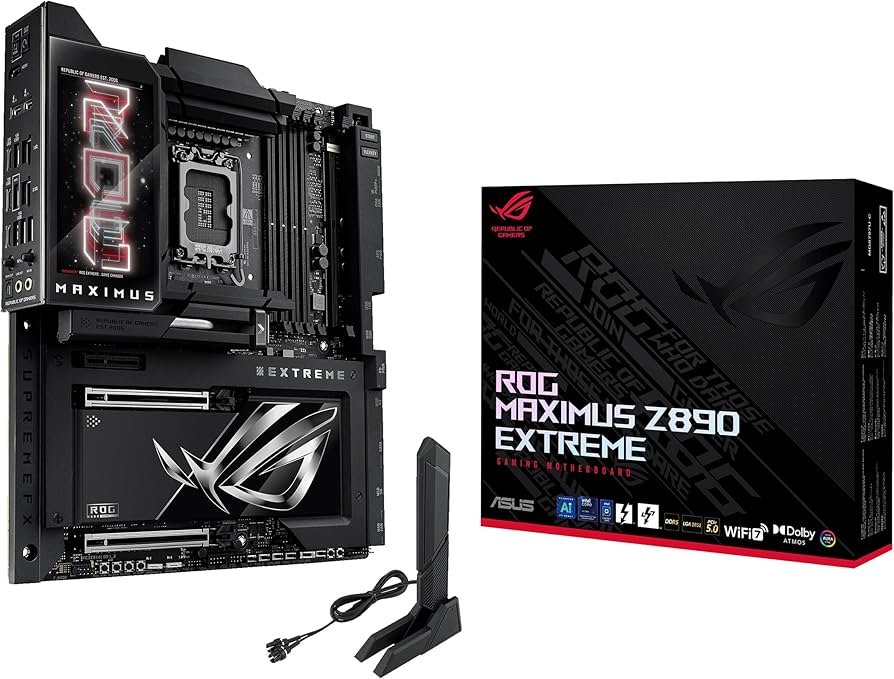
It also brings current-gen connectivity like Wi-Fi 7, plus lots of storage headroom with several M.2 slots. If you plan to run fast Gen5 NVMe storage and a top GPU together, boards in this tier usually make that layout simpler.
Best Intel Value Board for Gaming (Z890)
MSI MPG Z890 Carbon WiFi
The MSI MPG Z890 Carbon WiFi is a strong Z890 choice when you want high-end Intel support without paying flagship pricing. It supports Intel Core Ultra (Series 2) on LGA1851, and it’s built around DDR5 with very high supported memory speeds.
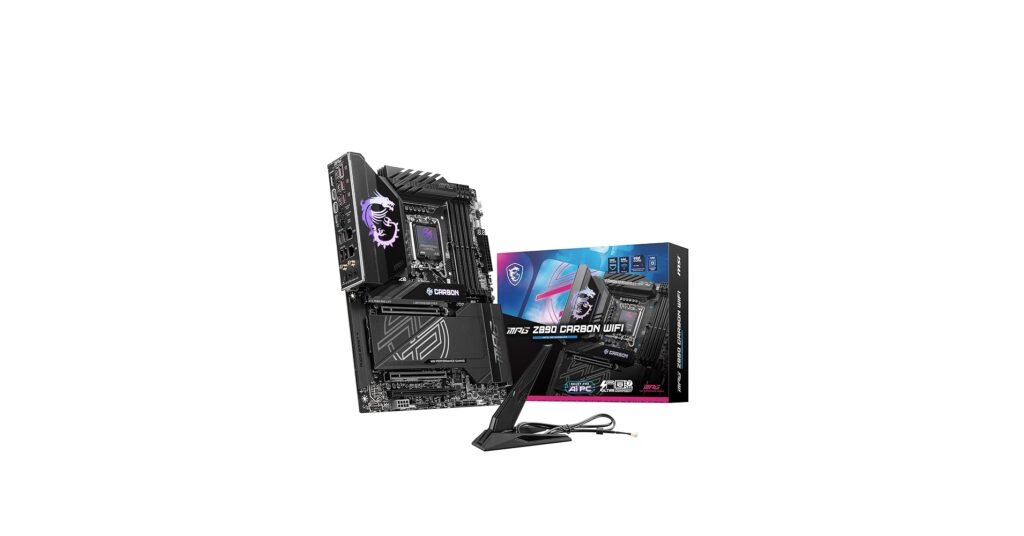
For gaming in the USA, its key draw is the mix of modern networking and I/O: Wi-Fi 7, fast wired LAN options, and current storage support. That makes it a good fit for players who download large games often and want quick load times from NVMe drives.
To pair your motherboard choice with a good CPU value pick, you can also check the best CPUs for the money.
Best AMD Motherboard for Gaming (High-End AM5)
GIGABYTE X870E AORUS Master
For Ryzen gamers, the X870E AORUS Master is a high-end AM5 board designed around DDR5 and modern platform features. It supports Ryzen 9000/8000/7000 series CPUs and pushes high DDR5 speeds, which many USA gaming builds target for strong 1% lows.
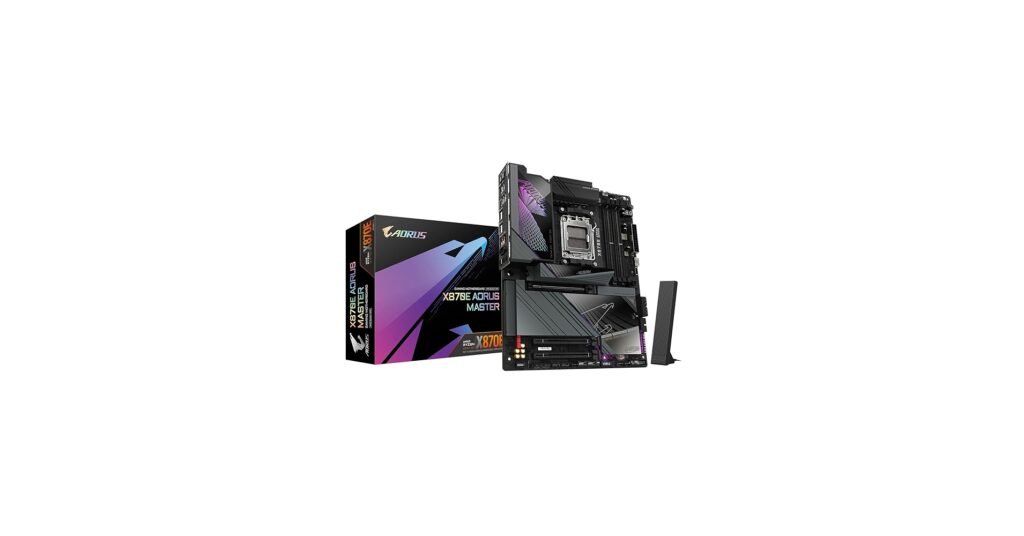
It’s also the kind of board people choose when they want a cleaner build process—better heatsinks, more M.2 slots, and board-level build conveniences that reduce the “fight” during assembly.
If you want more AM5-only picks, see the best AMD motherboard for gaming.
Best AM5 Gaming Board for Fast I/O
ASUS ROG Strix X870E-E Gaming WiFi
The ROG Strix X870E-E is built for AM5 gamers who care about fast storage, fast external ports, and steady performance under long sessions. This X870E board supports Ryzen 9000/8000/7000 processors and is positioned as a high-end gaming model.
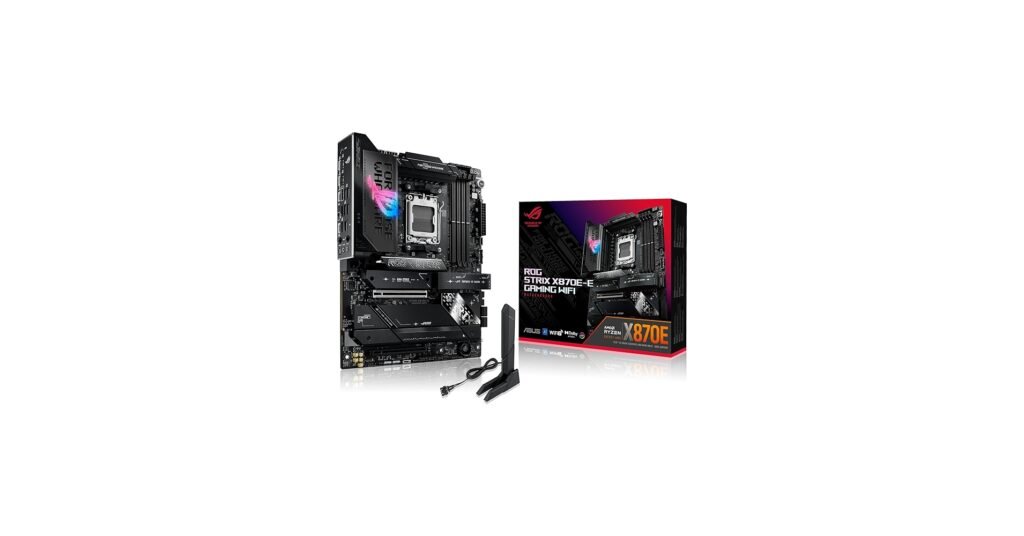
A key point for 2026: this board line is listed with end-to-end PCIe 5.0 support, plus modern networking. That matters if you want Gen5 NVMe speeds today, and room for more storage later.
For storage pairing, you can also browse the best SSDs for a gaming PC.
Best Budget Motherboard for Gaming (AM5)
ASRock B850M Pro RS WiFi
If you want AM5 gaming on a tighter budget in the USA, the ASRock B850M Pro RS WiFi is a practical micro-ATX pick. It supports Ryzen 9000/8000/7000 series CPUs, uses DDR5, and still includes PCIe 5.0 x16 plus a Gen5 M.2 slot.
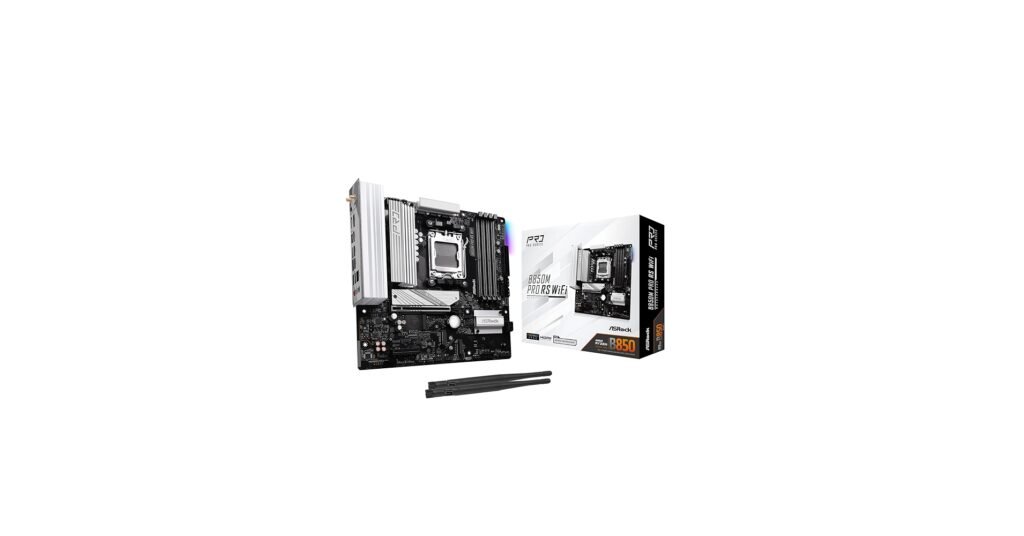
This is a good match for mid-range GPUs and one fast NVMe drive, with extra M.2/SATA options for later storage additions. For many players, that’s all they need for a clean 1080p/1440p gaming build.
How to Choose the Best Motherboard for Gaming
1) Pick your platform first
- Intel builds: look at Z890 + LGA1851 boards.
- AMD builds: look at X870E/X870/B850 on AM5.
2) Decide how many M.2 drives you want
Many 2026 AAA titles are huge. Two to four M.2 slots make life easier when your game library grows.
3) Match the board size to your case
ATX gives more slots. Micro-ATX saves space and can cut costs.
FAQs
For Intel, a Z890 board like MSI MPG Z890 Carbon WiFi fits many builds. For AMD, X870E boards fit higher-end AM5 builds.
X870E boards usually give more high-speed lanes and ports. B850 boards can still game well and often cost less.
Not required for FPS, but PCIe 5.0 M.2 support can help with fast storage and future GPU/SSD choices.
Most gamers in the USA run 32GB DDR5. Boards that handle DDR5 well make that easy.
DISCLAIMER:
This blog post is for informational purposes only. We make every effort to provide accurate, current, and well-sourced information, but we cannot guarantee its completeness or absolute accuracy.
All images, videos, and logos used on this page belong to their respective owners. We aim to credit and reference them appropriately. If you are the rightful owner and wish to have your image, video, or logo removed, please contact us.