- You can get strong everyday performance under $1,000—enough for school, office work, and light creative tasks.
- For smooth use, aim for 16GB RAM and a 512GB SSD if your budget allows.
- OLED screens look amazing, but battery life can vary a lot by model.
- Chromebooks can be a smart pick if you mostly use web apps and want long battery life.
- Check port selection and webcam quality if you do calls or online classes often.
Buying a laptop under $1,000 is easier now in the USA, as you can find solid CPUs, good screens, and fast SSDs at this price. The key is matching the laptop to what you actually do—writing and research, gaming, or long battery sessions. If you also want to upgrade your setup later, pairing your new laptop with a 2K monitor for gaming can be a big quality-of-life upgrade at home.
| Laptop | Best For | Why It Stands Out | Main Tradeoff |
|---|---|---|---|
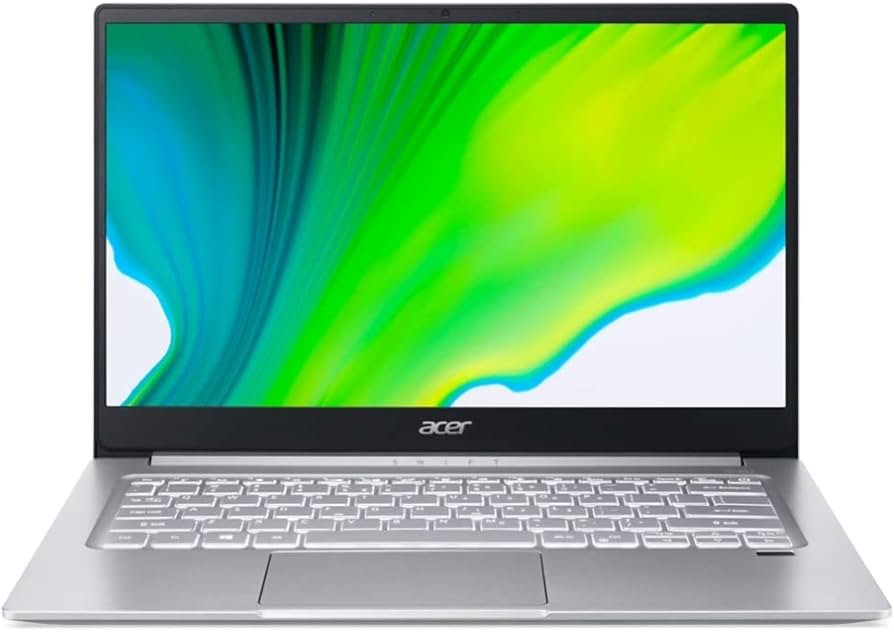
| Acer Swift 3 | College students | Big screen, solid build, good everyday speed | Battery life can be average |
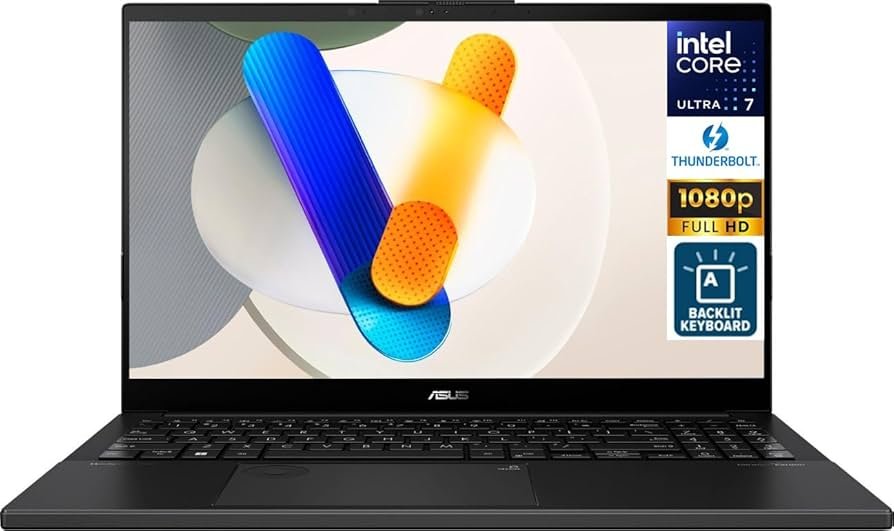
| Asus Vivobook Pro 15 | Gaming under $1,000 | Ryzen 7 + RTX 3050 + OLED display | Not a “gaming” look; cooling can matter |
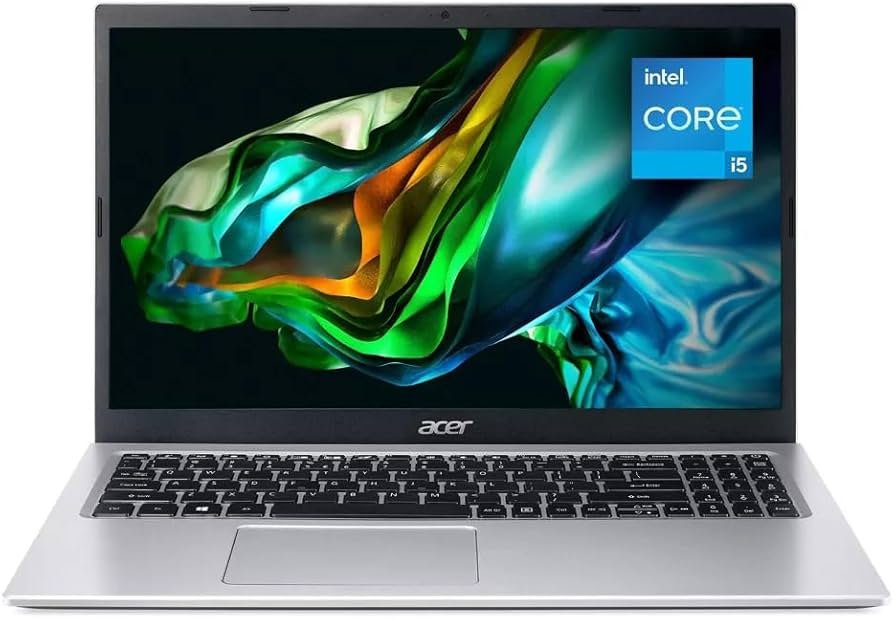
| Acer Aspire 3 | Budget under $500 | Reliable for basic tasks | Not for heavy work or modern gaming |
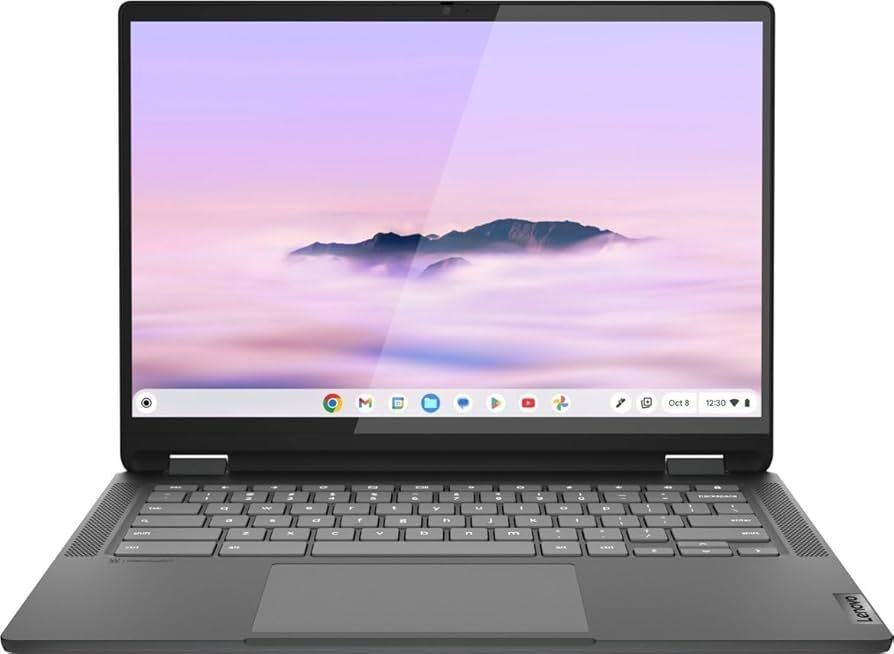
| Lenovo Chromebook Flex 5 | Chromebook value | Nice keyboard, touchscreen, useful ports | Not ideal for demanding apps |
| Asus Chromebook CM34 Flip | Best battery life | Very long battery life, good daily performance | A bit heavier than expected |
| HP Chromebook x2 11 | Folio-style 2-in-1 | Detachable keyboard, sharp touchscreen | Limited ports |
| Acer Aspire Vero 14 | Eco-conscious choice | Recycled materials, strong daily use battery | Speakers can be weak; may include extra software |
Acer Swift 3 – Best for College Students
The Acer Swift 3 is a strong pick for students who want a big screen and a clean, lightweight design for notes, browsing, and papers. The chassis feels solid, the keyboard and trackpad are comfortable for long typing sessions, and it’s a dependable everyday laptop for classes and general use.
Asus Vivobook Pro 15 – Best Gaming Laptop Under $1,000
The Asus Vivobook Pro 15 is built for value-focused gaming with a Ryzen 7 CPU and an RTX 3050 GPU, plus an OLED panel that makes games and media look great. If you plan long sessions, consider using a laptop cooler for gaming to help manage heat and keep performance steady.
Acer Aspire 3 – Best Under $500
The Acer Aspire 3 is a practical budget laptop for web browsing, emails, school portals, and simple office tasks. It’s not meant for heavy creative work or serious gaming, but it’s a reliable option if you just need something affordable that gets the basics done.
Lenovo Chromebook Flex 5 – Best Chromebook
The Lenovo Chromebook Flex 5 is a well-rounded Chromebook for everyday tasks like Docs, Gmail, browsing, and light media. You get a touchscreen, a pleasant keyboard, and a useful mix of ports—making it a good choice if your work mostly stays inside the browser.
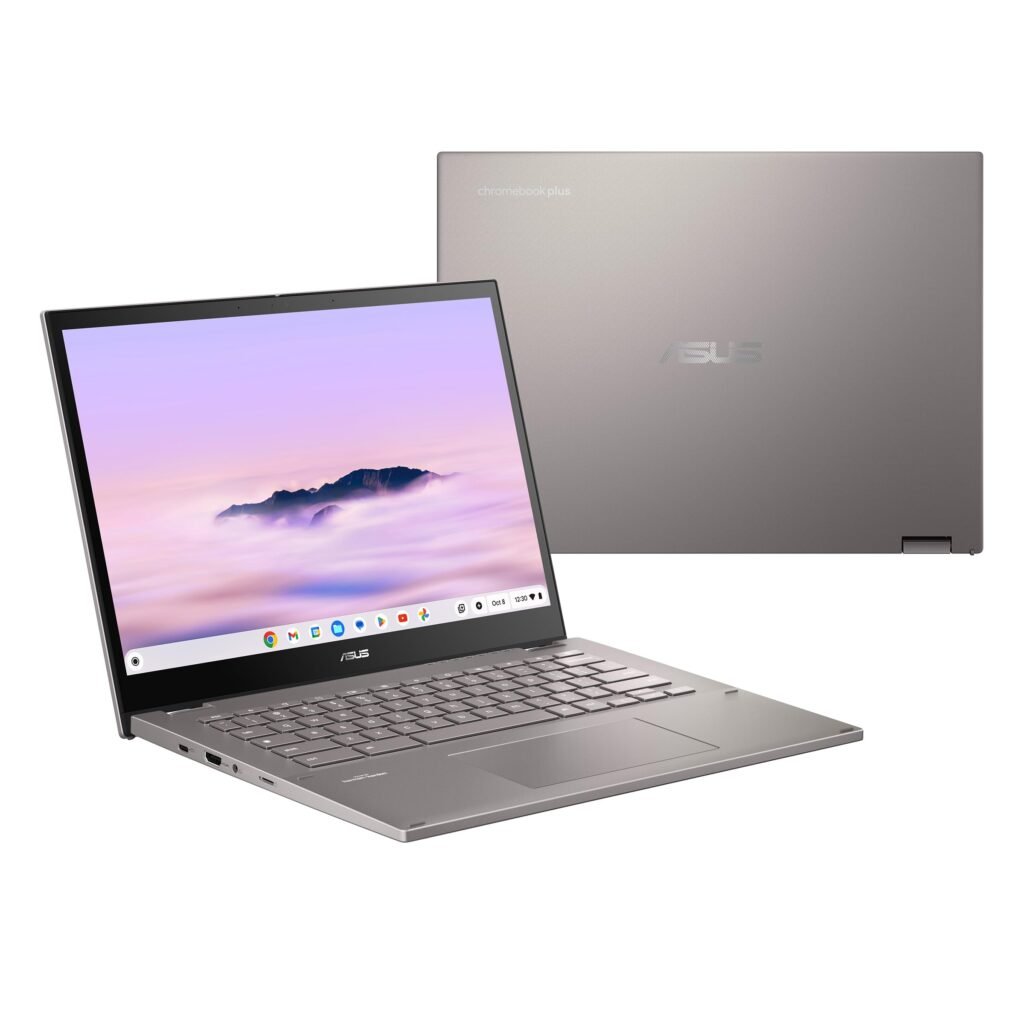
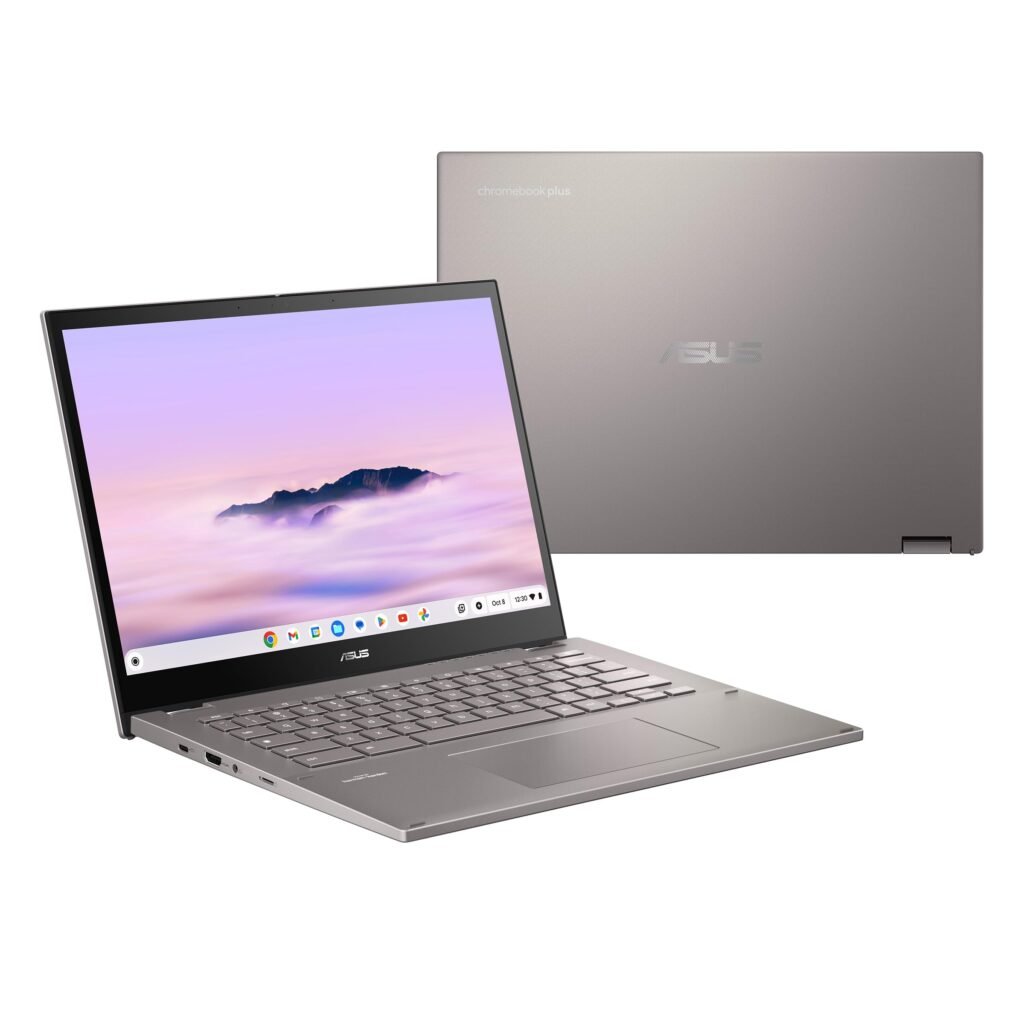
Asus Chromebook CM34 Flip – Best Battery Life
If battery life is your top priority, the Asus Chromebook CM34 Flip stands out with long runtimes that are great for school days and travel. It also has a responsive touchscreen and a solid webcam, making it a convenient pick for calls, classes, and day-to-day use.
HP Chromebook x2 11 da0023dx – Best Folio-Style Chromebook
The HP Chromebook x2 11 is a flexible 2-in-1 with a detachable keyboard, so it can act like a tablet when you want it to and a laptop when you need to type. The touchscreen is sharp, and the battery lasts a full day, but the port selection is limited compared to that of traditional laptops.
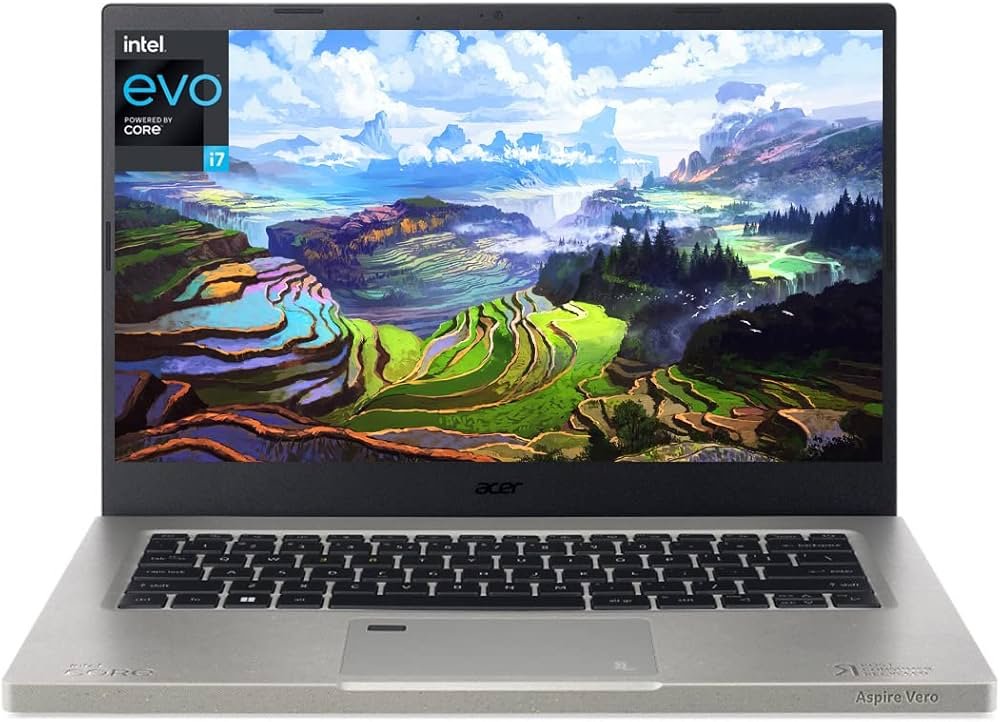
Acer Aspire Vero 14 – Best Eco-Conscious Option
The Acer Aspire Vero 14 is made with recycled materials and is aimed at buyers who want a more eco-friendly choice without giving up everyday performance. It runs smoothly for common tasks and has good battery life, though the speakers may not impress if audio quality matters to you.
FAQ
A: For most people, 16GB RAM and a 512GB SSD is a great target. If you game, a dedicated GPU matters more.
A: Yes, if you live in the browser (Google Docs, email, streaming, school portals). They can offer strong battery life and simple day-to-day use.
A: The Asus Vivobook Pro 15 stands out due to its Ryzen 7 processor and RTX 3050 graphics.
A: The Acer Swift 3 is a solid student pick. If you mainly use web apps, the Lenovo Chromebook Flex 5 is also a good option.
A: Not required, but a larger screen can help a lot with multitasking. A 2K monitor for gaming can also double as a productivity display.
DISCLAIMER:
This blog post is for informational purposes only. We make every effort to provide accurate, current, and well-sourced information, but we cannot guarantee its completeness or absolute accuracy.
All images, videos, and logos used on bestfordaily.com are the property of their respective owners. We aim to credit and reference them appropriately. If you are the rightful owner and wish to have your image, video, or logo removed, please get in touch with us.