- Topic: Best laptop cooler for gaming USA (2026 guide)
- Best for: Gaming laptops, high-performance notebooks
- Cooling types: Large fan pads, dual-fan mats, RGB cooling stands
- Laptop size: 14″ to 19″ models
- Updated: 2026
Finding the best laptop cooler for gaming USA users can trust in 2026 is essential if you want stable frame rates and long-term laptop performance. Modern gaming laptops run powerful GPUs and CPUs that generate serious heat during long sessions.
The right cooling pad improves airflow, reduces thermal throttling, and helps your laptop maintain steady performance. Below, you’ll find the top cooling pads available in the USA market, selected for build quality, airflow strength, and real gaming use.
| Cooling Pad | Fan Setup | Best For | Laptop Size | Approx. Price (USD) |
|---|---|---|---|---|
| IETS GT300 | Dual high-pressure fans | High-performance gaming | 14″–17″ | $80–$100 |
| Targus 16″ Chill Mat | Single fan | Budget cooling | Up to 16″ | $30–$45 |
| Thermaltake Massive TM | Large central fan | MacBook Pro & premium laptops | Up to 17″ | $60–$80 |
| Targus 18″ Dual Fan | Dual fans | Large laptops | Up to 18″ | $50–$70 |
| KLIM Ultimate RGB | Large 750 RPM fan | Gaming laptops up to 19″ | Up to 19″ | $60–$75 |
Best Overall Laptop Cooler for Gaming USA
IETS GT300 Laptop Cooling Pad
The IETS GT300 stands out as the best laptop cooler for gaming if you want maximum airflow and dust control. It uses a sealed foam design that forces air directly into your laptop’s intake vents, increasing cooling pressure compared to open mesh pads.
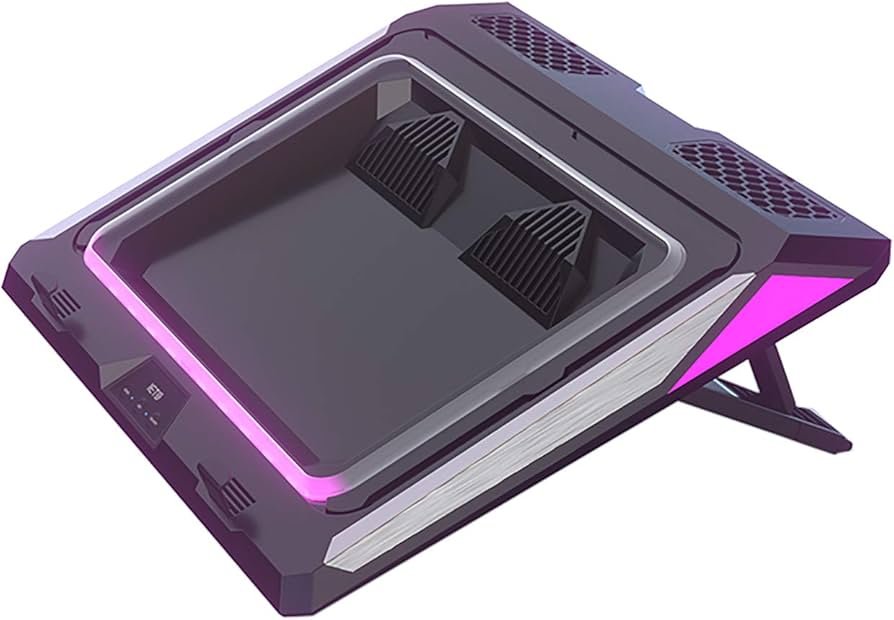
This cooling pad works especially well for gaming laptops that pull air from the bottom panel. Adjustable fan speeds let you balance noise and cooling power depending on your session length.
Best Budget Laptop Cooler for Gaming
Targus 16″ Single Fan Chill Mat
If you want affordable cooling without extra features, the Targus 16″ Chill Mat is a practical pick. It helps maintain safe temperatures during light gaming sessions and everyday use.
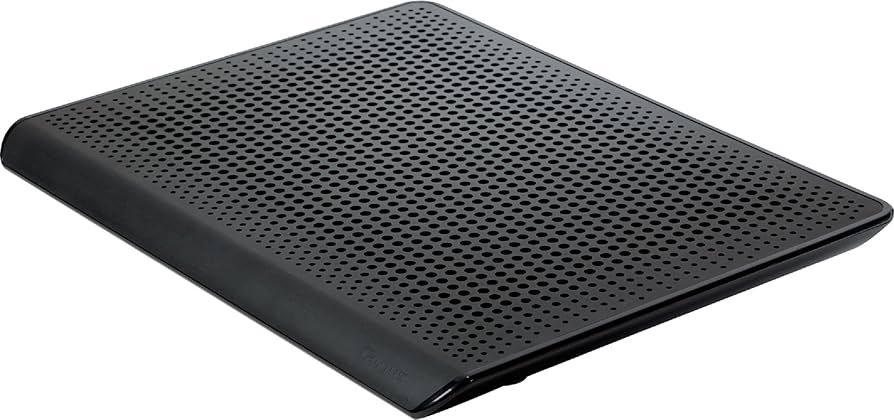
This model runs through a USB connection, which makes setup simple. While it won’t cool a heavily overheated gaming laptop instantly, it works well as a prevention tool to stop temperature spikes during moderate use.
Best Laptop Cooler for Gaming MacBook Users
Thermaltake Massive TM
MacBook Pro owners who game occasionally need targeted airflow that matches Apple’s vent layout. The Thermaltake Massive TM includes a temperature display and manual fan control so you can monitor and adjust cooling as needed.
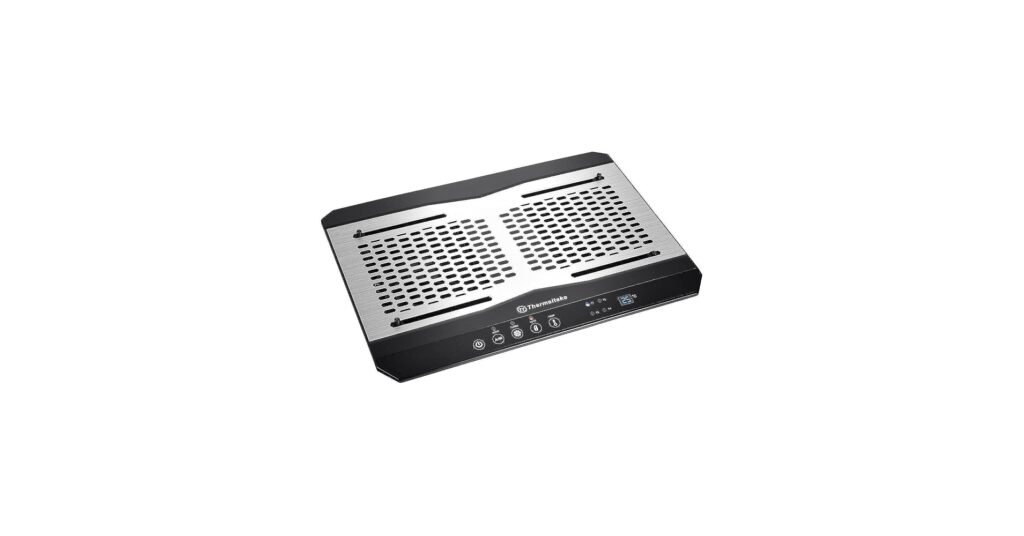
Its wide fan pushes steady airflow across the base, while the adjustable stand improves typing angle and comfort. For gamers in the USA using premium laptops, this model offers controlled cooling with a solid build.
Best Laptop Cooler for Large Gaming Laptops
Targus 18″ Dual Fan Chill Mat with Adjustable Stand
Large gaming laptops often struggle with heat buildup due to powerful graphics cards. This Targus 18″ model supports bigger machines and adds ergonomic tilt settings.
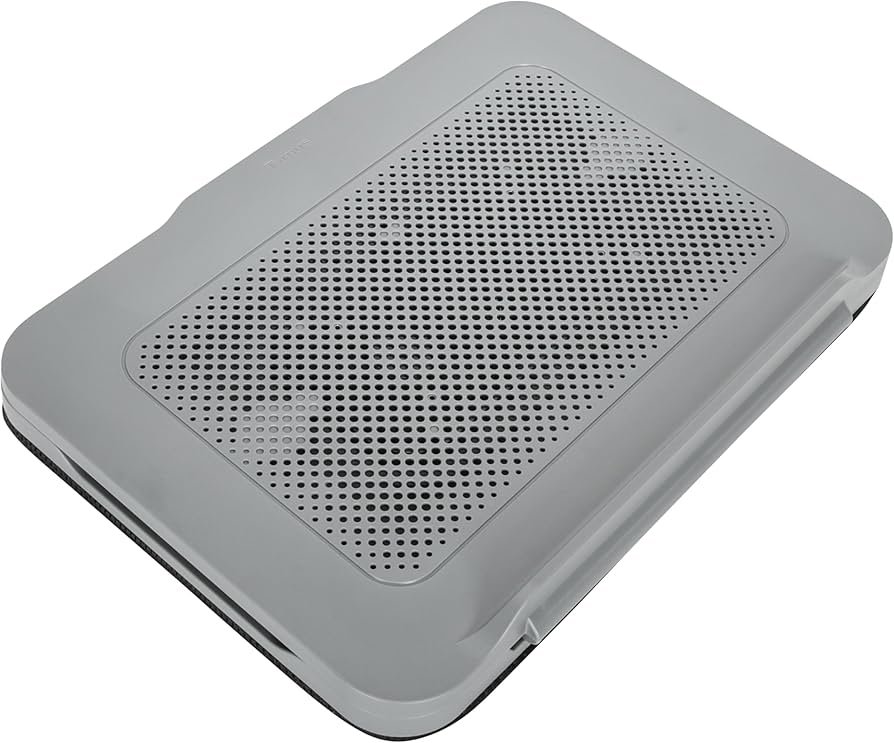
The dual fan system spreads airflow evenly across the underside of your device. It connects via USB Type-A, making it easy to use with most gaming laptops sold in the USA.
Best RGB Laptop Cooler for Gaming
KLIM Ultimate RGB Laptop Cooling Pad
The KLIM Ultimate RGB is built for gaming setups that demand both performance and style. Its large central fan spins up to 750 RPM and pulls heat away efficiently during extended sessions.
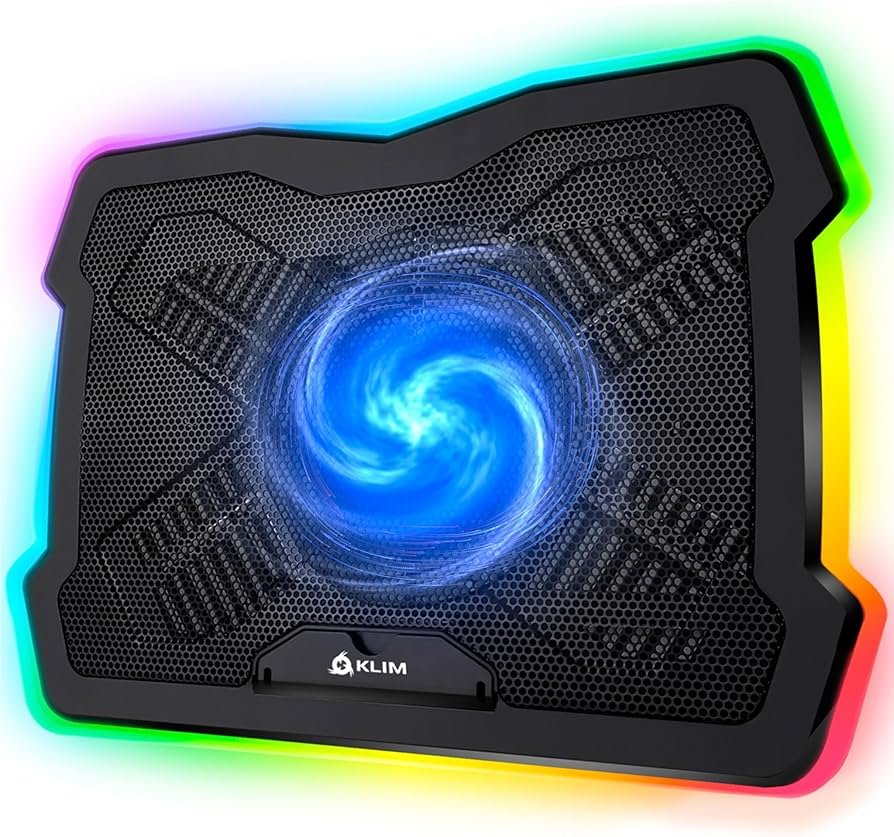
This model supports laptops up to 19 inches, which covers most high-end gaming systems. Adjustable fan speed gives you control, while RGB lighting adds visual appeal without affecting cooling strength.
How to Choose the Best Laptop Cooler for Gaming in the USA
When selecting the best laptop cooler for gaming USA, focus on airflow strength, laptop size compatibility, and vent placement. Some laptops pull air from the bottom, while others use side vents, so alignment matters.
Also consider noise level, portability, and power source. USB-powered pads are convenient, but larger high-performance models may require stronger airflow to handle advanced gaming hardware.
If you are also upgrading your setup, pairing your cooling pad with the best laptop cooler for gaming internal guide can help compare additional options. For gamers who travel, you may also find value in checking the best portable chargers for iPhone to keep devices powered during long sessions. If you game on a desk setup, adding the best mouse pad for gaming can improve precision and comfort.
FAQs
The IETS GT300 offers strong sealed airflow and adjustable fan speeds, making it one of the top choices.
Yes. Lower temperatures reduce thermal throttling, which helps maintain stable frame rates.
RGB lighting does not affect cooling power. Performance depends on fan size, speed, and airflow design.
DISCLAIMER:
This blog post is for informational purposes only. We make every effort to provide accurate, current, and well-sourced information, but we cannot guarantee its completeness or absolute accuracy.
All images, videos, and logos used on this page belong to their respective owners. We aim to credit and reference them appropriately. If you are the rightful owner and wish to have your image, video, or logo removed, please contact us.