- Topic: Best keyboard for coding in USA (2026 guide)
- Best for: Programmers, students, home offices, dev teams
- Keyboard types: Mechanical, low-profile, scissor-switch
- Layouts: 60%, 75%, 96%, full-size
- Updated: 2026
Choosing the best keyboard for coding can make long typing sessions feel easier and reduce mistakes. In the USA, many coders want a keyboard that feels good, stays stable on the desk, and supports shortcuts and custom keys. This 2026 guide covers practical picks for different budgets and work styles, from compact mechanical boards to quiet office models.
| Keyboard | Type | Layout | Best For | Approx. Price (USD) |
|---|---|---|---|---|
| Keychron Q5 Max | Mechanical (wireless) | 96% | All-around coding setup | $200–$240 |
| Keychron Q3 Ultra | Mechanical (wireless) | 75% | Desk space + function row | $230–$260 |
| NuPhy Air75 V2 | Low-profile mechanical | 75% | Portable coding | $110–$150 |
| Logitech MX Keys S | Scissor-switch | Full-size | Quiet office coding | $90–$120 |
| Razer Pro Type Ultra | Mechanical (wireless) | Full-size | Comfort + wrist rest | $130–$180 |
| ROYAL KLUDGE RK61 | Mechanical (wireless) | 60% | Low-cost compact option | $40–$70 |
Best Keyboard for Coding Overall
Keychron Q5 Max
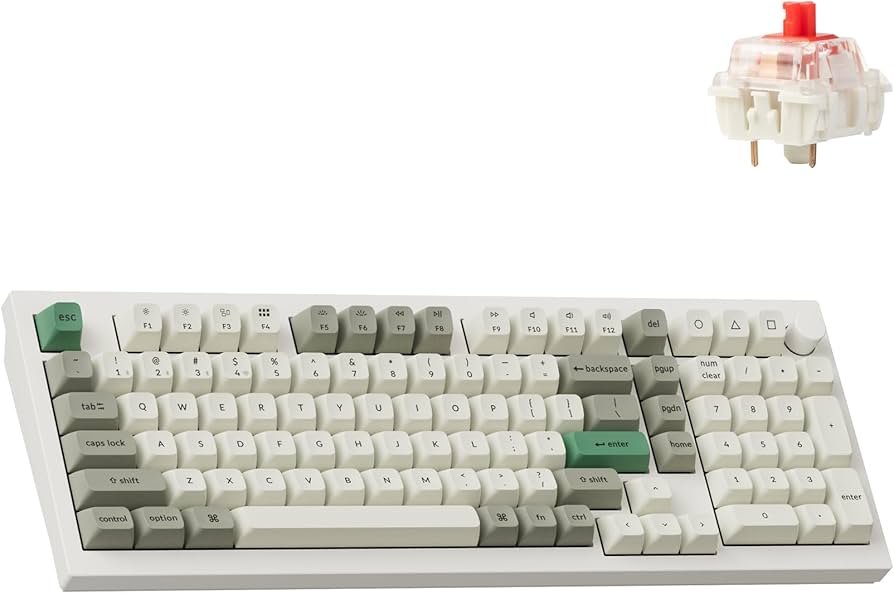
If you want one keyboard that fits most coding setups, the Keychron Q5 Max is a strong choice. The 96% layout keeps the number pad while saving desk space, so you still get arrow keys and a tight layout for daily work.
It also supports multiple connections, which helps if you switch between a work laptop and a personal PC. The build feels solid, and the typing feel works well for long sessions.
For another related guide on this site, you can also read best keyboard for coder or programmer.
Best 75% Keyboard for Coding
Keychron Q3 Ultra
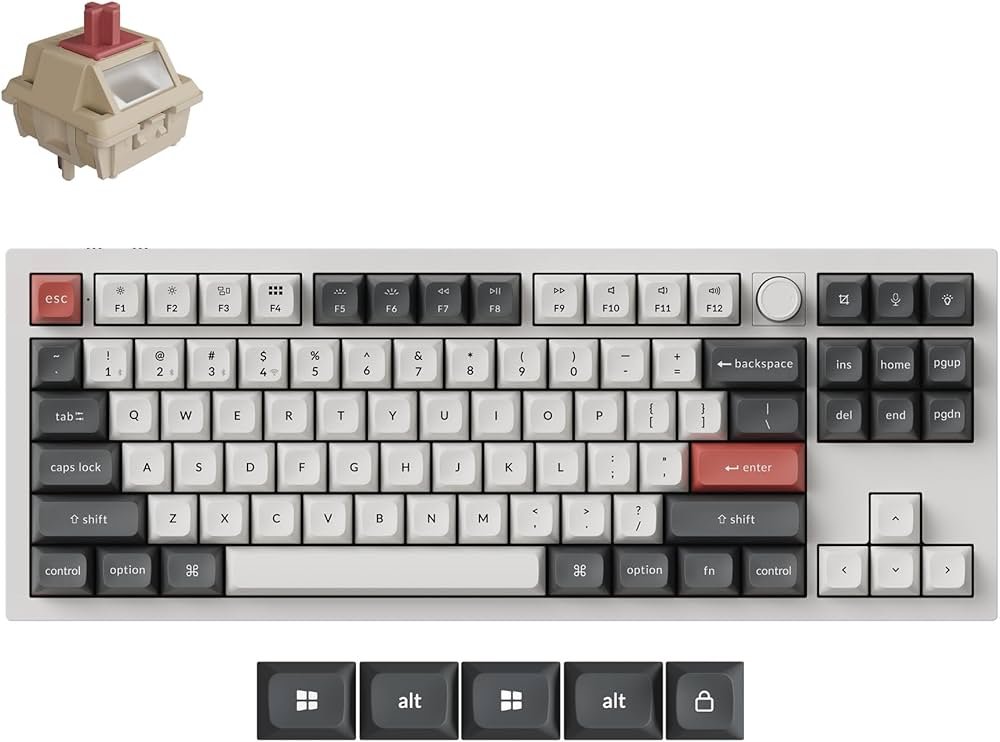
The Keychron Q3 Ultra is a good fit if you want a smaller keyboard but still need a full function row for shortcuts in IDEs. A 75% layout keeps things compact while staying comfortable for coding.
This is also a good option if you want a modern wireless board with strong battery life and a clean desk setup. It works well for daily coding, meetings, and general office tasks.
Best Low-Profile Keyboard for Coding on the Go
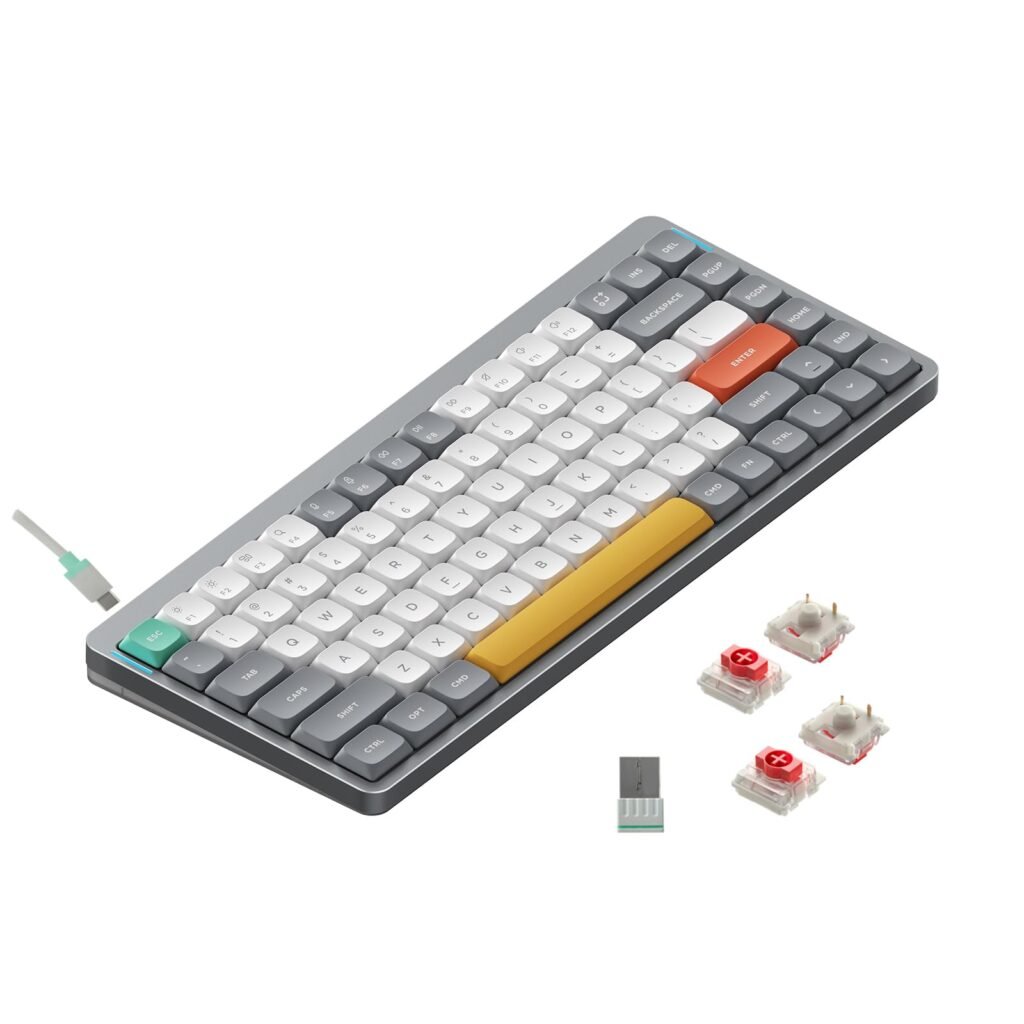
NuPhy Air75 V2
The NuPhy Air75 V2 is a solid pick if you carry your keyboard between rooms or travel with a laptop. Low-profile keys can feel closer to a laptop keyboard, but with a more stable typing feel.
It’s also a good match for people who want a lighter board without giving up useful keys like arrows and a function row. That makes it easy to work in editors, terminals, and browser tools.
If you also care a lot about switch feel, see best keyboard switches for gaming since many switch types overlap with coding needs too.
Best Quiet Keyboard for Coding
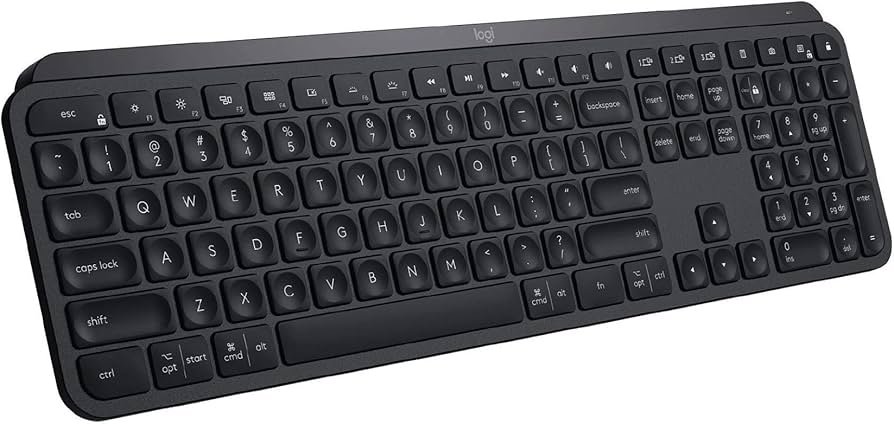
Logitech MX Keys S
If you share a room or work in a quiet office, the Logitech MX Keys S is a practical choice. It’s a scissor-switch keyboard, so it feels closer to a laptop but still has a full-size layout.
The keys guide your fingers well, which can help reduce typos when you type fast. It also works well for coders who want less keyboard noise during long workdays.
Best Full-Size Mechanical Keyboard for Comfort
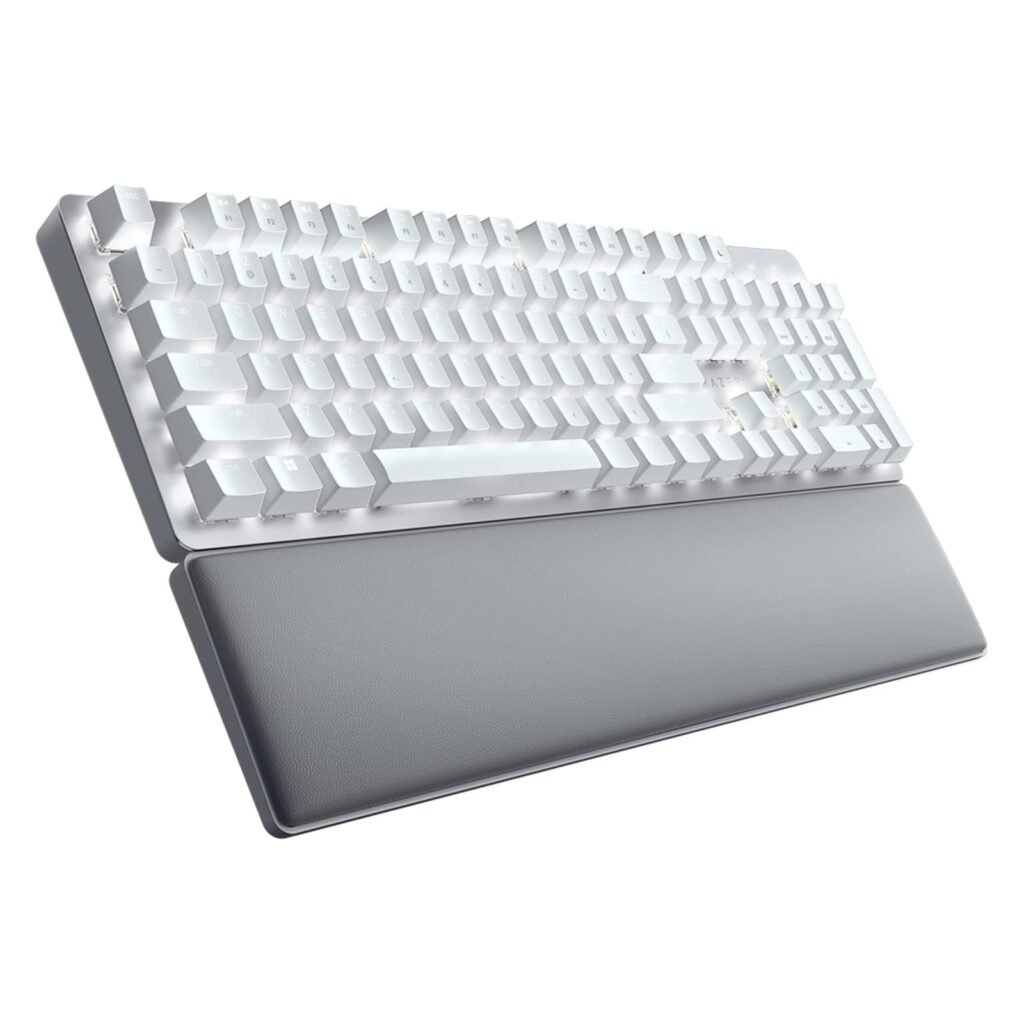
Razer Pro Type Ultra
The Razer Pro Type Ultra is a full-size keyboard that focuses on comfort. It includes a padded wrist rest, which can help if your wrists get tired during long coding sessions.
It’s also a good pick if you want a full-size layout for numbers and spreadsheet work while still keeping a mechanical feel for daily typing and shortcuts.
Best Budget Keyboard for Coding
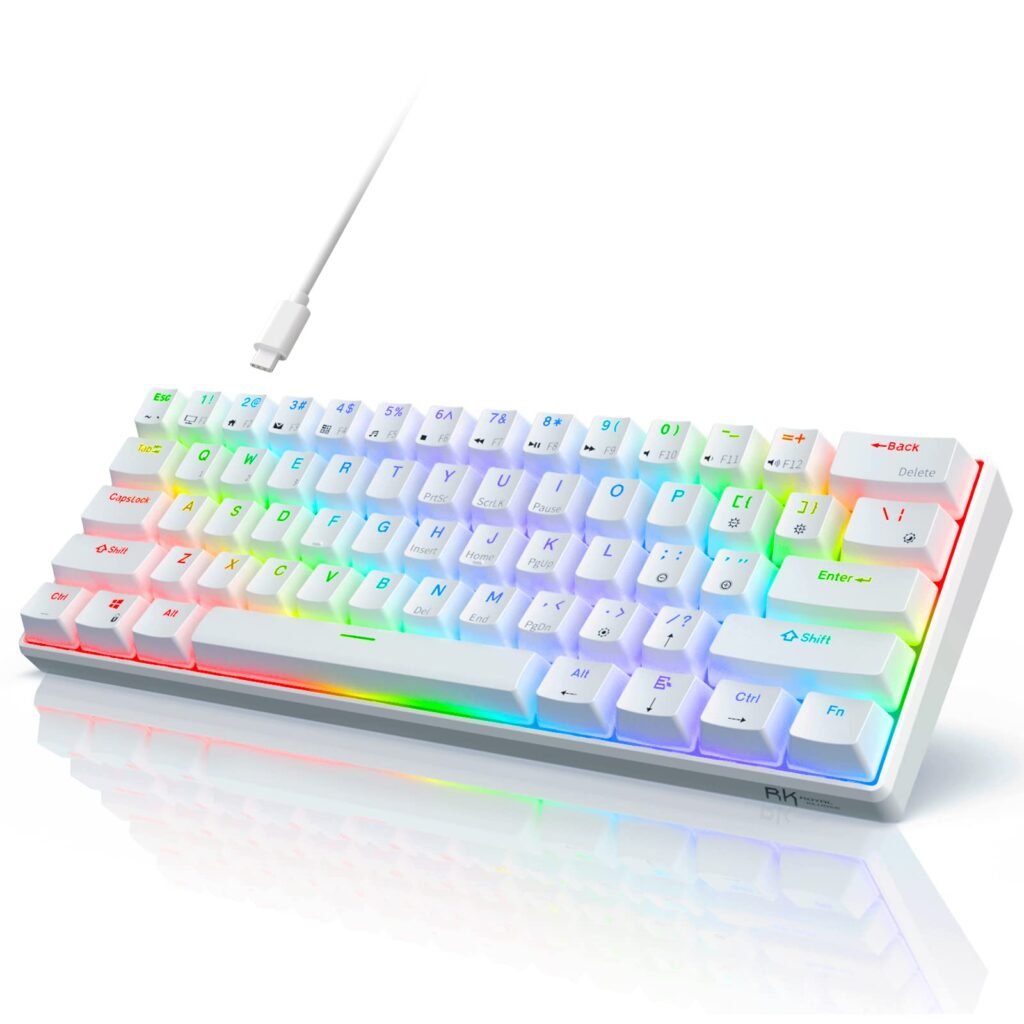
ROYAL KLUDGE RK61
If you want a low-cost mechanical option, the RK61 is a popular 60% layout keyboard. It’s compact, easy to store, and can work well for a simple coding desk setup.
The main trade-off is the smaller layout. You may rely more on function layers for arrows and shortcuts, so it’s best for people who already like compact boards.
How to Choose the Best Keyboard for Coding
Pick the right layout
- 60% saves space, but needs more function layers
- 75% is a sweet spot for coding shortcuts
- 96% keeps a number pad with less desk use
- Full-size is best if you use the number pad daily
Choose a key feel you can type on for hours
- Mechanical can feel more direct for long typing sessions
- Scissor-switch models are quieter and feel more like a laptop
Check connection and battery needs
In the USA, many people switch between a work laptop and a home PC. Wireless models with easy device switching can make that setup simpler.
FAQs
Keychron Q5 Max is a strong all-around pick because it balances layout, typing feel, and daily usability.
Yes. A 75% layout keeps the function row and arrow keys while saving desk space.
No. Quiet scissor-switch keyboards like Logitech MX Keys S work well for coding, too.
Many coders prefer 75% or 96% because they keep key groups needed for shortcuts without taking over the desk.
DISCLAIMER:
This blog post is for informational purposes only. We make every effort to provide accurate, current, and well-sourced information, but we cannot guarantee its completeness or absolute accuracy.
All images, videos, and logos used on this page belong to their respective owners. We aim to credit and reference them appropriately. If you are the rightful owner and wish to have your image, video, or logo removed, please contact us.