- Topic: Best Keyboard for coder or programmer USA (2026 guide)
- Best for: Coding, long typing sessions, daily work setups
- Layouts: 60%, 65%, TKL, full-size
- Switch feel: Linear, tactile, clicky
- Updated: 2026
If you want the Best Keyboard for a coder or programmer in the USA, focus on comfort, layout, and a switch feel you can type on for hours. A good programming keyboard reduces strain and helps you stay consistent during long workdays. If your setup also needs a better pointing device, see the best mouse for work.
| Keyboard | Layout | Connection | Best For | Approx. Price (USD) |
|---|---|---|---|---|
| NuPhy Air75 V2 | 75% | Wireless + Wired | Low-profile coding | $120–$150 |
| Keychron Q2 | 65% | Wired | Build quality + custom feel | $160–$220 |
| Keychron V1 | 75% | Wired | Value pick | $70–$110 |
| ROYAL KLUDGE RK61 | 60% | Wireless + Wired | Budget compact board | $40–$70 |
| Razer Pro Type Ultra | Full-size | Wireless + Wired | Office comfort | $140–$200 |
| Ducky One 3 TKL | TKL | Wired | Solid typing feel | $120–$170 |
| Logitech G Pro X | TKL | Wired | Swap switches easily | $90–$140 |
| Anne Pro 2 | 60% | Wireless + Wired | Small desk setups | $70–$110 |
Best Keyboard for Coder or Programmer with a Low-Profile Feel
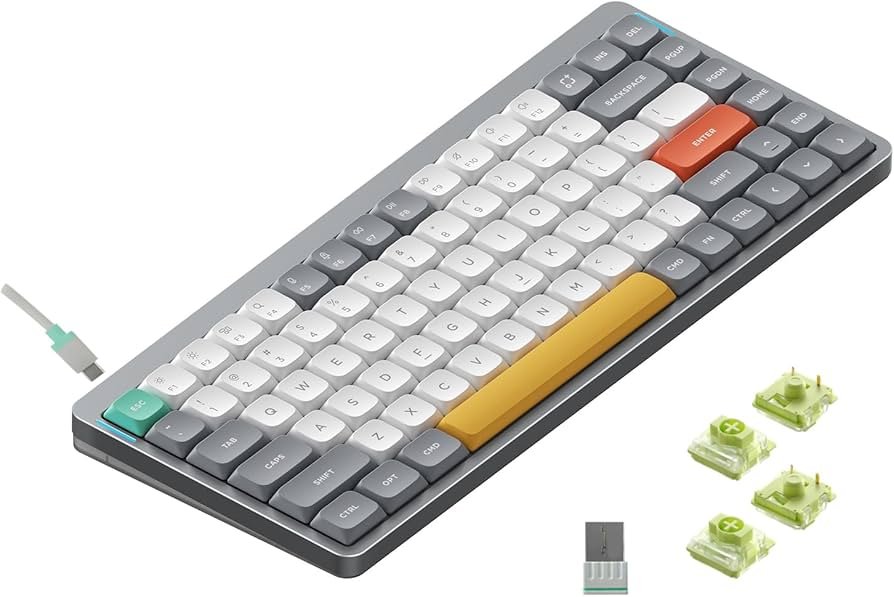
NuPhy Air75 V2
NuPhy Air75 V2 is a strong pick if you want a thin board that still feels like a real mechanical unit. The low-profile switches help your hands sit lower on the desk, which many coders prefer during long sessions.
It also works well for multi-device setups. You can switch between devices without moving cables around, which is handy for laptop + desktop workflows.
Best 65% Programming Keyboard for a Solid Desk Setup
Keychron Q2
Keychron Q2 is built like a tank, which helps it stay planted while you type fast. The compact 65% layout keeps arrows and navigation close, so moving around code feels natural.
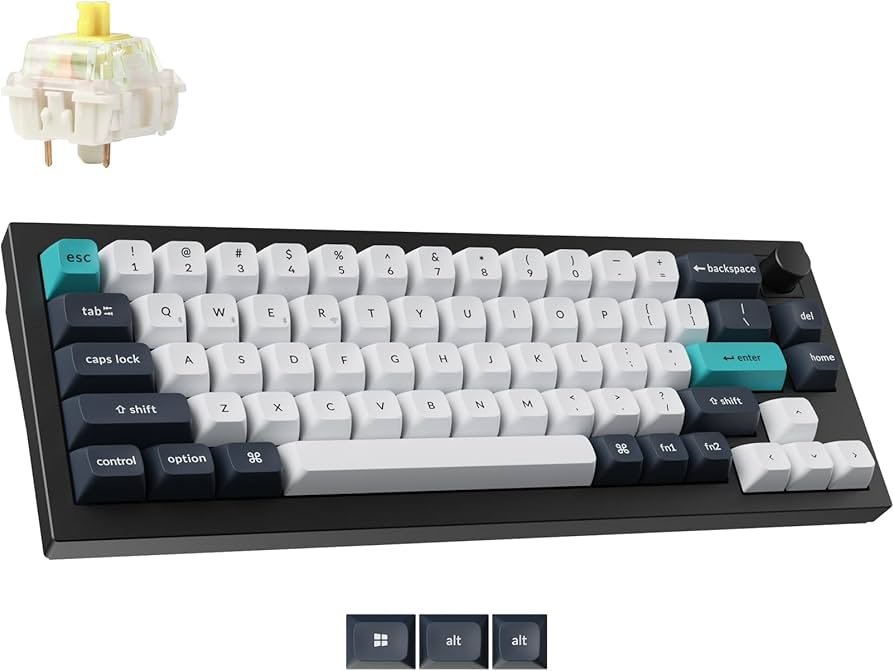
It is also popular for simple customization, like swapping switches and changing layouts in software. If you like tweaking your layout for coding, this board supports that style well.
Best Value Pick for Daily Coding
Keychron V1
Keychron V1 is a good choice when you want a strong typing feel without the higher price of metal-case boards. The 75% layout gives you function row access without taking over your whole desk.
It is also a simple way to start changing switches later, if you want a different feel for typing. For many programmers, this is the “buy once, use daily” type of board.
Best Budget Compact Choice (60%)
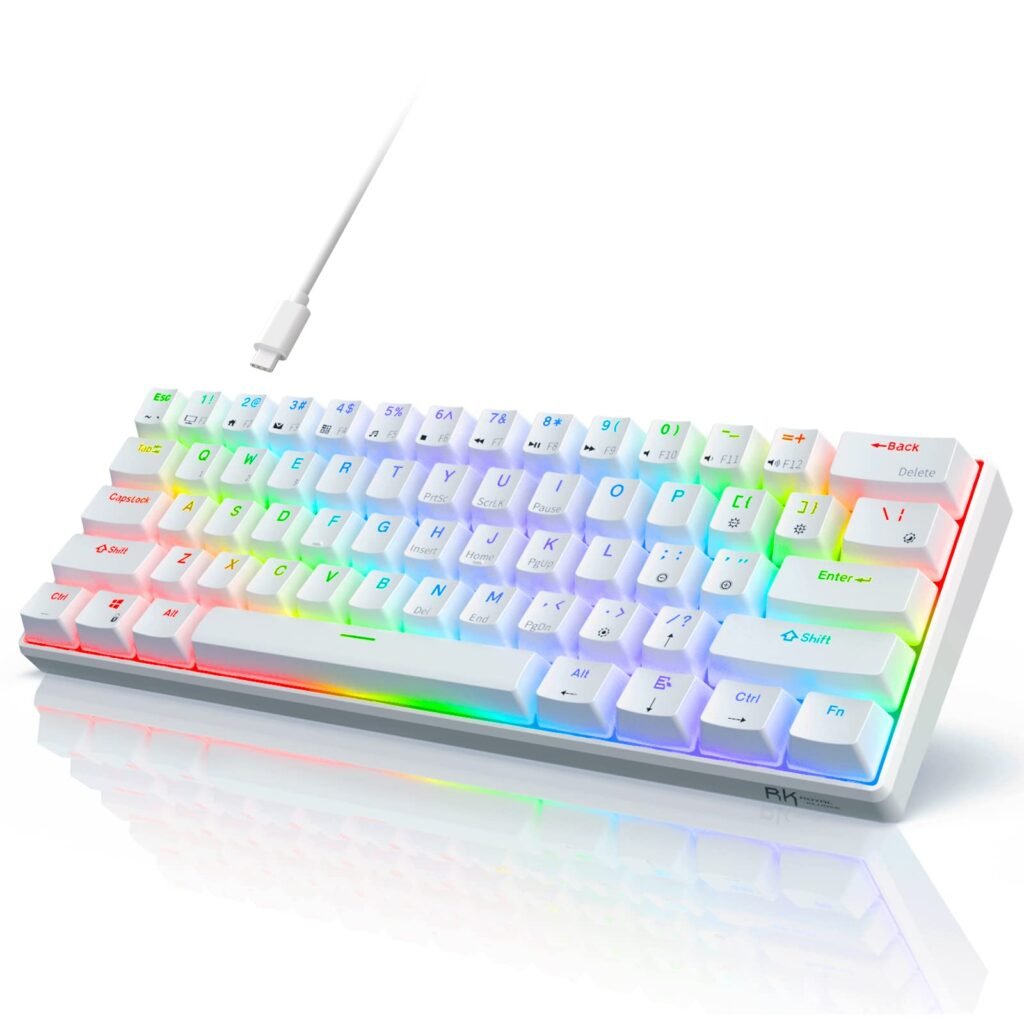
ROYAL KLUDGE RK61
The RK61 is a small 60% keyboard that saves space and still gives you a mechanical feel. It is a common pick for students and beginners who want something simple for coding and notes.
Battery life can be shorter than that of higher-priced boards, but it works fine if you plug it in while working. If your desk is tight, this layout can make room for your mouse and notebook.
Best Full-Size Option for Office Coding
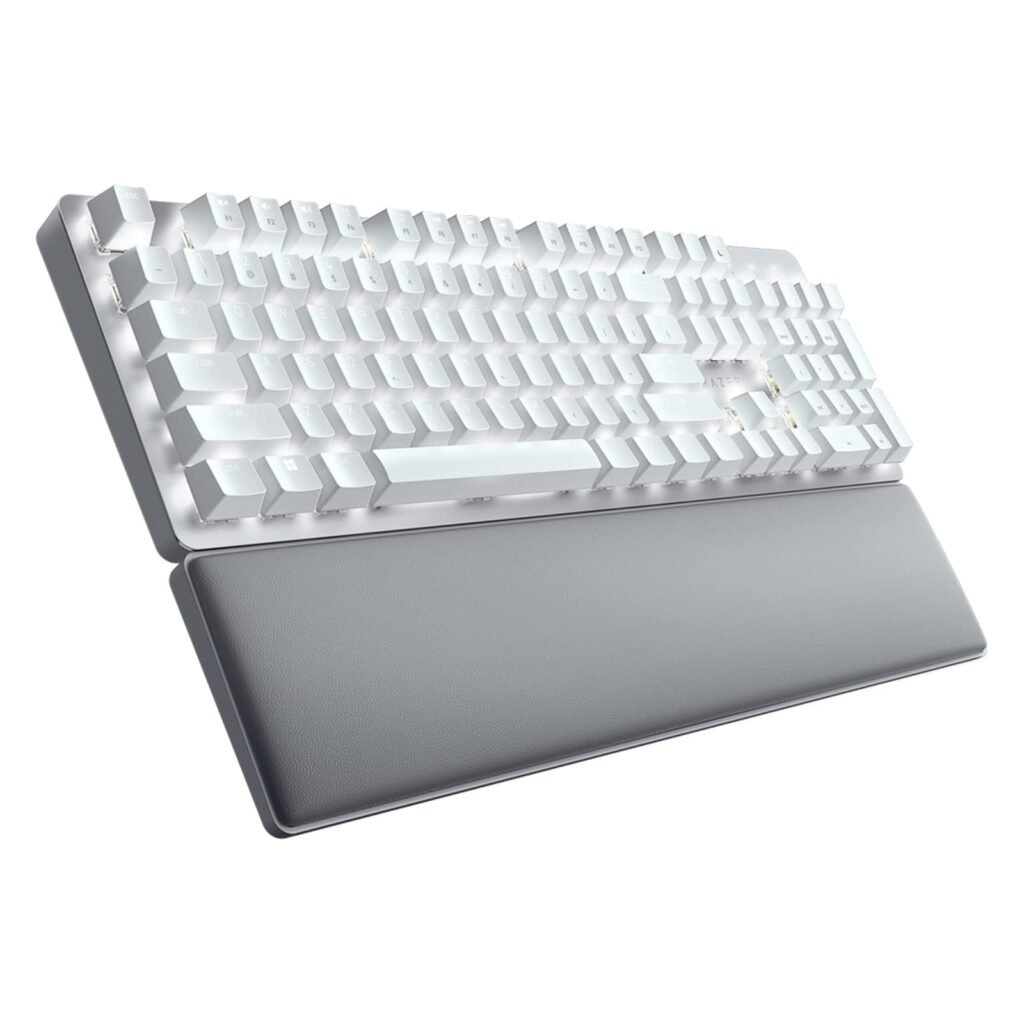
Razer Pro Type Ultra
Razer Pro Type Ultra is a full-size board that fits people who want a number pad and a padded rest. That makes sense for developers who mix coding with spreadsheets, admin tasks, or heavy text work.
It is also a quiet-feeling board compared to loud clicky models. If you share a room or work in an office, this can be a better fit.
Best Tenkeyless Choice for Long Typing Sessions
Ducky One 3 TKL
Ducky One 3 TKL is a straightforward TKL board with a strong typing feel and a layout many coders like. TKL keeps arrows and navigation but drops the number pad, which gives more mouse room.
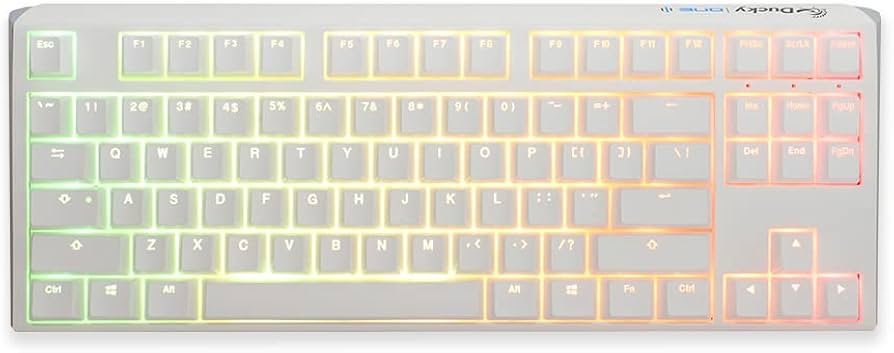
It also works well if you want a plug-in board that does not need much setup. Many users buy it, set it down, and just work.
Best TKL if You Want Easy Switch Changes
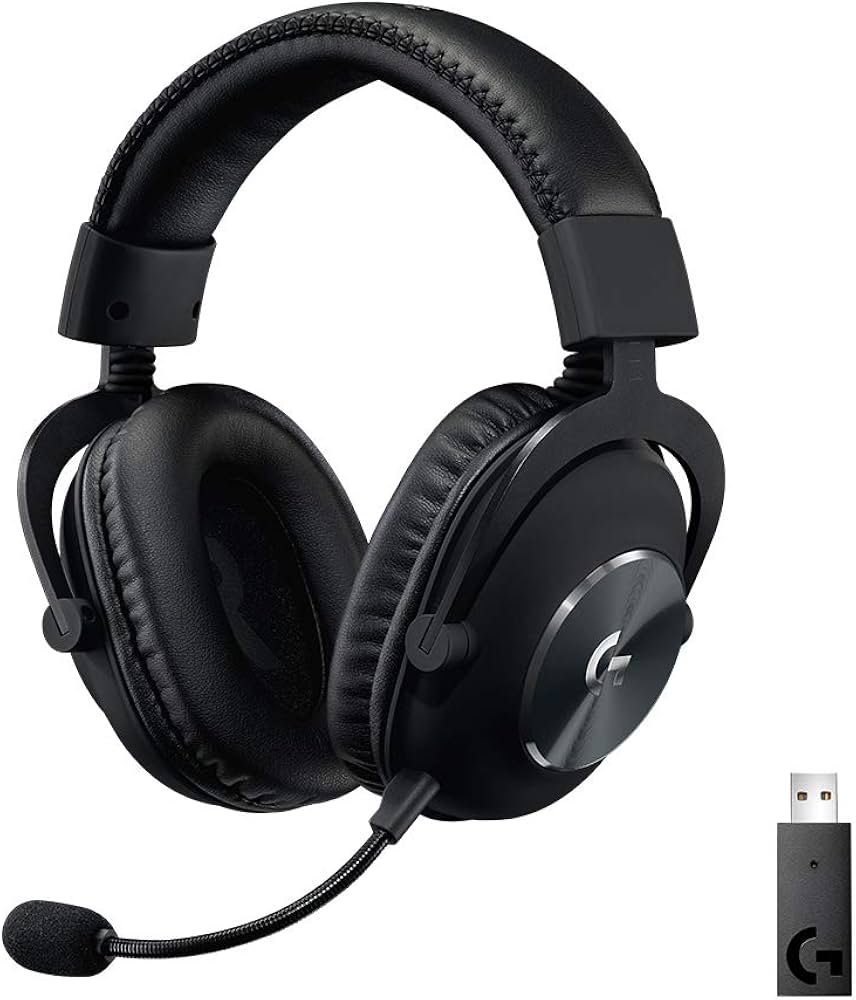
Logitech G Pro X
Logitech G Pro X is useful if you want to try different switch feels without buying another board. You can swap supported switch sets and change how the board feels for typing and shortcuts.
The compact TKL layout also keeps desk space open. That helps if you code with a lower mouse sensitivity or use a large mousepad.
Best Small Wireless Board for Travel and Tight Desks
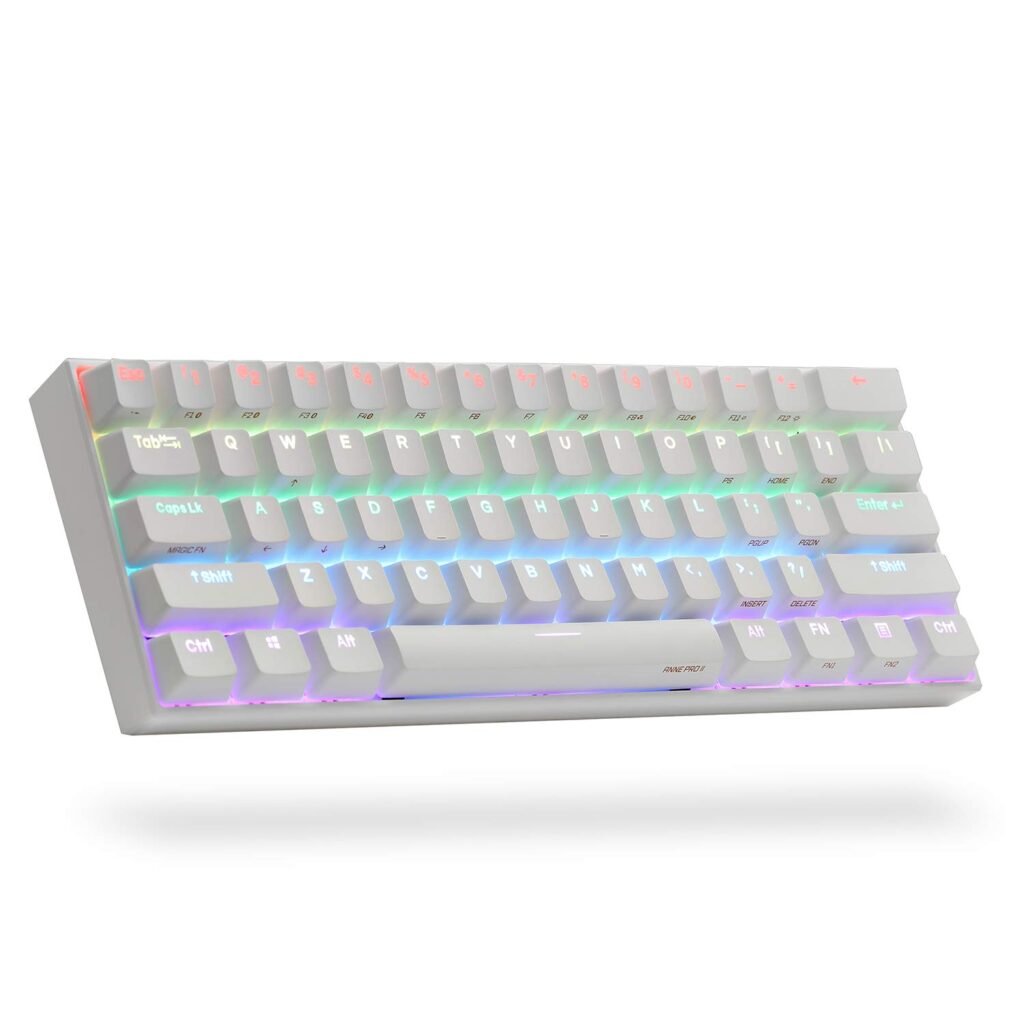
Anne Pro 2
Anne Pro 2 is a compact wireless 60% keyboard that works well if you move between places. The small size fits in backpacks and small desk setups.
It is also a solid option if you use more than one operating system. That’s useful for programmers who jump between Windows, macOS, and Linux setups.
If you are building a coding setup on a budget in the USA, pairing a compact board with a mid-range laptop can be a smart combo. See the best laptops for $1000.
How to Choose a Programming Keyboard
- Layout: 65% or 75% is often the easiest for coding. You keep arrows and navigation without a huge footprint.
- Switch feel:
- Linear feels smooth and light.
- Tactile gives a bump for feedback.
- Clicky is loud and not ideal for shared rooms.
- Wired vs wireless: Wired is simple and steady. Wireless is great for multi-device desks.
- Comfort: If you type all day, a lower board height or a wrist rest can help.
FAQs
For many people, Keychron Q2 is the safest all-around pick. If you want low-profile, NuPhy Air75 V2 is a strong choice.
It can be, but you will use layers for arrows and navigation. A 65% or 75% layout is often easier for code work.
Yes, if you want to change the switch later without buying a new board.
Only if you need a number pad often. Many programmers prefer TKL or 75% for more mouse room.
DISCLAIMER:
This blog post is for informational purposes only. We make every effort to provide accurate, current, and well-sourced information, but we cannot guarantee its completeness or absolute accuracy.
All images, videos, and logos used on this page belong to their respective owners. We aim to credit and reference them appropriately. If you are the rightful owner and wish to have your image, video, or logo removed, please contact us.