- Topic: Best drawing tablets for beginners (2026)
- Best for: New digital artists, students, hobby drawing
- Tablet types: Pen display (screen), pen tablet (no screen)
- Updated: 2026
If you’re starting digital art, picking the best drawing tablets for beginners can make learning feel simpler. The right tablet helps your lines feel more natural, and it can cut down frustration in early practice.
Below are beginner-friendly choices for different budgets and setups, plus a short buying checklist
| Tablet | Type | Best For | Typical Price (USD) |
|---|---|---|---|
| XP-Pen Artist 12 (2nd Gen) | Pen display (screen) | Low-cost starter screen tablet | $175–$250 |
| Huion Kamvas 13 (Gen 3) | Pen display (screen) | Small desk setup + better screen feel | $214–$249 |
| Wacom One 13 Touch | Pen display (screen) | Beginner screen tablet with touch | About $500 |
| Wacom Intuos Small | Pen tablet (no screen) | Lowest cost way to start | $50–$80 |
| Xencelabs Pen Tablet Medium | Pen tablet (no screen) | More space for practice | About $250 |
| iPad Pro (13-inch) | Tablet + stylus | Drawing + everyday use | $999–$1,299 (tablet only) |
Best drawing tablets for beginners with a screen
XP-Pen Artist 12 (2nd Gen) for beginners
The XP-Pen Artist 12 (2nd Gen) is a solid starting point if you want a screen tablet without spending a lot. The display size works well for learning basic strokes, shading, and layers, and it’s easier for beginners than a screenless tablet because you draw where you look.
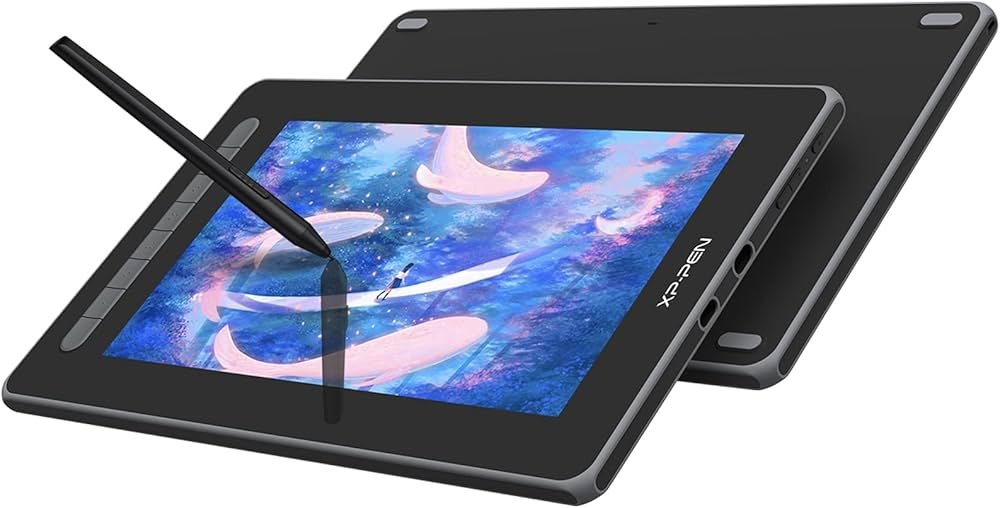
It also has shortcut keys, so you can undo, resize brushes, and zoom without reaching for the keyboard every time. That helps when you’re still building speed and muscle memory.
If you’re buying a laptop for art apps, see the best laptops for $1000 so your drawing software runs smoothly.
Huion Kamvas 13 (Gen 3) for beginners
Huion Kamvas 13 (Gen 3) is a good choice if you want a compact screen tablet with a more “paper-like” feel than many entry models. The 13.3-inch size fits small desks, and it’s easier to store than bigger 16–24-inch displays.
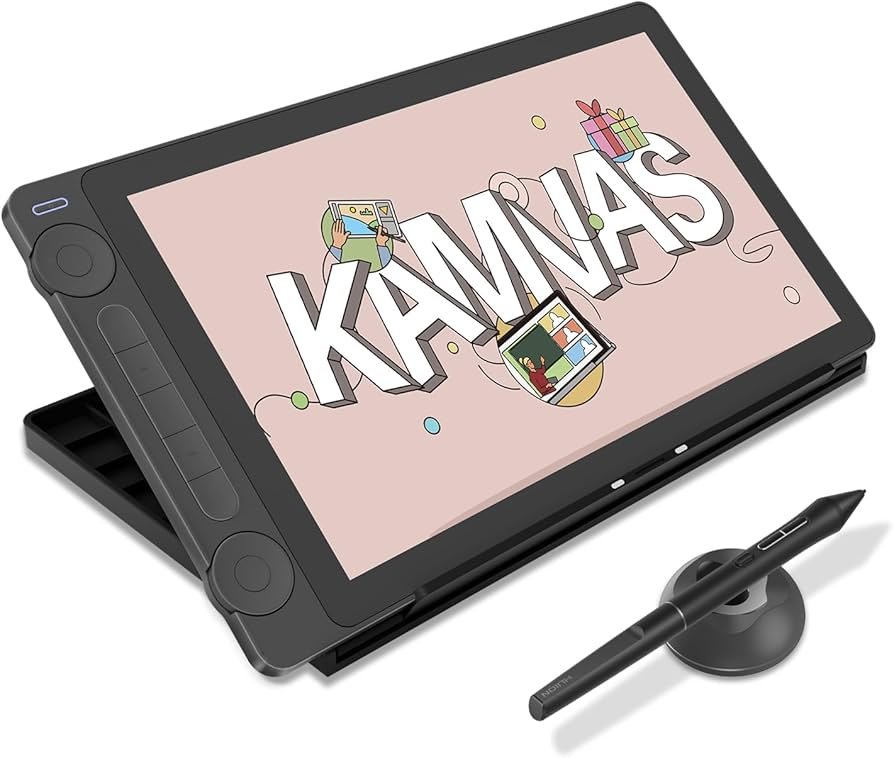
This model is a strong fit for beginners who want cleaner line control and a screen that handles long practice sessions well. It’s also a nice step up if you plan to draw often and want a more stable daily setup.
Wacom One 13 Touch for beginners
Wacom One 13 Touch costs more than most starter options, but it can feel more “finished” in build and driver support. Touch support is helpful if you like pinch-to-zoom and quick screen movement while sketching.
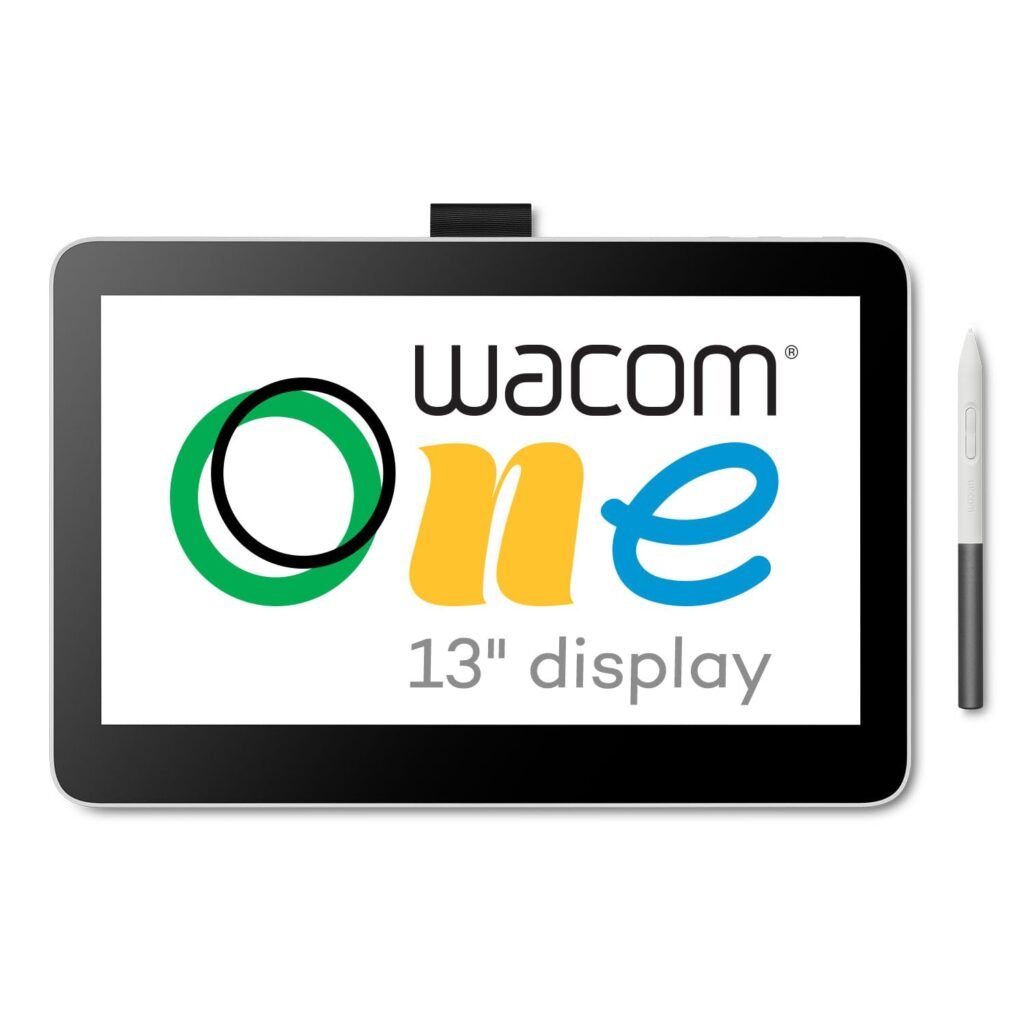
This is a good pick if you already know you like digital art and want a screen tablet that can stay with you longer. If you’re unsure, you can start cheaper and upgrade later.
Best drawing tablets for beginners without a screen
Wacom Intuos Small for beginners
Wacom Intuos Small is one of the easiest low-cost ways to begin. Screenless tablets take a few days to get used to because your hand moves on the tablet while your eyes stay on the monitor, but many artists learn fast with short daily practice.
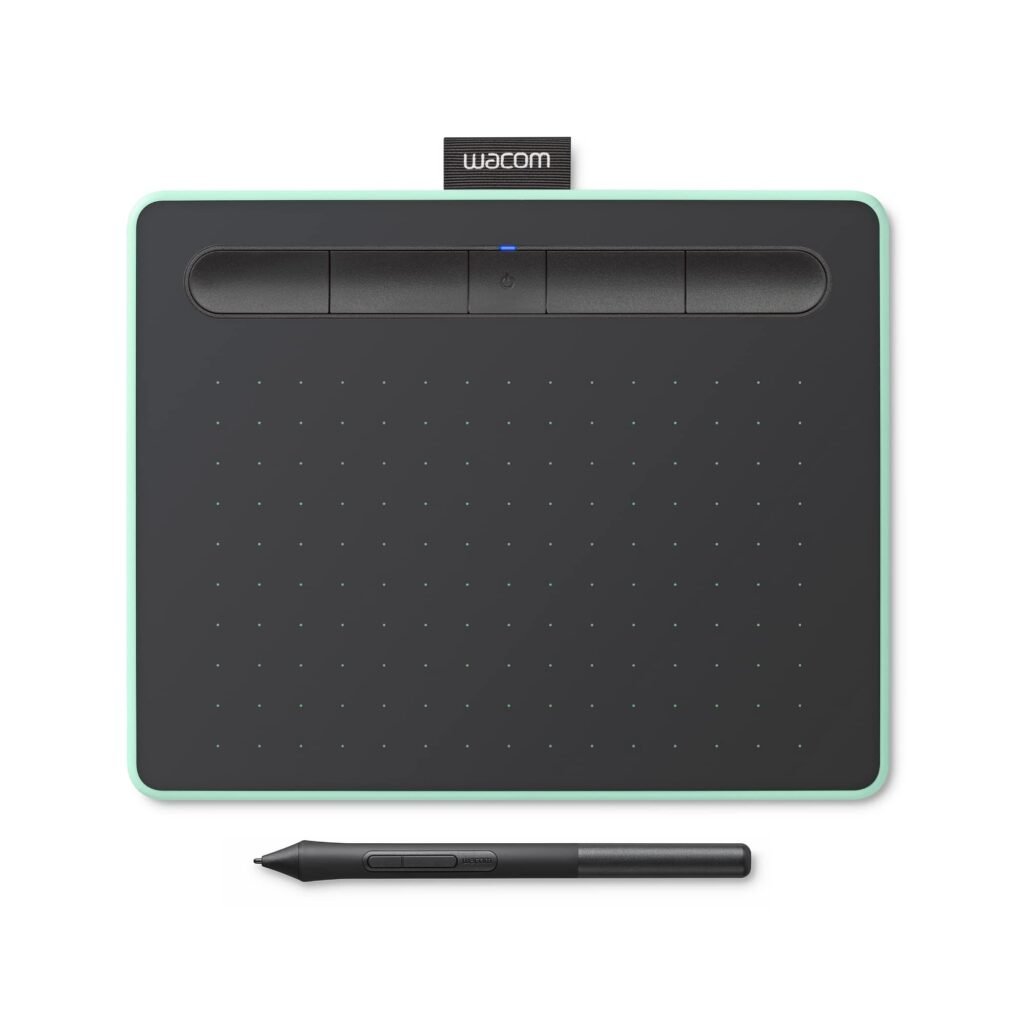
It works well for learning pen pressure, brush control, and basic digital workflows. If you are on a tight budget, this is often the smartest starting point.
Xencelabs Pen Tablet Medium for beginners
Xencelabs Pen Tablet Medium gives you more active space than most entry screenless tablets. That extra room helps beginners who feel cramped on small models, especially when drawing larger shapes or practising longer strokes.
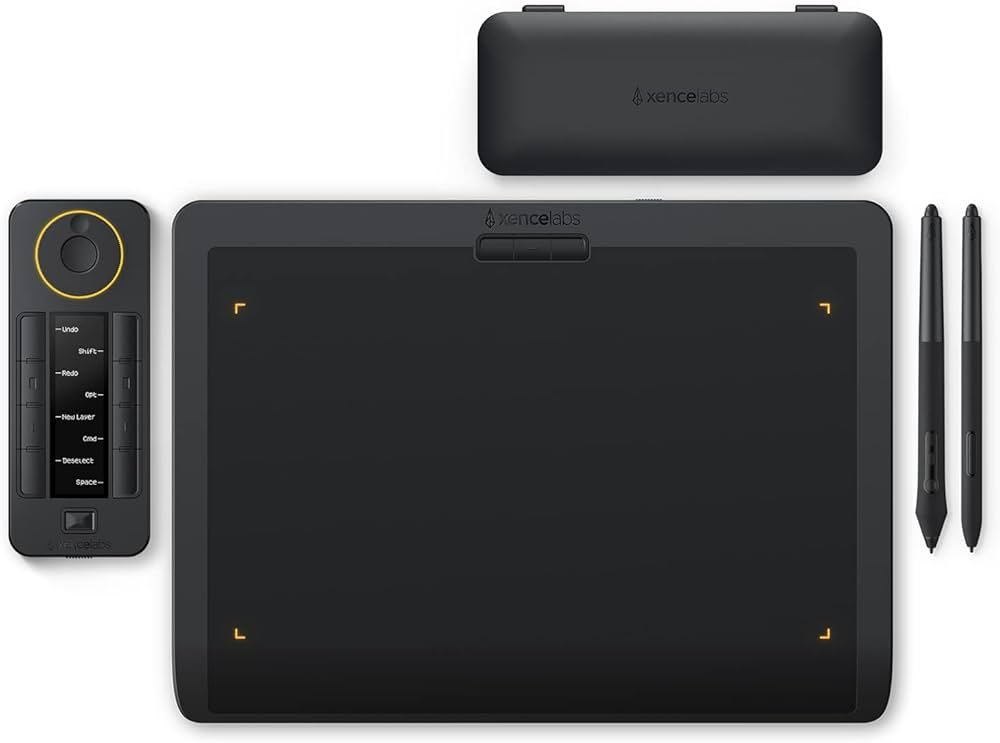
It also comes with strong button and shortcut support, so you can keep your workflow simple while you learn. It’s a good “buy once” choice for beginners who plan to stick with screenless drawing.
If you also edit photos or artwork on a Mac, see the best MacBook for photo editing.
Best drawing tablet for beginners who want an all-in-one device
iPad Pro (13-inch) for beginners
If you want a device that you can also use for daily tasks, the iPad Pro (13-inch) is a common pick. It starts at a higher cost, but you get a full tablet experience, and many beginners like the direct “draw on the screen” feel.
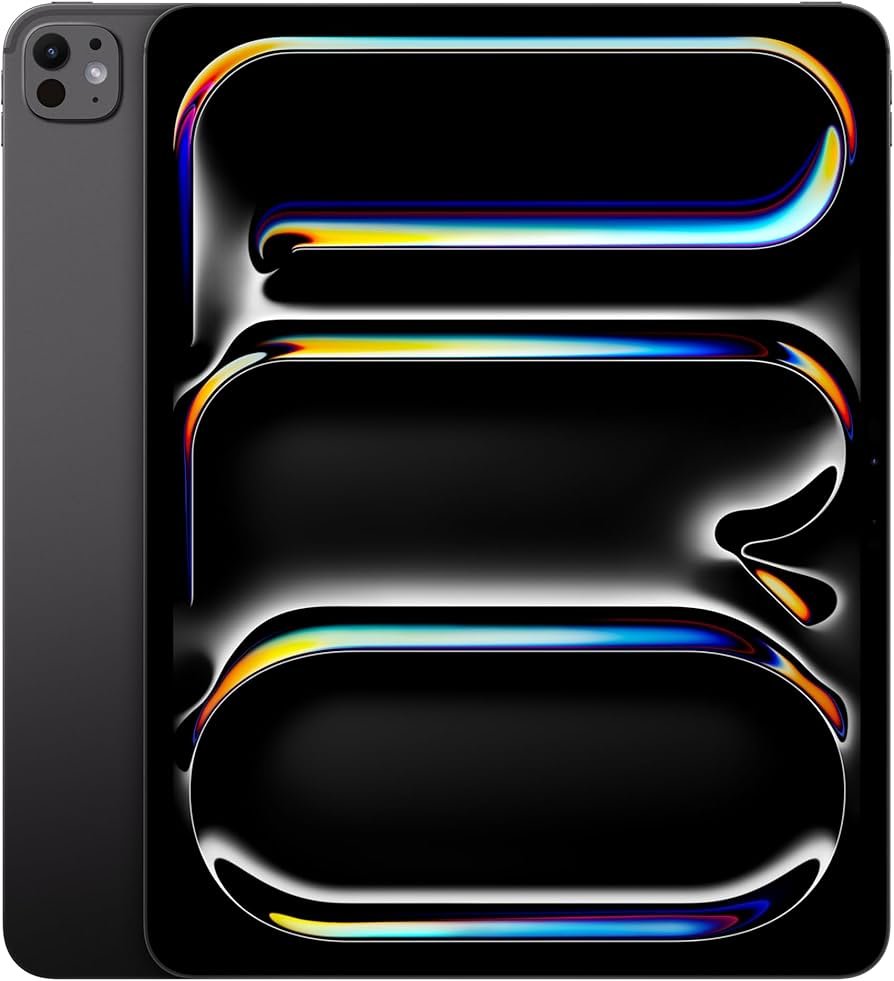
This route can be a good fit if you want portability and you like drawing on the couch, in class, or while travelling. Just remember you’ll also need a compatible Apple Pencil, which adds cost.
If you plan to stream your art, check the best webcam for streaming.
How to pick the best drawing tablets for beginners
- Screen vs no screen: Screen tablets feel more natural at first. Screenless tablets cost less.
- Size: 12–13 inches is a good starter range for screen tablets. Medium is easier for screenless practice.
- Pen feel: Look for stable tracking and good pressure control.
- Shortcuts: Buttons help beginners move faster without breaking focus.
- Your computer: A slow PC can make drawing feel laggy, even with a good tablet.
FAQs
Good beginner picks include XP-Pen Artist 12 (2nd Gen), Huion Kamvas 13 (Gen 3), Wacom Intuos Small, and Xencelabs Pen Tablet Medium.
Many beginners learn faster on a tablet screen because the hand and eye stay in the same place. Screenless tablets still work well after a short learning period.
It can feel strange for the first few days. Short daily practice usually fixes that.
Not always. A smaller screen tablet is easier to store and costs less. Medium size is often more comfortable for screenless tablets.
DISCLAIMER:
This blog post is for informational purposes only. We make every effort to provide accurate, current, and well-sourced information, but we cannot guarantee its completeness or absolute accuracy.
All images, videos, and logos used on bestfordaily.com are the property of their respective owners. We aim to credit and reference them appropriately. If you are the rightful owner and wish to have your image, video, or logo removed, please get in touch with us.