- Topic: Best AMD motherboard for gaming in USA (2026 guide)
- Best for: Ryzen 7000 & Ryzen 8000 series gaming PCs
- Chipsets: B650E, X670E, B550
- Form factors: ATX, Micro-ATX
- Updated: 2026
Choosing the best AMD motherboard for gaming in the USA means balancing performance, features, and price. The motherboard controls power delivery, storage speed, PCIe lanes, and memory compatibility, which all affect gaming stability and frame consistency.
In 2026, Ryzen 7000 and Ryzen 8000 processors dominate gaming builds across the USA. The motherboards below are selected for strong VRM quality, PCIe 5.0 support, storage flexibility, and long-term value.
| Motherboard | Chipset | Best For | Form Factor | Approx. Price (USD) |
|---|---|---|---|---|
| Gigabyte B650E Aorus Master | B650E | Mid-range gaming builds | ATX | $330–$370 |
| ASRock X670E Taichi | X670E | High-end Ryzen gaming | ATX | $480–$550 |
| ASUS ROG Strix B550-F Gaming WiFi | B550 | Budget Ryzen builds | ATX | $180–$220 |
| MSI MPG B650I Edge WiFi | B650 | Compact gaming PC | Mini-ITX | $260–$300 |
| ASRock B650M Pro RS | B650 | Entry-level gaming | Micro-ATX | $150–$180 |
Best B650E AMD Motherboard for Gaming
Gigabyte B650E Aorus Master
The Gigabyte B650E Aorus Master is one of the best AMD motherboards for gaming if you want strong features without moving to a flagship price tier. It supports PCIe 5.0 for GPUs and NVMe storage, which helps future-proof gaming builds in the USA.
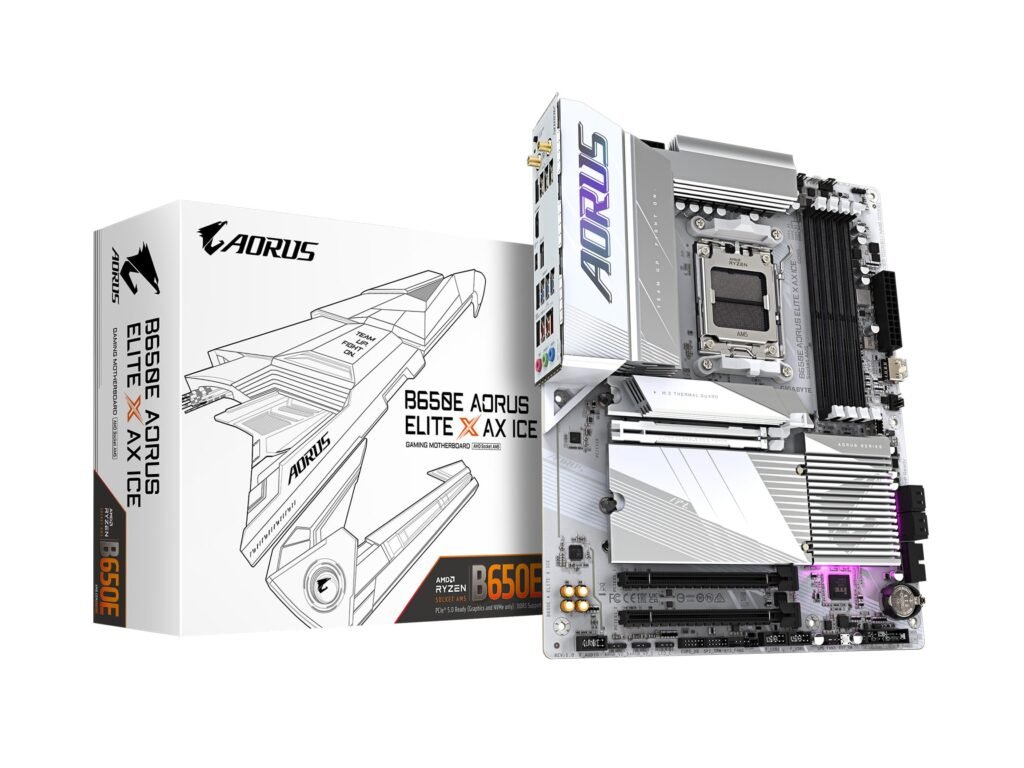
Its VRM setup handles Ryzen 7 and Ryzen 9 processors with stable power delivery. Multiple M.2 slots allow fast SSD storage, which helps reduce load times. If you are pairing this with a high-end graphics card, checking the best graphics card for the money can help complete your build.
Best X670E AMD Motherboard for Gaming
ASRock X670E Taichi
The ASRock X670E Taichi suits gamers who want strong overclocking support and maximum storage flexibility. It includes multiple M.2 slots and solid cooling for long gaming sessions.
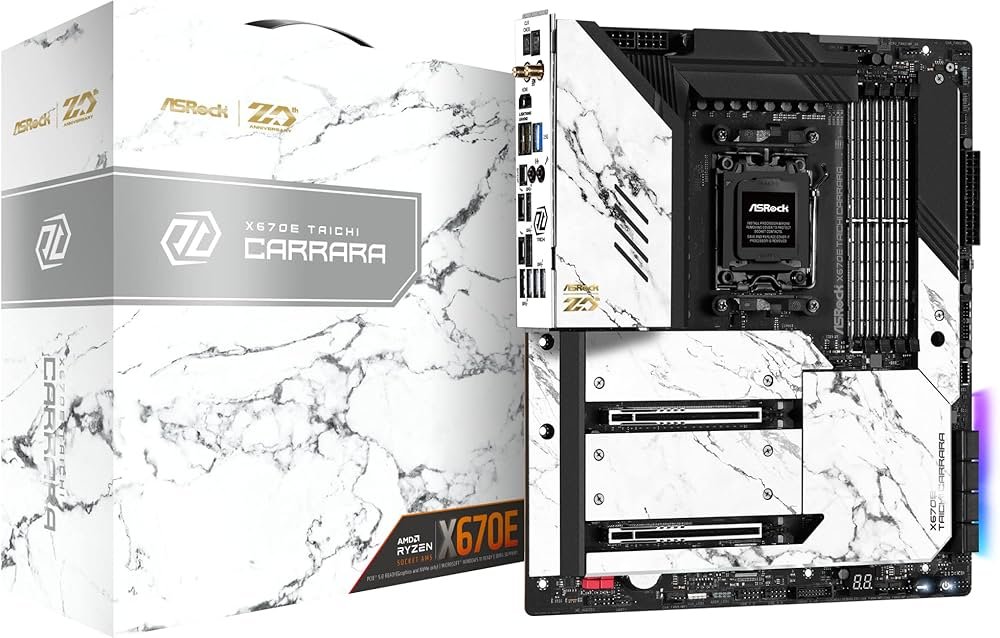
Its power stages and PCB layout support high-core-count Ryzen CPUs without stability issues. For gamers building a full tower setup in the USA, this board offers room for expansion and high-speed connectivity.
Best B550 AMD Motherboard for Gaming
ASUS ROG Strix B550-F Gaming WiFi
The ASUS ROG Strix B550-F Gaming WiFi remains a reliable option for budget builds using Ryzen 3000 or 5000 processors. While it lacks PCIe 5.0, it still handles modern GPUs and SSDs without issues.
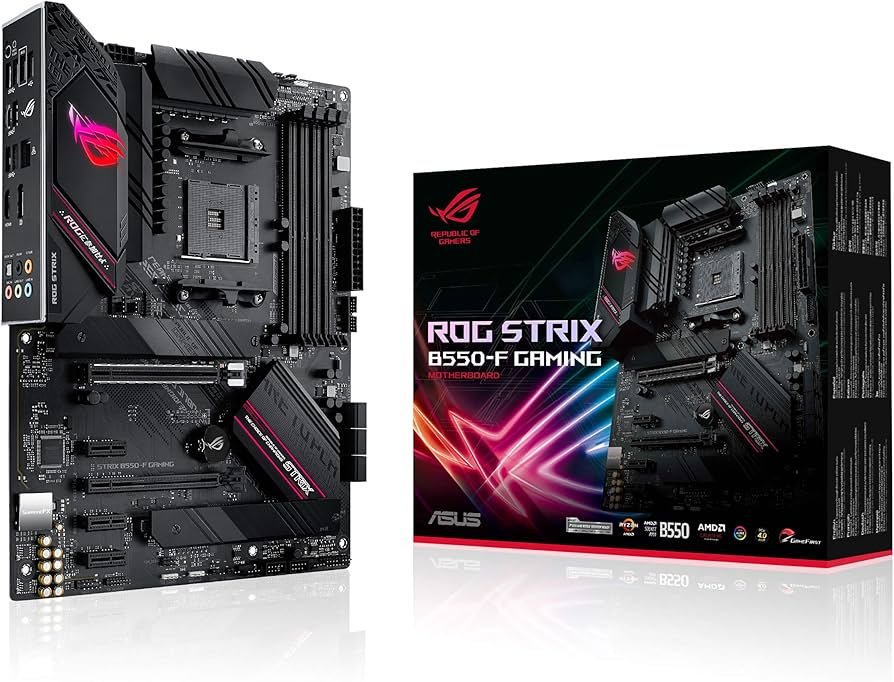
It includes solid VRMs, WiFi support, and stable BIOS tuning options. For gamers focused on competitive play, pairing this board with the best monitor refresh rate for gaming can improve overall performance consistency.
Best Compact AMD Motherboard for Gaming
MSI MPG B650I Edge WiFi
For small-form-factor builds, the MSI MPG B650I Edge WiFi delivers strong performance in a compact size. It supports DDR5 memory and PCIe 5.0 while fitting Mini-ITX cases.
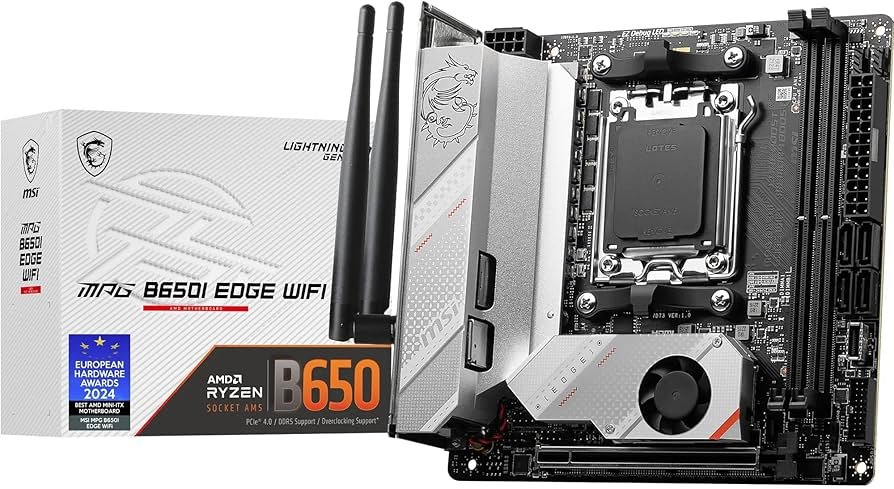
This makes it suitable for gamers in apartments or dorm setups across the USA where space matters. If airflow is limited in smaller builds, using the best cooling fans for PC helps maintain stable temperatures.
Best Budget AMD Motherboard for Gaming
ASRock B650M Pro RS
The ASRock B650M Pro RS offers strong value for entry-level Ryzen builds. It supports DDR5 memory and PCIe 4.0 storage, making it suitable for mid-range GPUs.
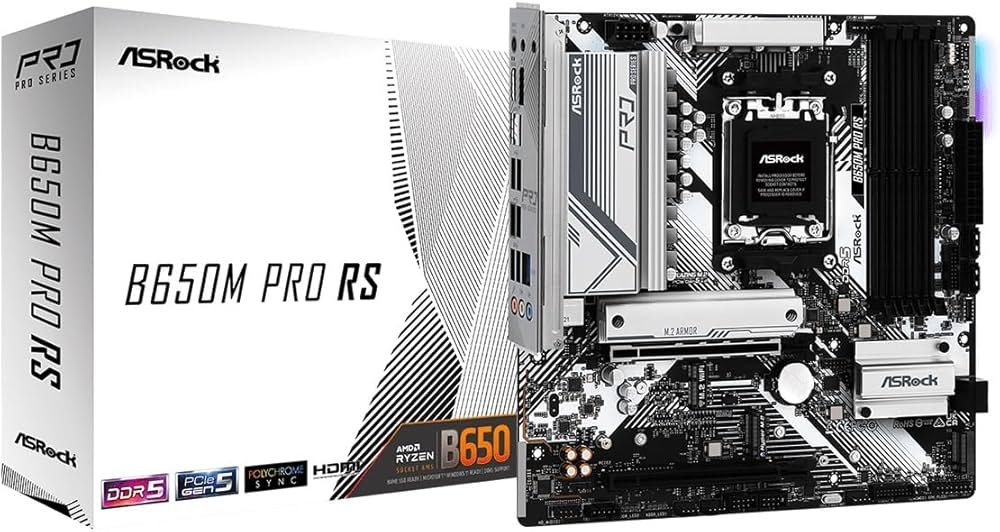
While it lacks high-end extras, it handles modern gaming workloads without instability. This board fits gamers building a starter system without stretching their budget.
How to Choose the Best AMD Motherboard for Gaming in USA
Start by matching your chipset to your CPU generation. Ryzen 7000 and 8000 processors work best with B650E or X670E boards. Budget builds using older Ryzen chips can still rely on B550.
Check memory support, storage slots, and VRM quality before buying. Also confirm case size compatibility, especially if choosing ATX versus Micro-ATX or Mini-ITX.
FAQs
The Gigabyte B650E Aorus Master offers strong features and pricing balance for most gamers.
X670E supports more expansion lanes and storage, but B650E delivers similar gaming performance at a lower price.
Current GPUs work well on PCIe 4.0, but PCIe 5.0 provides upgrade flexibility for future builds.
DISCLAIMER:
This blog post is for informational purposes only. We make every effort to provide accurate, current, and well-sourced information, but we cannot guarantee its completeness or absolute accuracy.
All images, videos, and logos used on this page belong to their respective owners. We aim to credit and reference them appropriately. If you are the rightful owner and wish to have your image, video, or logo removed, please contact us.