Quick Facts
- The best mouse for work balances comfort, precision, and reliability.
- Logitech MX Master 3S is the top all-round ergonomic pick for office use.
- Logitech Lift is a great mid-range vertical option for reducing wrist strain.
- Logitech M720 Triathlon is the best budget choice for multi-device workflows.
- Trackball users should consider the Logitech MX ERGO for fixed-hand comfort.
- Gamers who also work can look at the Razer Basilisk V3 or Logitech G604.
Working long hours with the wrong mouse can cause wrist pain, tension, and even long-term discomfort. A well-designed ergonomic mouse changes everything—it boosts your productivity, reduces strain, and makes daily work feel effortless.
In this guide, you’ll find the best mice for work in 2025, from premium ergonomic designs to affordable performance options. Whether you want comfort, speed, customization, or wireless freedom, there’s a perfect match for your setup.
Comparison Table: Best Mouse for Work in 2025
| Mouse Model | Best For | Connectivity | Key Features |
|---|---|---|---|
| Logitech MX Master 3S | Best Overall | Wireless (3 devices) | Magspeed scroll, side wheel, ergonomic shape |
| Logitech Lift | Mid-Range Ergonomics | Wireless (3 devices) | Vertical design, quiet clicks |
| Logitech M720 Triathlon | Best Budget | Wireless (3 devices) | Long battery life, gesture button |
| Razer Basilisk V3 | Work + Gaming | Wired | Custom scroll wheel, multiple side buttons |
| Logitech MX ERGO | Best Trackball | Wireless (2 devices) | Tilt plate, thumb trackball |
| Logitech G705 | Small Hands | Wireless | Lightweight, compact design |
| Razer Basilisk V3 X HyperSpeed | Wireless Gaming | Wireless | Customizable buttons, fast wireless tech |
Why Ergonomics Matter for Work Mice
Working on a computer all day places repeated strain on your wrist, fingers, and forearm. Ergonomic mice are shaped to support your natural posture, helping you:
- Reduce wrist strain
- Prevent pain during long work sessions
- Improve comfort and productivity
- Maintain a neutral hand position
Scroll to explore this year’s top picks.
Best Overall: Logitech MX Master 3S
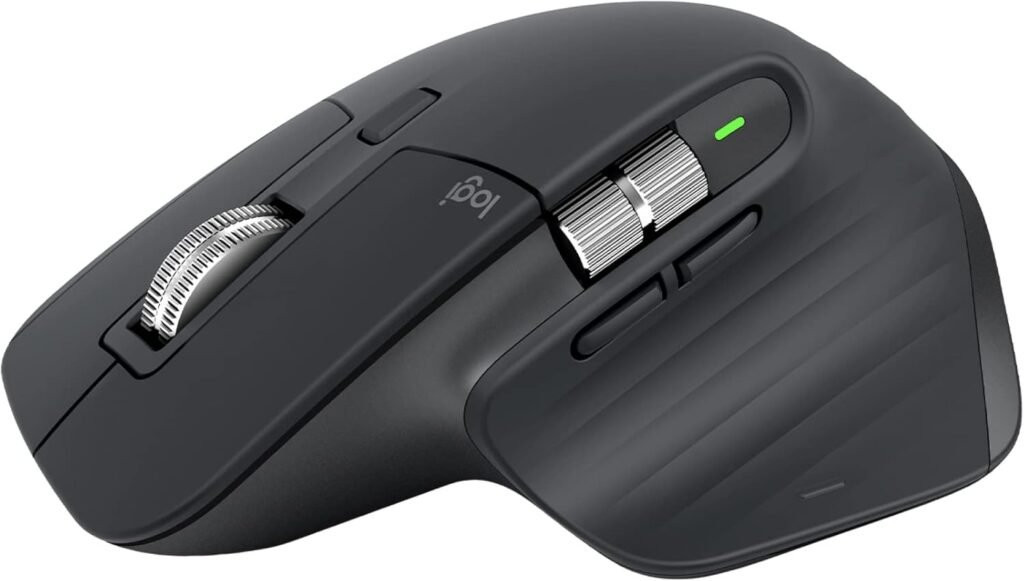
The Logitech MX Master 3S is widely considered the best mouse for work thanks to its sculpted, right-handed shape and premium build. Designed for professionals, it delivers comfort, speed, and advanced multi-device features.
Key Features
- Sculpted shape with deep thumb rest
- Ultra-quiet clicks
- Magspeed scroll wheel for fast navigation
- Side scroll wheel for spreadsheets, timelines, and editing
- Connects to up to 3 devices
- Excellent battery life
Ideal for: Designers, editors, coders, business professionals.
Best Mid-Range: Logitech Lift
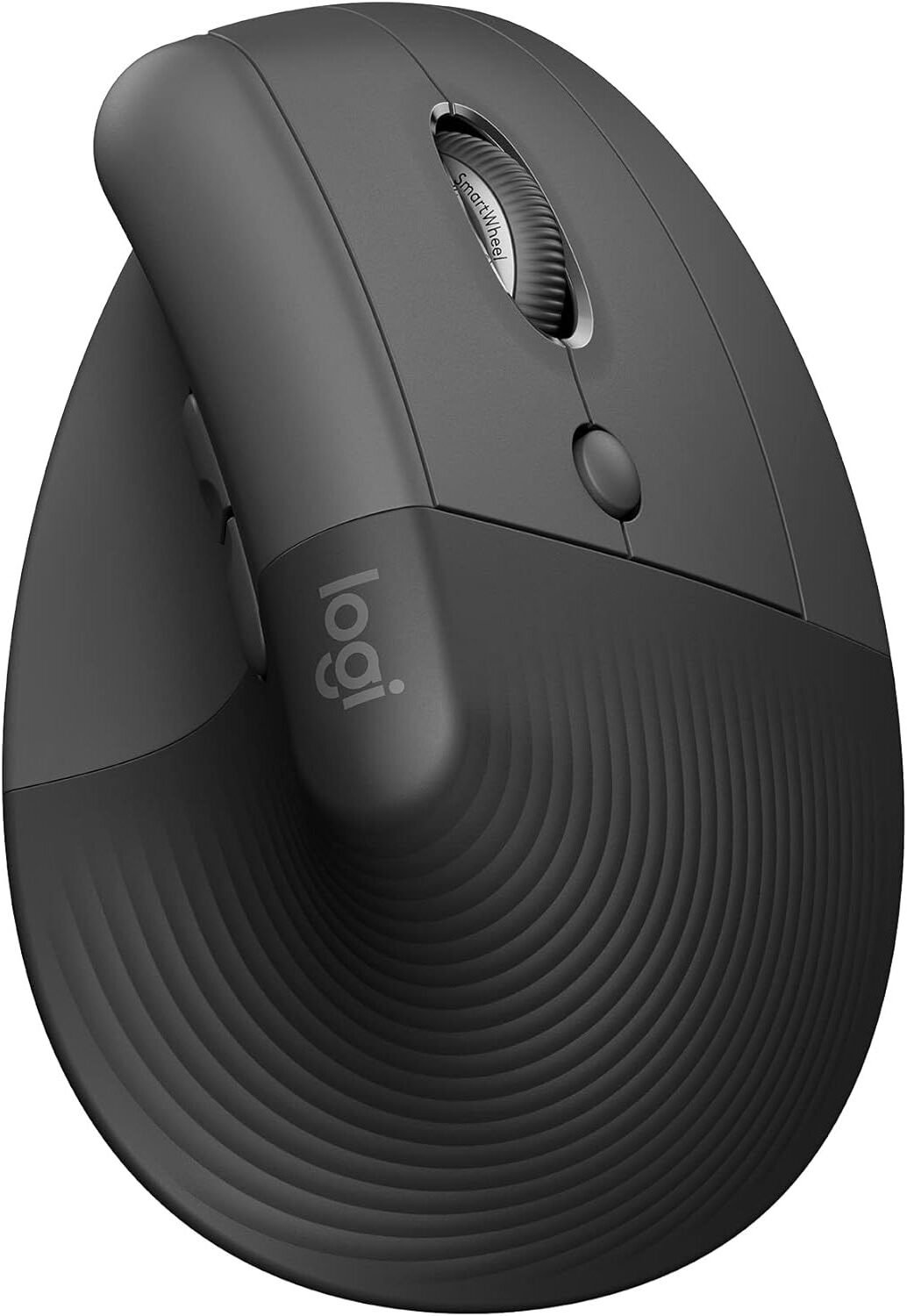
A budget-friendly ergonomic mouse with a vertical design, the Logitech Lift promotes a natural handshake position—ideal for reducing wrist strain.
Key Features
- Vertical ergonomic shape
- Perfect for smaller hands
- Available in left-handed & right-handed versions
- Quiet clicks for peaceful offices
- Easy-switch for 3 devices
Ideal for: Home office users, small hands, and anyone needing a wrist-friendly design.
Best Budget Mouse: Logitech M720 Triathlon
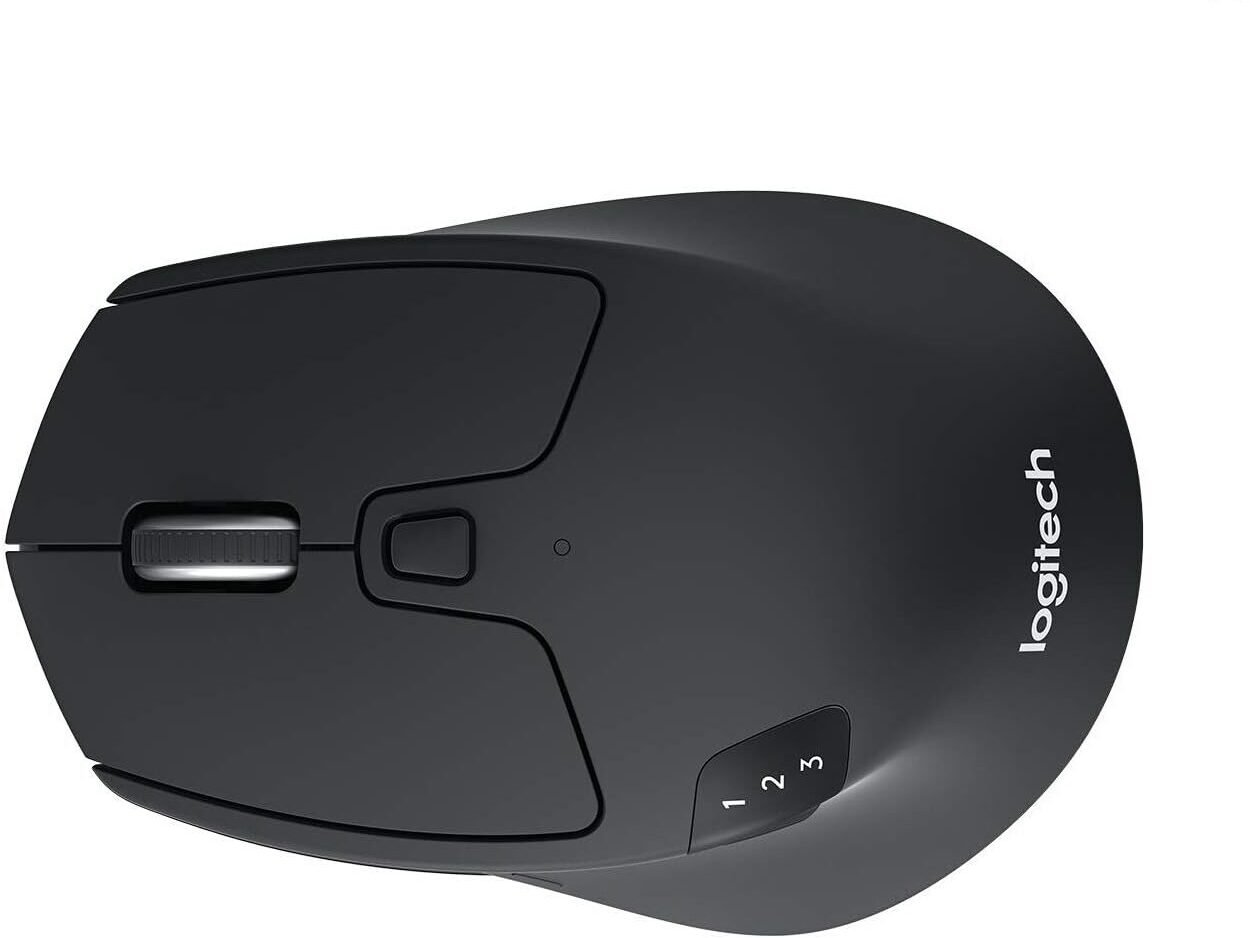
Affordable but powerful, the Logitech M720 Triathlon offers comfort and multi-device capabilities at an excellent price point.
Key Features
- Right-handed ergonomic shape
- Comfortable thumb rest
- Programmable gesture button
- Connect to 3 devices
- Up to 24-month battery life
Ideal for: Students, office employees, budget-conscious buyers.
Best Work + Gaming Mouse: Razer Basilisk V3
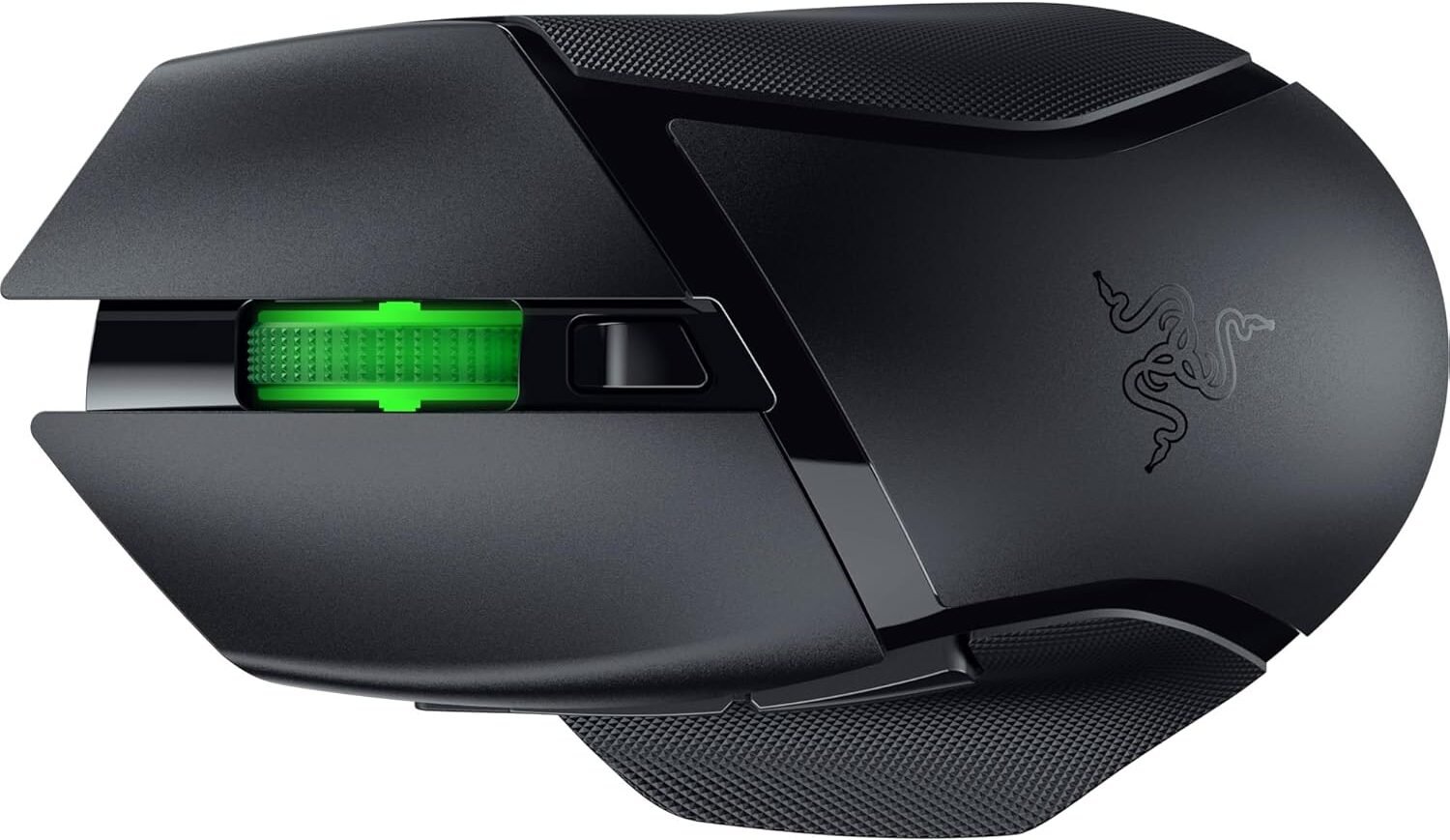
If you work by day but game by night, the Basilisk V3 is the perfect hybrid ergonomic mouse. Its comfort rivals productivity mice, while its performance excels in gaming.
Key Features
- Ergonomic right-handed shape
- Thumb rest for better grip
- 3 customizable side buttons
- Smart scroll wheel
- Wired connection for zero latency
Ideal for: Gamers, editors, and users who want advanced customization.
Logitech MX ERGO
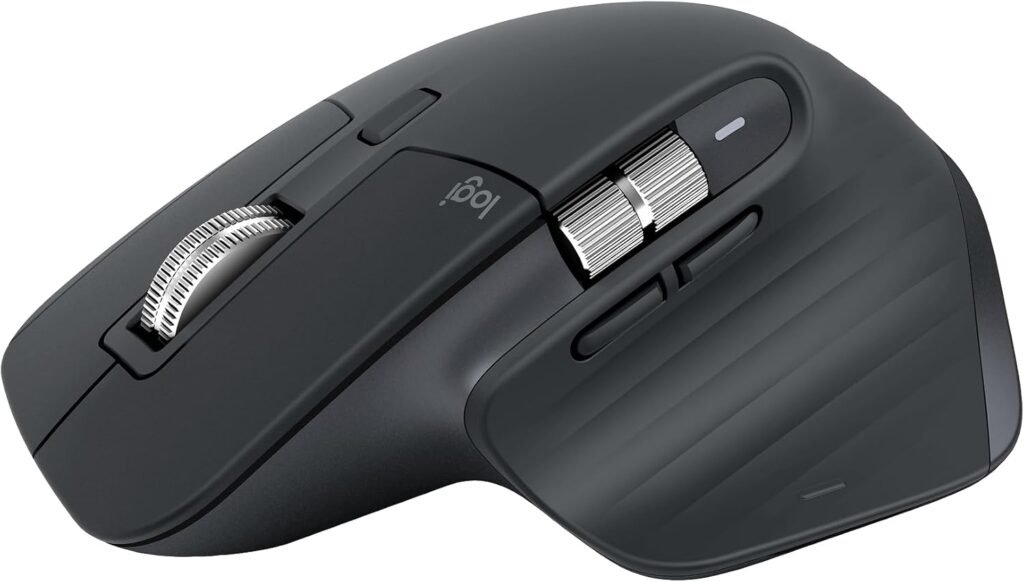
For users with wrist pain or limited desk space, the MX ERGO trackball mouse is a game-changer.
Key Features
- Thumb trackball reduces wrist movement
- Adjustable tilt angle for comfort
- Pinky support area
- Dual-device wireless connectivity
Ideal for: Users with wrist pain, repetitive strain issues, and limited desk space.
Microsoft Sculpt Ergonomic Mouse
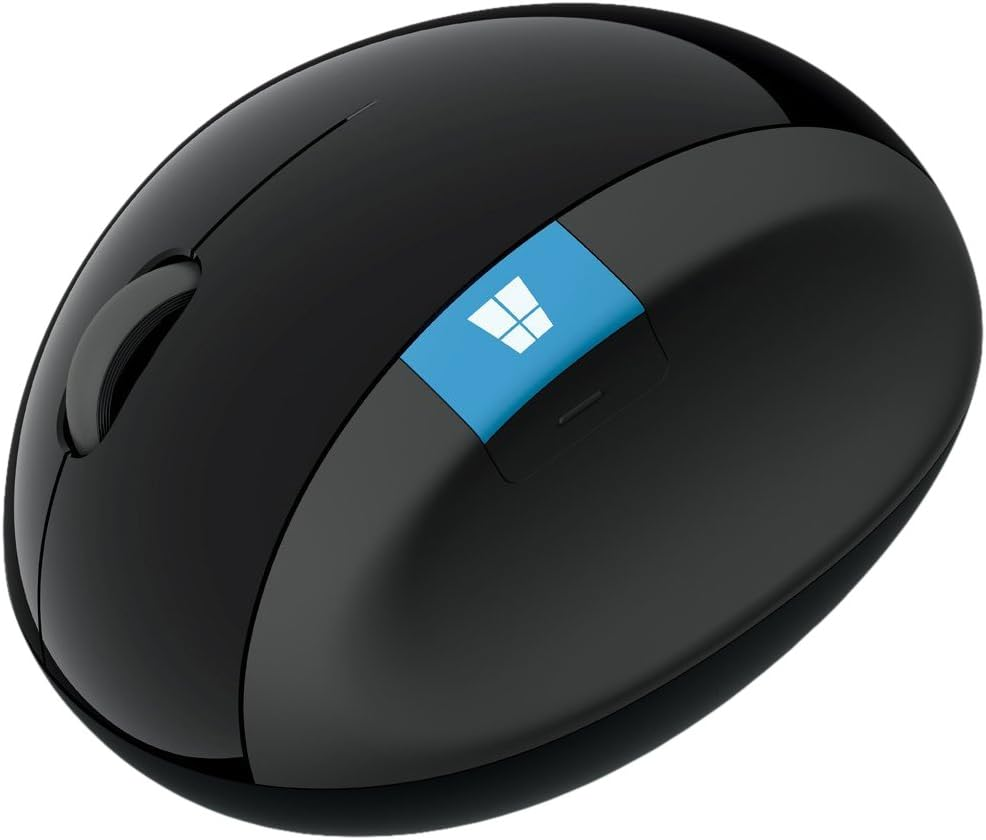
A longtime favorite for office environments, this mouse features a rounded shape that promotes a neutral wrist position.
Best For
- Everyday productivity
- Office workers
- Users needing wrist-friendly support
Logitech G604 LIGHTSPEED
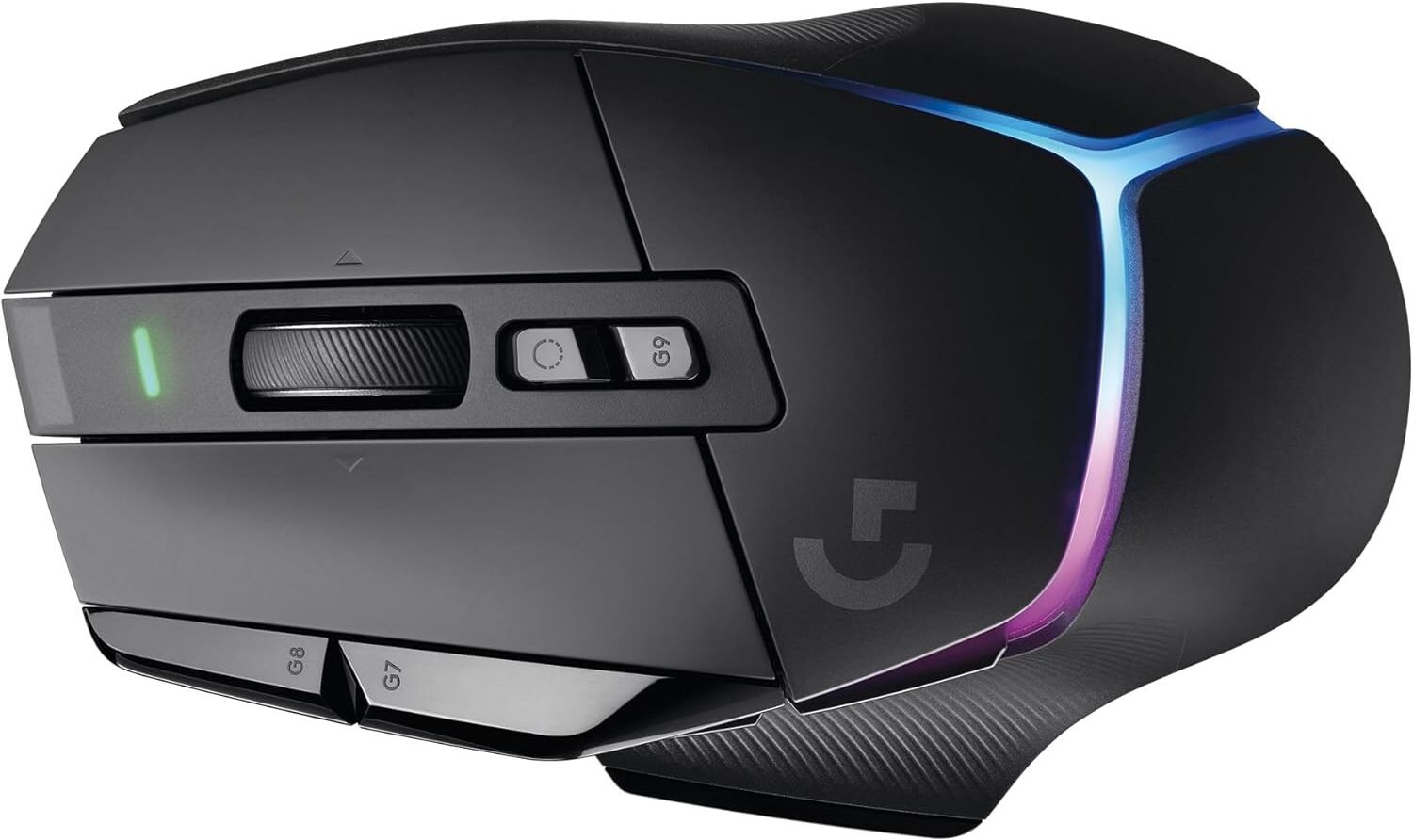
A mighty wireless mouse that works exceptionally well for both productivity and gaming.
Key Features
- 6 customizable side buttons
- Wireless LIGHTSPEED + Bluetooth
- Durable build for long hours
Ideal for: Multitaskers and hybrid productivity + gaming users.
Mad Catz R.A.T. DWS
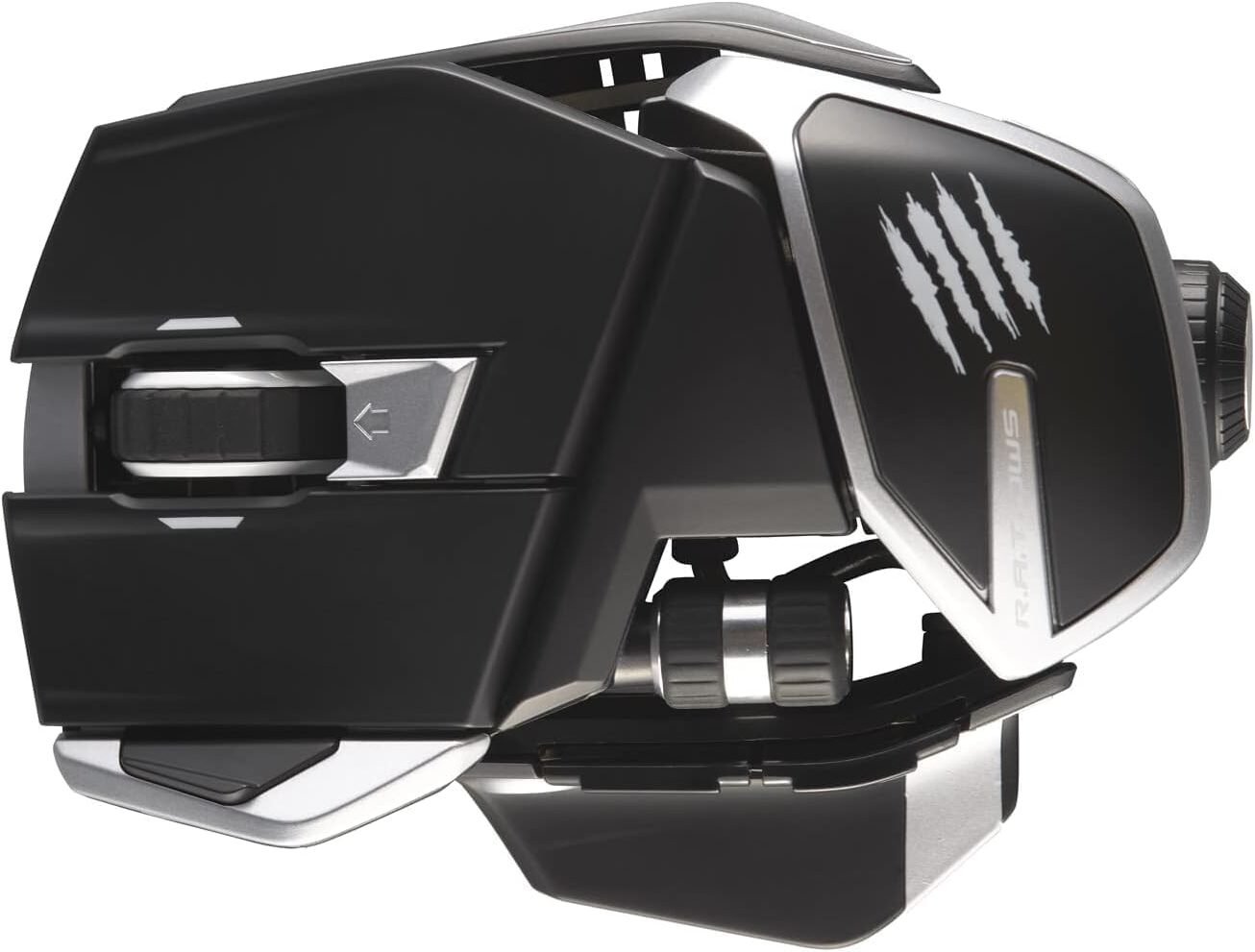
This is the mouse for people who want total control and extreme customization.
Why It Stands Out
- Adjustable length
- Swappable side panels
- Customizable button layout
Logitech G705 (Best for Small Hands)
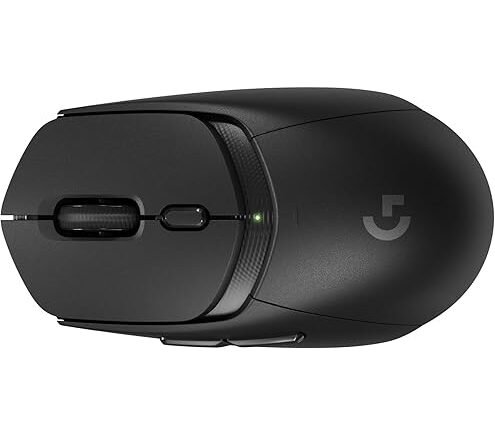
Ideal for: Users who want a tailor-made ergonomic fit.
A smaller ergonomic mouse that still delivers precision and comfort.
Key Features
- Compact, contoured shape
- Smooth wireless performance
- Lightweight and easy to control
Ideal for: Smaller hands, portable setups, hybrid work/gaming.
Razer Basilisk V3 X HyperSpeed (Wireless Gaming + Work)
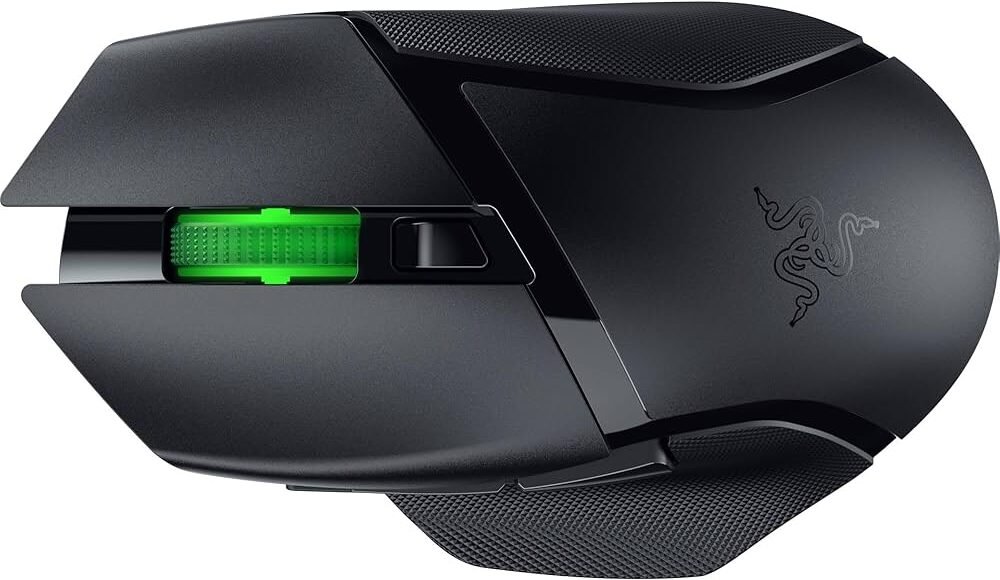
A wireless version of the Basilisk line, perfect for users who want the freedom of cable-free operation without sacrificing performance.
Key Features
- Wireless HyperSpeed technology
- Customizable layouts
- Excellent for both work shortcuts & gaming macros
Ideal for: Wireless gaming users and office workers who want customization.
Conclusion
Choosing the best mouse for work comes down to comfort, efficiency, and the features you rely on most. Whether you want multi-device control, ergonomic support, gaming performance, or wireless reliability, the options above offer something for every workflow.
Invest in the right mouse—it will completely transform your daily comfort and productivity.
FAQ
The Logitech MX Master 3S is the top choice for most professionals.
The Logitech Lift and Logitech MX ERGO are excellent options.
The Logitech M720 Triathlon is the best under-budget ergonomic option.
The Razer Basilisk V3.
DISCLAIMER:
This blog post is for informational purposes only. We make every effort to provide accurate, current, and well-sourced information, but we cannot guarantee its completeness or absolute accuracy.
All images, videos, and logos used on bestfordaily.com are the property of their respective owners. We aim to credit and reference them appropriately. If you are the rightful owner and wish to have your image, video, or logo removed, please get in touch with us.