- Topic: Best cooling fans for PC (2026 guide)
- Best for: Gaming PCs, hot CPUs/GPUs, small cases, low noise builds
- Fan sizes: 120mm and 140mm case fans
- Key specs: Airflow, static pressure, noise, RPM range, cable setup
- Updated: 2026
The best cooling fans for PC can cut heat, lower noise, and help your parts run steady during gaming or heavy work. If your case has weak airflow, even a great CPU cooler can struggle.
This 2026 list focuses on case fans that do real work: strong airflow for intake and exhaust, higher pressure for tight front panels and radiators, plus picks that keep noise under control.
| Fan | Size | Best Use | Noise Focus | Estimated Price (each) |
|---|---|---|---|---|
| Noctua NF-A12x25 G2 PWM | 120mm | Best all-around case fan | Very quiet for its output | $30–$40 |
| ARCTIC P12 PWM PST | 120mm | Best budget value | Good at normal RPM | $8–$15 |
| Corsair iCUE LINK QX120 RGB | 120mm | Best RGB + clean cables | Good, not silent | $40–$60 |
| Phanteks T30-120 | 120mm (30mm thick) | Radiators, restrictive panels | Quiet if tuned | $25–$35 |
| Noctua NF-A14 PWM | 140mm | Big airflow with low noise | Quiet at low RPM | $25–$35 |
Best Cooling Fans for PC Overall
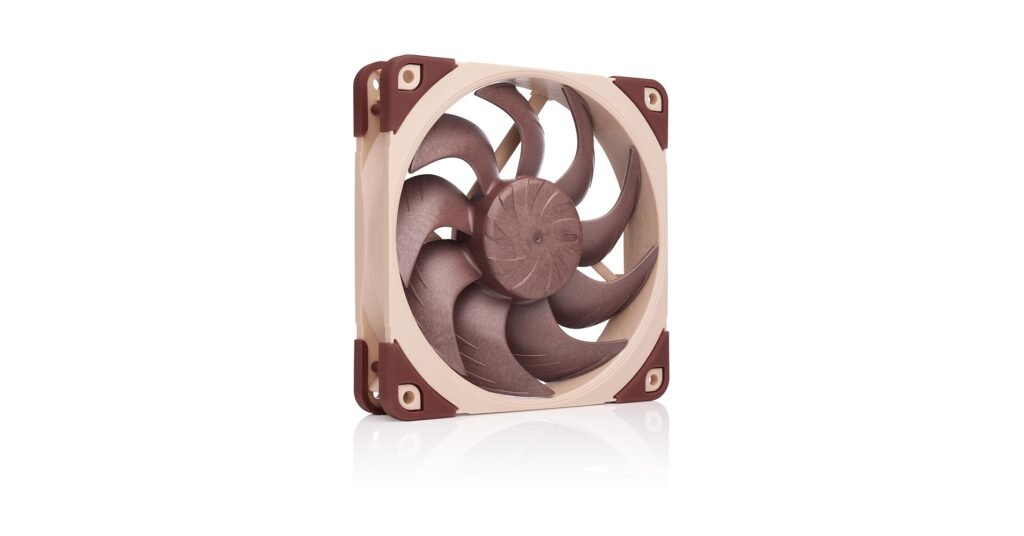
Noctua NF-A12x25 G2 PWM (120mm)
If you want one fan that fits most builds, this is a safe pick. It works well as intake or exhaust, and it handles tight cases better than many basic airflow fans.
It’s also a good choice if you want a quieter system without losing cooling. Pairing strong case airflow with a smart case choice matters too, so it’s worth checking the best PC case for airflow if your current case runs hot.
Best Budget Cooling Fans for PC
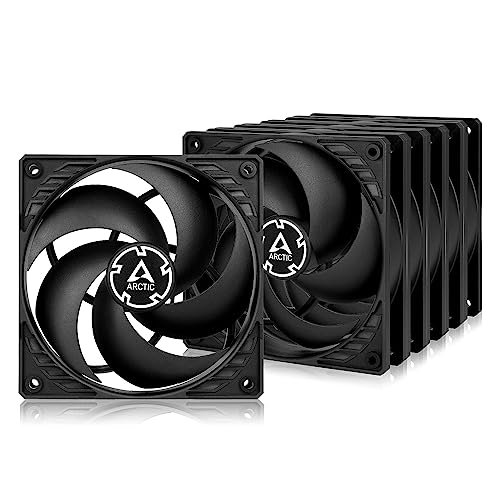
ARCTIC P12 PWM PST (120mm)
If you need a lot of fans on a tight budget, the P12 PST is the easy answer. You can fill the front intake and top exhaust without spending as much as premium models.
They also work well for first-time builders who want simple PWM control. Just remember: the best results come from a full airflow plan (front intake + rear/top exhaust), not one fan in a corner.
Best RGB Cooling Fans for PC
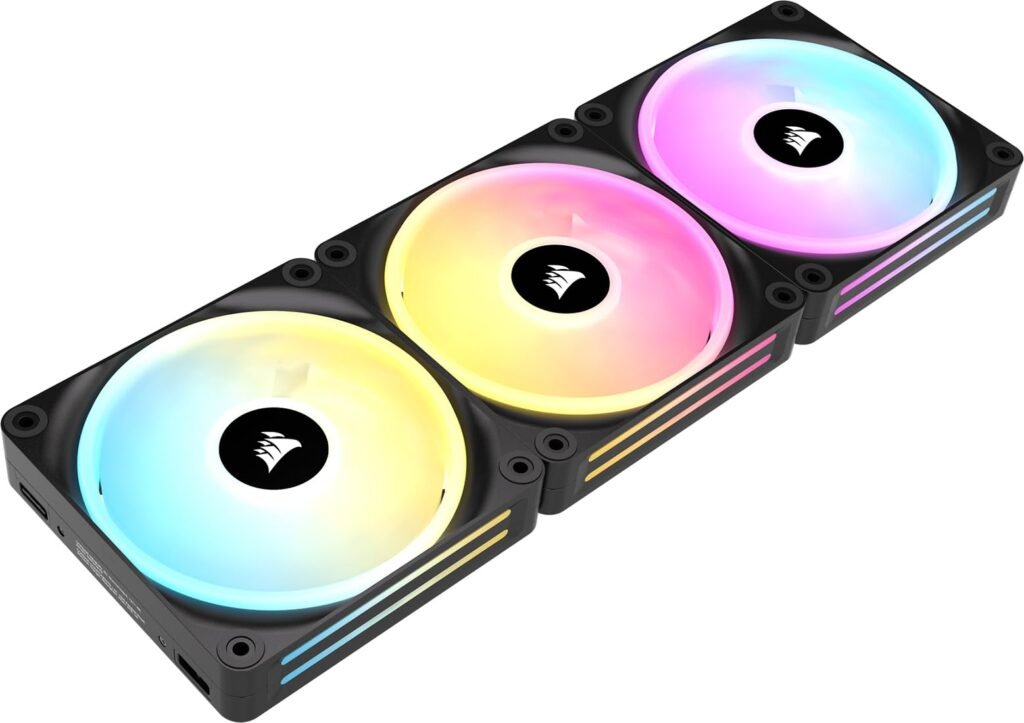
Corsair iCUE LINK QX120 RGB (120mm)
This pick is for builds where looks matter, but you still want strong cooling. The lighting is bright, and the LINK system can clean up cables in many cases.
These make sense if you like tidy builds and want matching fans across the case. If your parts run hot, good case fans are only one piece—fresh thermal paste can help too, so see the best thermal paste for GPU if your graphics card temps have climbed over time.
Best Cooling Fans for PC Radiators and Tight Panels
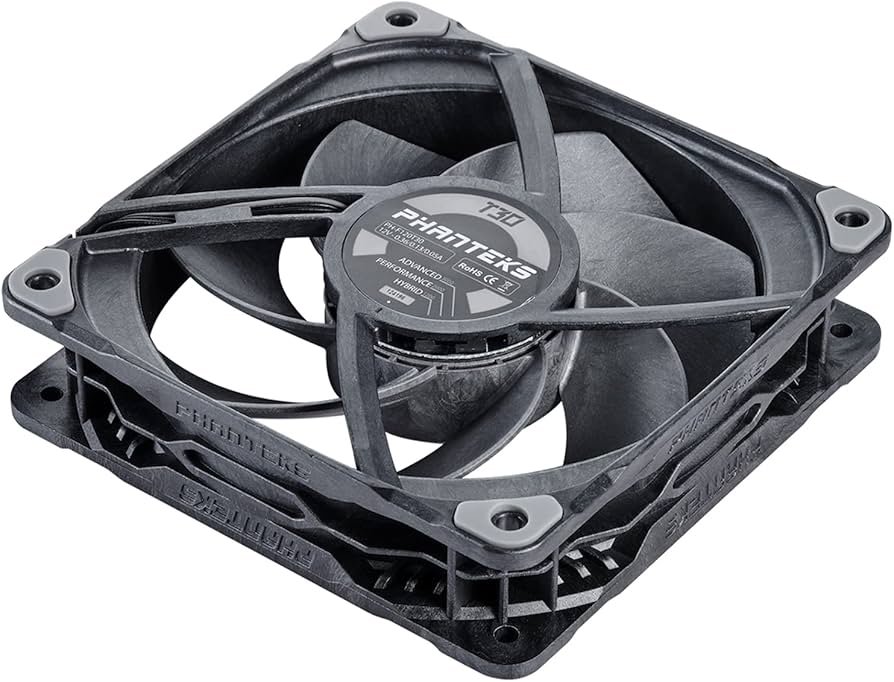
Phanteks T30-120 (120mm, 30mm thick)
If your case has a restrictive front panel, dust filters, or a radiator, you need pressure more than raw airflow. The T30 is thicker than normal fans, and that extra thickness helps push air where many fans struggle.
This is a strong pick for AIO radiators and dense heatsinks. You can run it fast for cooling or slower for less noise, depending on what your build needs.
Best 140mm Cooling Fans for PC
Noctua NF-A14 PWM (140mm)
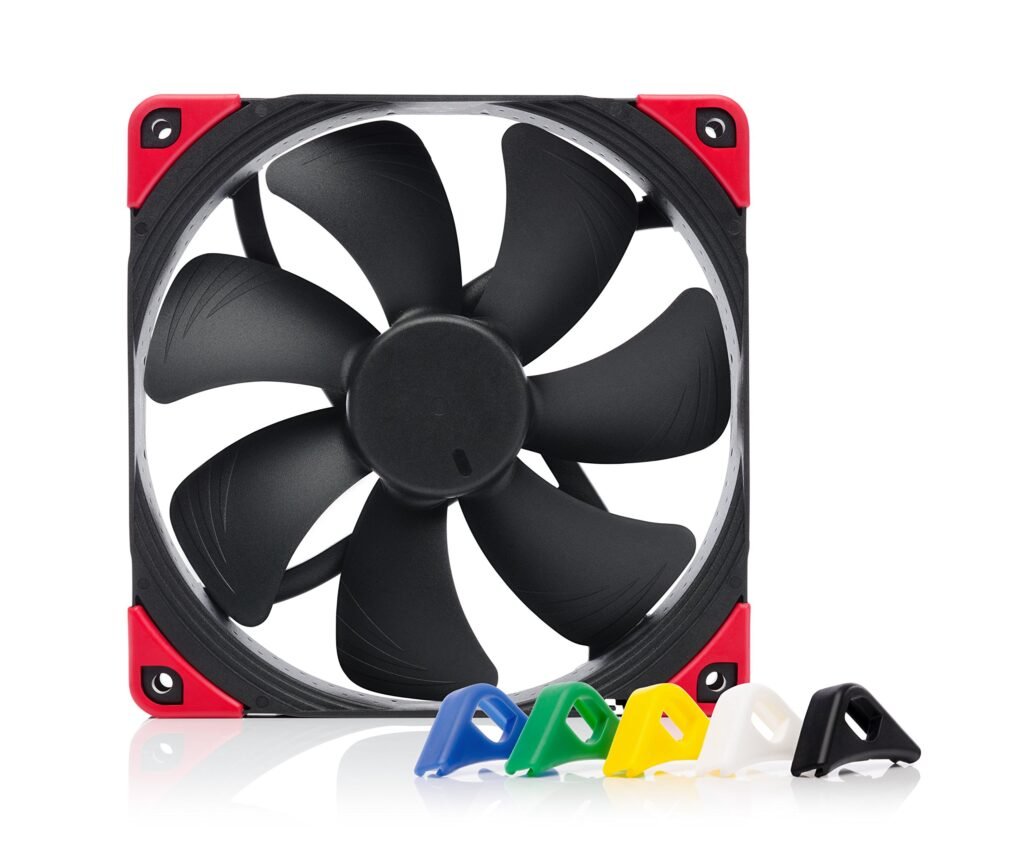
Noctua NF-A14 140mm fan used as a quiet front intake fan in a mid-tower PC case for steady 2026 airflow.
A good 140mm fan can move a lot of air at lower RPM, which often means less noise. This works great in cases that support 140mm intake fans up front.
If you want a quieter build, use 140mm intake (when the case allows), then add a solid rear exhaust. This setup can help your CPU and GPU breathe without turning your PC into a wind tunnel.
How to Choose the Best Cooling Fans for PC
Match the fan to the job
Use airflow-focused fans for open intakes and exhaust spots. Use pressure-focused fans for radiators, tight filters, or closed front panels.
Pick the right size
120mm fits almost every case. 140mm can move more air at lower RPM, but only if your case supports it.
Plan your airflow layout
A simple layout works well:
- Front intake (2–3 fans)
- Rear exhaust (1 fan)
- Top exhaust (1–2 fans, if needed)
If you’re building from scratch, the motherboard fan headers and control options matter, so the best motherboard for gaming can help you pick a board with enough headers and good fan control.
FAQs
A: For most builds, a strong 120mm fan like the Noctua NF-A12x25 G2 is a great all-around choice. Budget builds often use ARCTIC P12 fans.
A: Not always. 140mm fans can be quieter at the same airflow, but only if your case supports 140mm mounts.
A: Many PCs do well with 2 front intake fans and 1 rear exhaust fan. Hot builds may add 1–2 top exhaust fans.
DISCLAIMER:
This blog post is for informational purposes only. We make every effort to provide accurate, current, and well-sourced information, but we cannot guarantee its completeness or absolute accuracy.
All images, videos, and logos used on bestfordaily.com are the property of their respective owners. We aim to credit and reference them appropriately. If you are the rightful owner and wish to have your image, video, or logo removed, please get in touch with us.