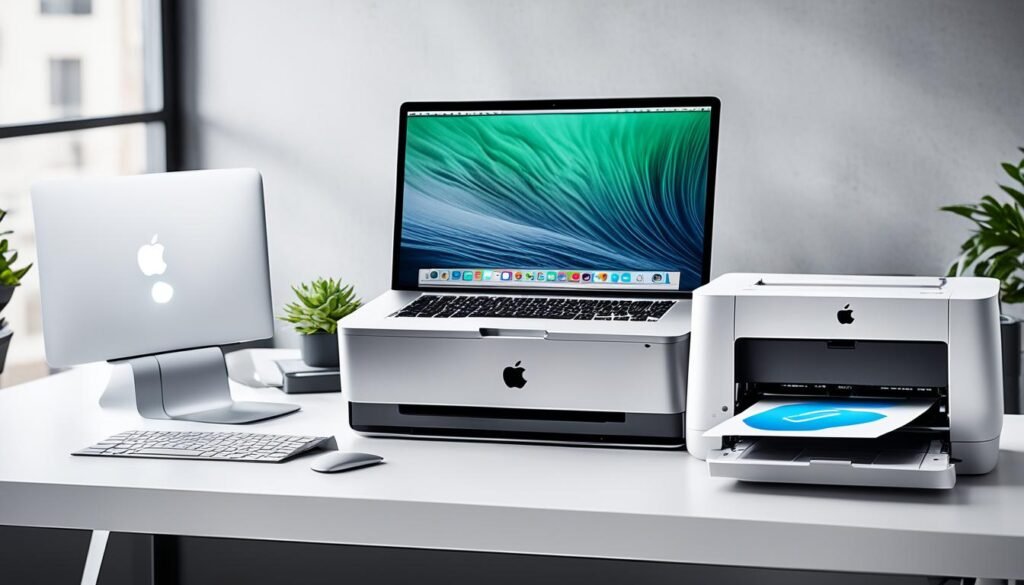
- Topic: Best height for desk (2026 guide)
- Best for: Comfort, posture, less neck and shoulder strain
- Main rule: Elbows near 90°, wrists straight, shoulders relaxed
- Common range: About 28–30 inches for many adults (sitting)
- Updated: 2026
The best height for desk work is the height that lets you type with relaxed shoulders and neutral wrists. When the desk is too high or too low, your body compensates. That is when neck tightness, wrist pain, and low-back fatigue show up.
This guide shows how to find a desk height that fits your body and your setup. It also covers fixes if your desk height cannot be changed.
| Option | Best For | Typical Adjustment | What It Changes | Estimated Price |
|---|---|---|---|---|
| Height-adjustable standing desk | Shared desks, sit/stand days | Wide range | Desk height itself | $180–$800 |
| Desk converter (sit-stand riser) | Fixed desk users | Medium range | Keyboard + monitor height | $80–$250 |
| Adjustable keyboard tray | Desk is too high | Small to medium drop | Keyboard and mouse height | $35–$120 |
| Monitor arm or monitor riser | Neck strain | Small to medium lift | Screen height and distance | $20–$120 |
| Footrest | Chair is high, desk is low | N/A | Leg support and hip angle | $15–$60 |
What the Best Height for a Desk Should Feel Like
Elbows, wrists, and shoulders
Your elbows should sit close to a 90-degree bend when your hands are on the keyboard. Your shoulders should feel loose, not raised. Your wrists should stay straight instead of bending up.
If you notice your shoulders creeping up, the desk is usually too high. If you’re hunching down, the desk is often too low.
Screen position
Your eyes should land near the top third of the screen without bending your neck. If you look down all day, your neck does extra work. A small screen lift can make a big difference.
If you type a lot, pairing desk height with a comfortable keyboard layout helps. You can also compare gear ideas in best keyboard for coder or programmer.
Best Height for Desk When Sitting
A simple starting point
For many adults, a sitting desk height around 28–30 inches works as a starting point. But your chair height, arm length, and keyboard thickness can shift the ideal number.
Use the “elbows at 90 degrees” rule first. Then fine-tune by how your shoulders and wrists feel after 20–30 minutes of work.
If your desk height cannot change
If the desk is fixed, set your chair so your elbows line up with the keyboard height. Then fix your feet. If your feet do not rest flat, add a footrest.
This approach is often better than lowering the chair too much and losing back support.
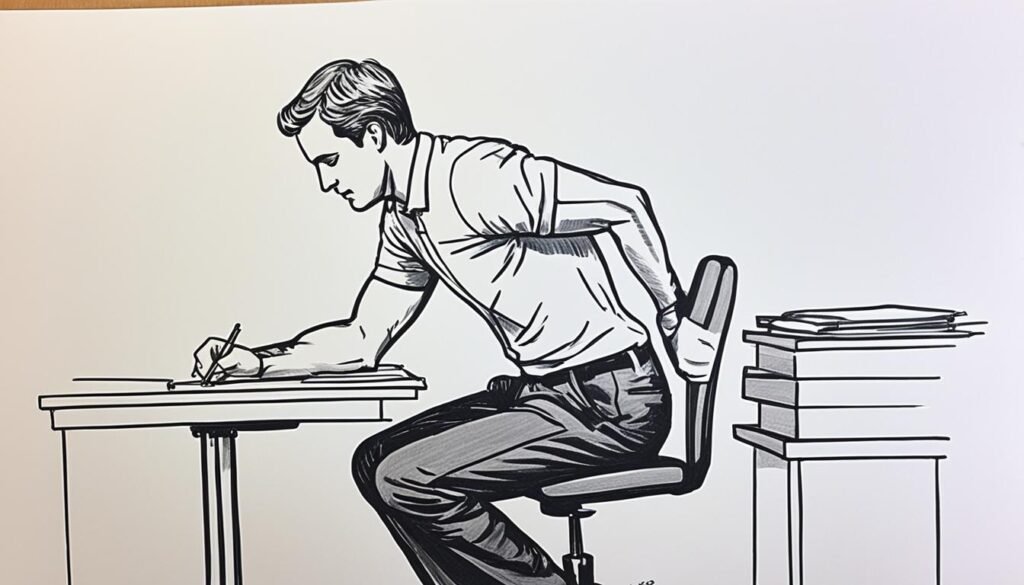
Best Height for Desk When Standing
Standing posture rules
The desk should meet your hands where your elbows still sit near 90 degrees. Keep your wrists straight and avoid leaning forward.
Standing all day is not the goal. Switching positions helps many people feel better over long workdays.
A quick standing tip
If you stand, keep the screen at a height that avoids neck tilt. If the desk is right but the monitor is low, use a monitor arm or riser.
Best Desk Solutions for Real-World Setups
Best Adjustable Option
Height-Adjustable Standing Desk
A height-adjustable desk is the cleanest fix when more than one person uses the same space. It also works if you want to switch between sitting and standing during the day.
It can be a strong choice for gaming setups too, since you can dial in the height for your chair and arm angle. If you’re building a setup, see the best IKEA desks for gaming for desk ideas that suit common room sizes.
Best Option for a Fixed Desk
Desk Converter (Sit-Stand Riser)
A desk converter sits on top of your current desk and lifts your keyboard and screen. It helps when your desk height is “close” but not quite right, or when you want standing time without changing the whole desk.
Converters vary in stability and keyboard space. If your mouse space feels tight, choose a wider base or plan for a larger mouse pad. A comfortable desk setup often includes a mouse that fits your hand and grip style, so you may also like the best mouse for work.
Best Fix When the Desk Is Too High
Adjustable Keyboard Tray
If your desk is too high, many people raise their shoulders without noticing. A keyboard tray lowers the keyboard and mouse so your arms can relax.
This fix can be cheaper than replacing the desk. It also helps if your desk surface is thick, which can push the keyboard too high.
Best Fix for Neck Strain
Monitor Arm or Monitor Riser
If your neck feels tight, the screen is often too low or too far away. A monitor arm lets you lift the screen and pull it closer, which can reduce head-forward posture.
A basic riser also works if you do not want to mount anything. The goal is simple: eyes forward, neck neutral.
Best Fix for Leg Comfort
Footrest
If your chair must be higher to match the desk, your feet may dangle or your thighs may press into the seat edge. A footrest supports your feet and helps your hips sit in a more comfortable angle.
This is a small add-on, but it can make long sessions feel easier, especially if your desk height is not adjustable.
How to Measure Your Desk Height the Easy Way
Step 1: Set the chair first
Sit back in the chair with your lower back supported. Place your feet flat on the floor if possible.
Step 2: Bring the keyboard to elbow height
Move the keyboard so your elbows sit near 90 degrees. Keep wrists straight and shoulders loose.
Step 3: Set the monitor last
Raise or lower the monitor so you are not bending your neck. Keep it at a distance where you do not lean forward to read.
FAQs
A: A common starting point is around 28–30 inches, but the best height is the one that keeps elbows near 90° and wrists straight.
A: If your shoulders lift up while typing or your wrists bend upward, the desk is likely too high.
A: Not for everyone. Many people feel best when they switch positions. The key is neutral arms and a screen height that avoids neck bend.
A: Set the chair first so your back is supported. Then match the keyboard height to your elbows.
DISCLAIMER:
This blog post is for informational purposes only. We make every effort to provide accurate, current, and well-sourced information, but we cannot guarantee its completeness or absolute accuracy.
All images, videos, and logos used on bestfordaily.com are the property of their respective owners. We aim to credit and reference them appropriately. If you are the rightful owner and wish to have your image, video, or logo removed, please contact us.